
Notion Review 2026: Is It All-In-One Teams Workspace?
Are you looking for a tool to streamline your work and boost team productivity? 💼
Do you need an all-in-one workspace to manage notes, tasks, projects, and collaboration? 🤔
Many teams and individuals struggle with juggling multiple tools to manage their work.
From taking notes to task management, using separate apps for each task can be inefficient.
Notion steps in as a solution. It combines all of your work tools into one platform, offering a clean, flexible workspace for notes, tasks, databases, and collaboration.
Let’s dive in Notion Review!
Notion Overview 💡
Notion is a versatile all-in-one workspace. It’s designed to help individuals and teams organize their work, notes, projects, and databases in one place.
Whether you need to jot down a quick note or manage a large project, Notion provides the flexibility to work how you want.
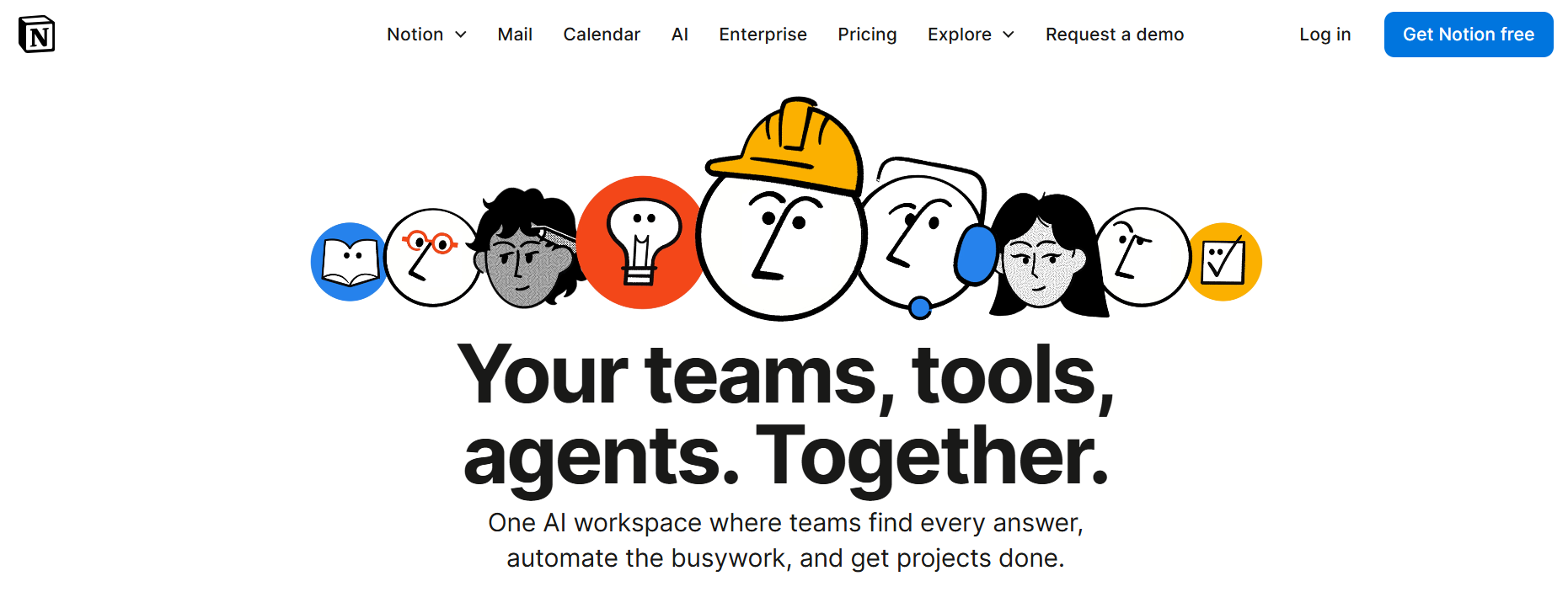
Unlike traditional productivity tools, Notion allows you to create custom workflows with its blocks. You can add text, images, tasks, databases, and more, all in one page.
With Notion, you have the power to design your workspace to fit your needs, making it ideal for students, professionals, and teams.

This review will explore the key features, pricing, pros and cons, and who benefits most from using Notion.
Let’s dive into what makes Notion a game-changer for productivity and organization.
Key Features of Notion✨
1️⃣ Note-Taking & Documentation
One of Notion’s core features is its ability to create detailed and organized notes.
You can create rich-text notes and documents, adding images, files, and even links, making it perfect for brainstorming, meeting notes, and documentation.
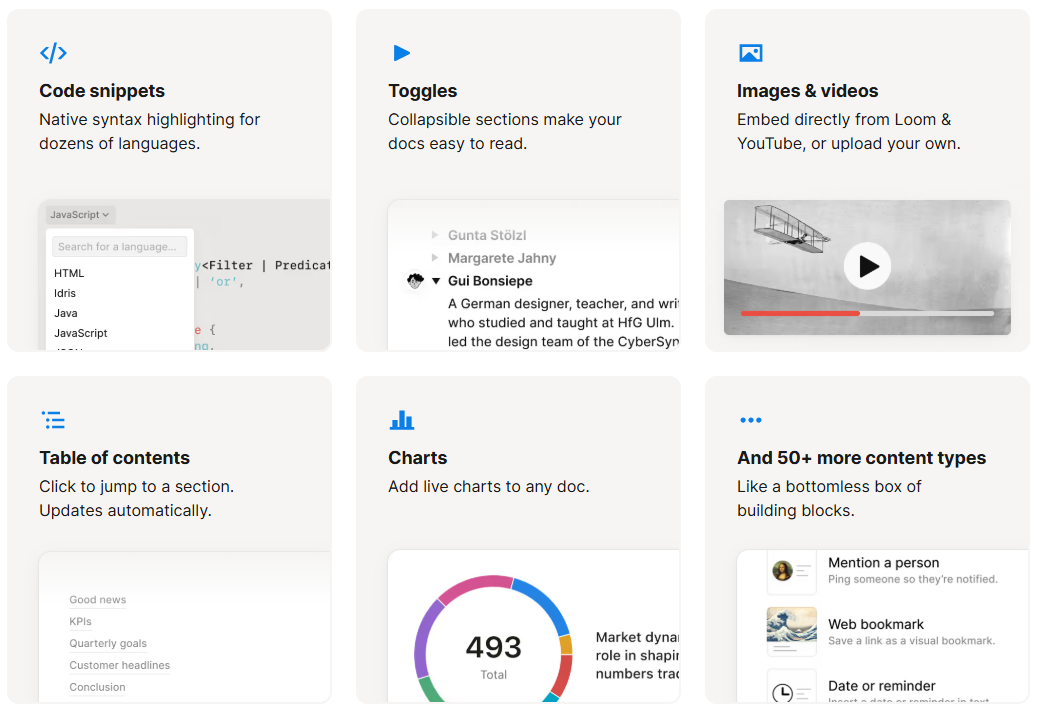
Notion’s flexibility lets you create documents that fit your style, from simple text entries to more complex note-taking setups that include tables, images, and media.
Benefit: Easily organize and access your notes, with no need to jump between apps. Perfect for individuals and teams that need a centralized place for all their written content.
2️⃣ Task & Project Management
Notion offers powerful task management tools, allowing users to organize projects, track tasks, and stay on top of deadlines.
You can use Kanban boards, calendars, to-do lists, and more to manage personal tasks or team projects.

Whether you’re managing a small project or a large-scale initiative, Notion’s flexible tools allow you to track every aspect of your work.
You can assign tasks, set due dates, and visualize your project’s progress.
Benefit: Stay organized with intuitive task management tools that help you prioritize and get your projects done faster.
3️⃣ Databases
Databases in Notion provide users with the ability to store and organize data in a structured format.
You can create custom databases for anything from contacts and resources to projects and inventory.
Notion allows you to view your database in various formats such as tables, boards, lists, and calendars.
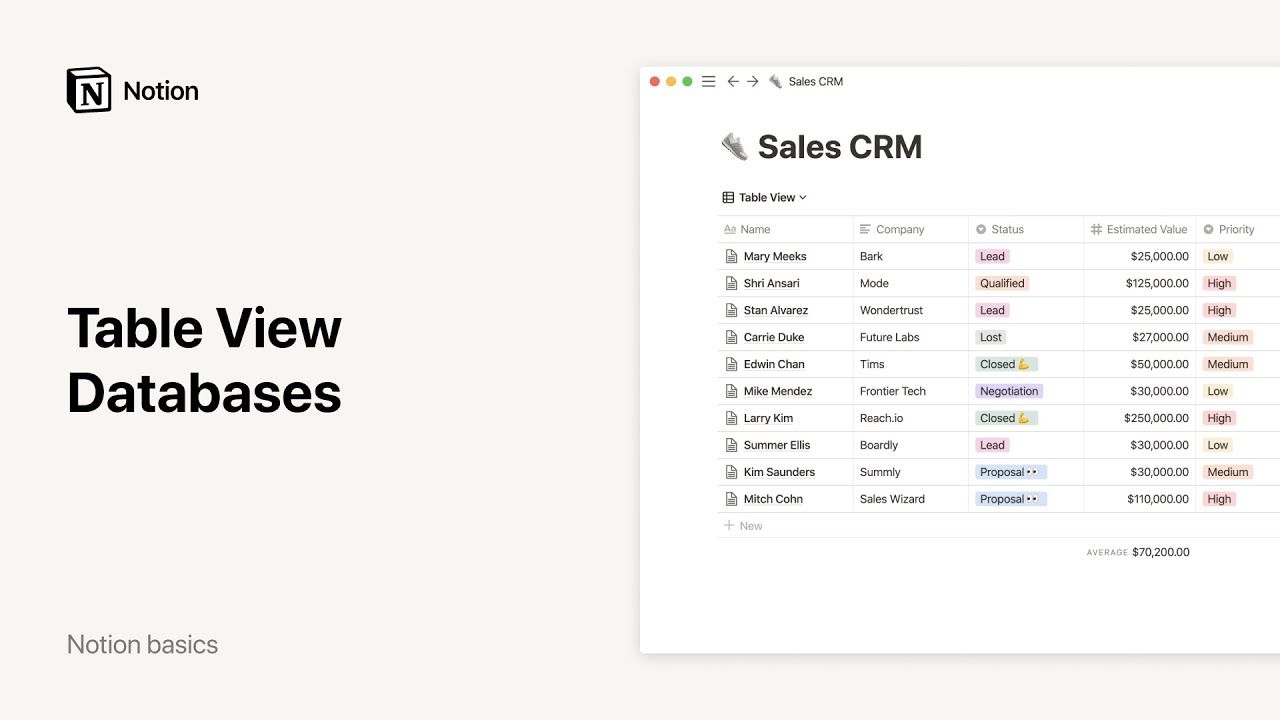
This feature can be a game-changer for teams and individuals who need to track large amounts of information in a streamlined way.
Benefit: Keep all your important data in one place, and access it in the format that works best for you.
It’s ideal for those who need both structure and flexibility.
4️⃣ Collaboration Tools
Notion makes it easy for teams to collaborate in real time.
You can share pages, leave comments, and work together on documents and projects. .
The platform allows you to control permissions, ensuring that the right people have access to specific content.

Notion’s real-time editing and commenting features ensure that everyone is on the same page, regardless of location.
Benefit: Seamless collaboration helps your team work more efficiently and stay in sync. Perfect for both remote teams and in-office teams.
5️⃣ AI-Powered Features
Notion has integrated AI features that allow you to write and generate content quickly.
The AI can assist in tasks like brainstorming, drafting emails, summarizing documents, and even writing blog posts.
This AI integration saves you time and boosts your productivity.
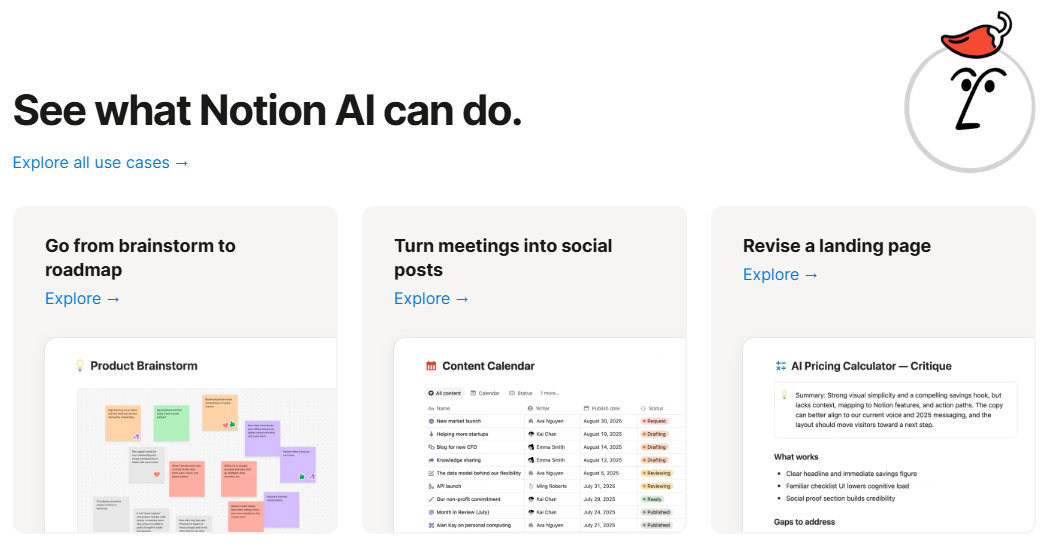
It’s especially useful for content creators, marketers, and businesses looking to automate repetitive writing tasks.
Benefit: Speed up your work by automating routine writing and content tasks.
Notion AI makes content creation more efficient, allowing you to focus on more important tasks.
6️⃣ Customizable Templates
Notion offers a variety of pre-made templates for everything from project tracking and note-taking to personal goals and business planning.
Templates make it easy to get started, saving you time by providing a solid framework to build on.

Whether you need a simple to-do list or a comprehensive project management board, Notion’s template library has something for everyone.
Benefit: Save time by starting with a template and customize it to fit your needs.
Templates also help ensure you’re following best practices for organizing your work.
7️⃣ Integrations
Notion integrates with a variety of popular tools, such as Google Drive, Slack, Figma, and GitHub.
These integrations make it easy to bring all your tools together in one platform.
Notion’s open API also allows for custom integrations, making it highly flexible and adaptable to different workflows.

If your team already uses other tools, you can sync them with Notion to streamline your workflow and reduce manual work.
Benefit: Sync all your tools with Notion for a unified workflow.
This reduces the need to constantly switch between apps and improves team efficiency.
How to Get Started with Notion 📝
Notion makes it easy to get started. Here’s a step-by-step guide to set up your workspace:
Step 1: Visit the official Notion website – notion.com and click on “Get Notion Free”

Step 2: Create an account using your email or Google login.

Step 3: Create your Notion Profile.


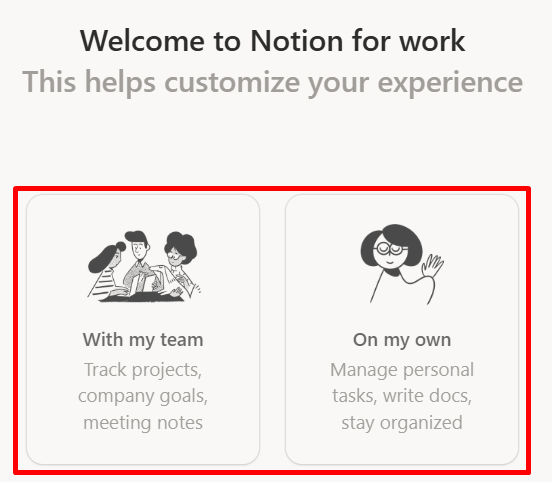
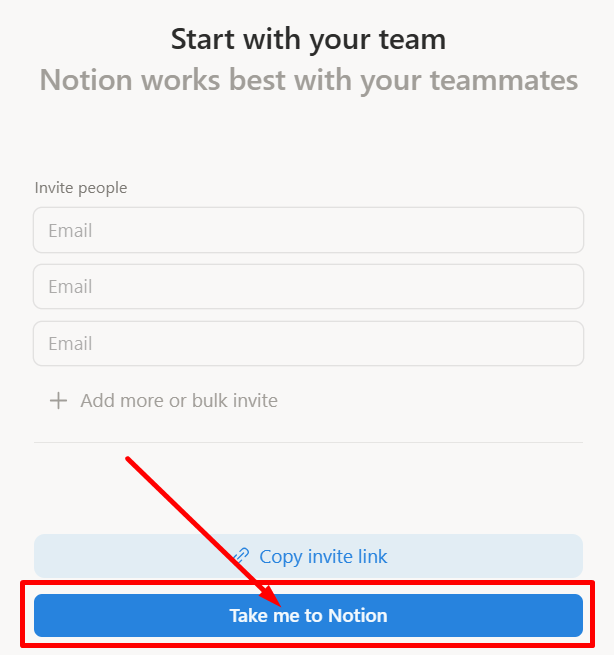
Step 4: Invite Team Members: If you’re working in a team, invite collaborators to join your workspace. Assign roles to control who can view and edit certain content.
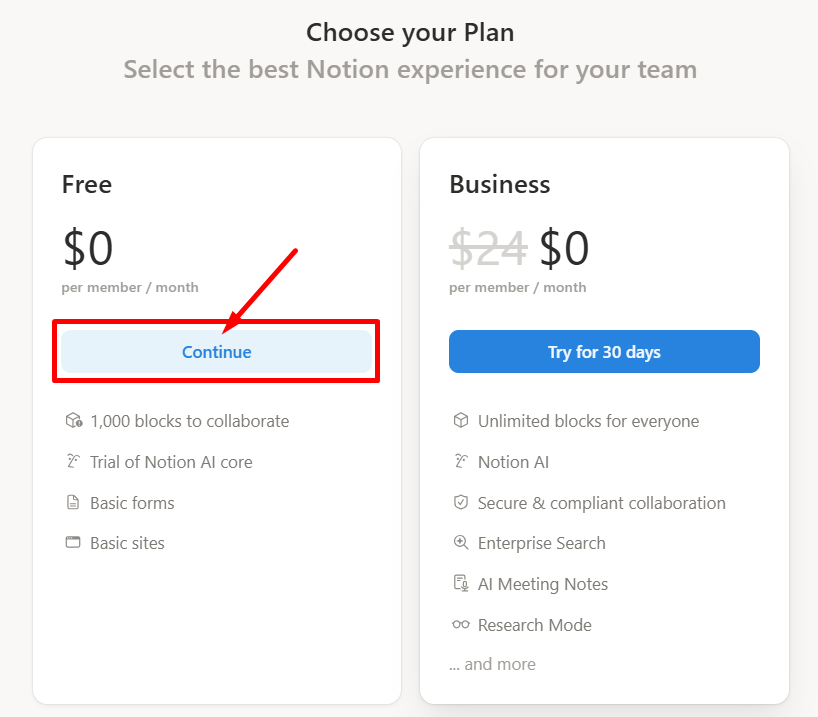
Step 5: Choose your plan.
Step 6: Let’s get started with Notion!

That’s it, Enjoy and collaborate with your team!
Notion Pricing Plans💰
Notion offers a flexible pricing model to cater to individuals, small businesses, and large enterprises. Here’s a breakdown of the available plans:
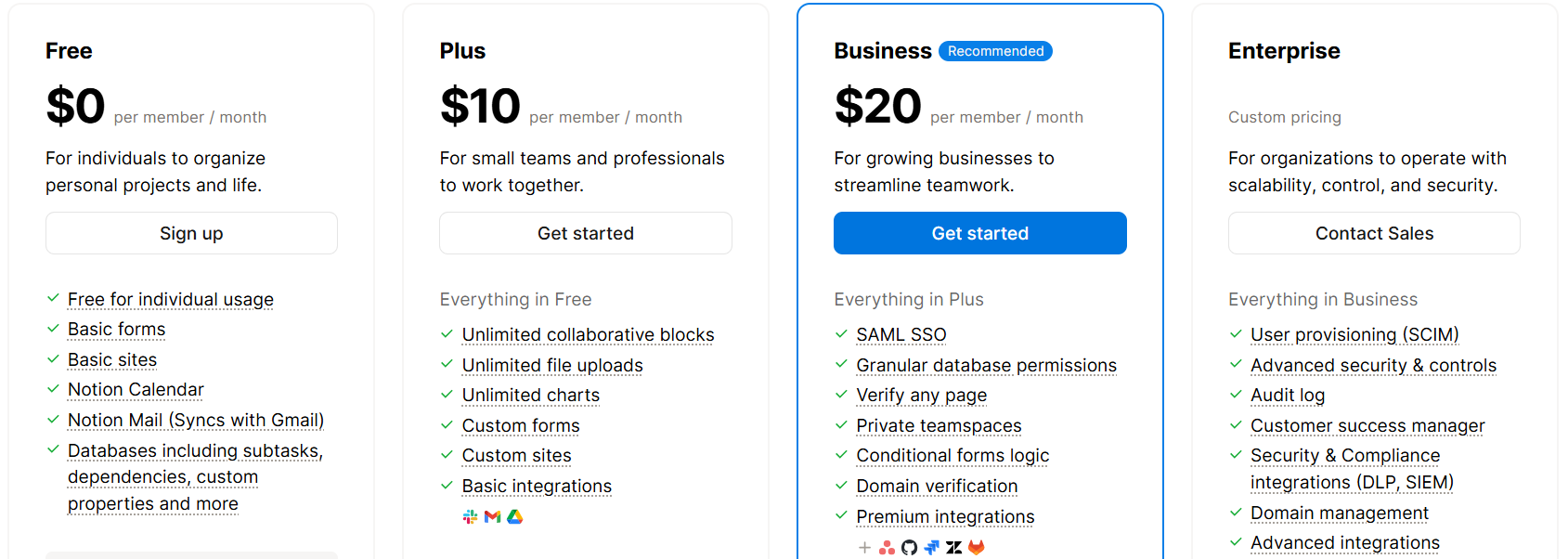
- Free Plan – $0 per user/month
- Ideal for individuals organizing personal projects and life.
- Includes basic templates, Notion Mail syncing with Gmail, and 5MB file uploads.
- Plus Plan – $10 per user/month
- Designed for small teams and professionals to work collaboratively.
- Includes unlimited file uploads, unlimited charts, and basic integrations.
- Business Plan – $20 per user/month
- Recommended for growing businesses to streamline teamwork.
- Offers advanced features like SAML SSO, granular database permissions, and premium integrations.
- Enterprise Plan – Custom Pricing
- Tailored for organizations needing scalability, control, and security.
- Provides advanced security, audit logs, and a customer success manager.
Notion Pros & Cons✅❌
| Pros ✅ | Cons ❌ |
|---|---|
| Highly customizable: Create workflows and templates suited to your needs. | Learning curve: May take some time to learn all the features. |
| All-in-one platform: Combines note-taking, project management, and databases. | Limited offline mode: The offline experience is not as full as the online one. |
| Real-time collaboration: Multiple users can work on documents simultaneously. | Mobile app limitations: Lacks some desktop version features. |
| Templates: A wide range of templates to choose from for different needs. | Can become cluttered: Overuse of templates can make it messy. |
| AI-powered features: Automate tasks and improve content creation with Notion AI. | Advanced features available in higher plans. |
| Flexible workflows: Manage any project, big or small, with ease. | |
| Affordable: Competitive pricing for the value provided. |
Notion vs Monday 💪
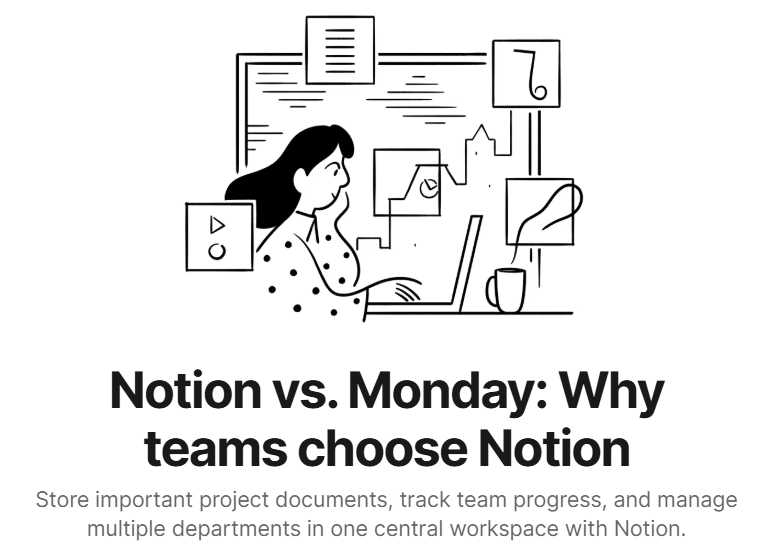
Notion offers a highly customizable workspace for teams, combining project management, wikis, AI writing, and databases in one platform.
Monday.com focuses on project tracking with a strong emphasis on task management, but lacks the all-in-one versatility of Notion.
Notion is consistently rated higher for ease of use, admin tasks, and integrations, making it a top choice for teams.
Notion vs OneNote 📚

Notion offers a customizable workspace that combines note-taking, project management, and databases, making it perfect for team collaboration.
OneNote focuses primarily on note-taking with a simple, free-form structure but lacks the advanced project management and team collaboration features of Notion.
Who Should Use Notion? 🔁
Notion is perfect for:
- Individuals: Manage personal tasks, notes, and projects in one place.
- Teams: Ideal for small to large teams looking to collaborate efficiently and stay organized.
- Freelancers: Keep track of clients, projects, and deadlines with ease.
- Students: Organize study materials, notes, and assignments in a customizable workspace.
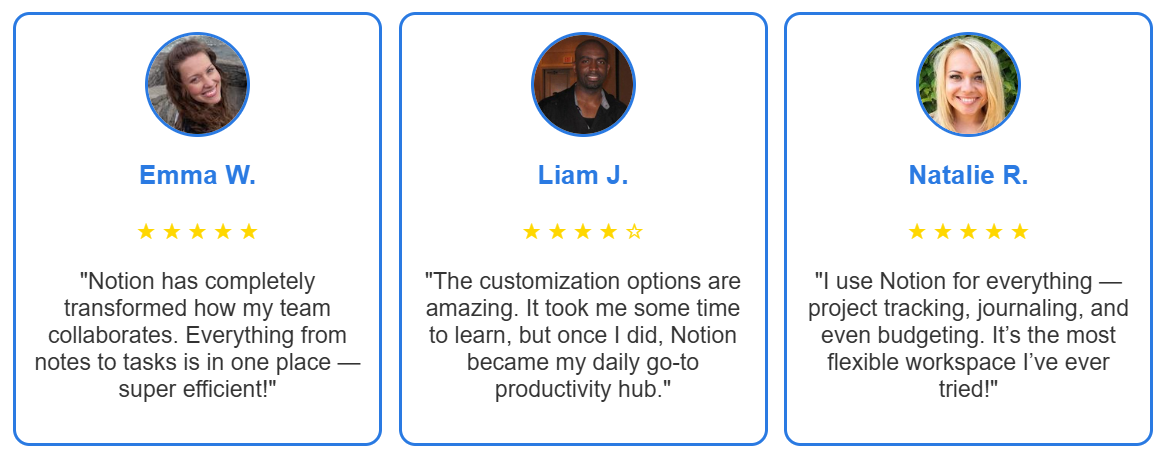
What Customers Are Saying About Notion?🤝
Is Notion Worth It? 🔍
Yes — Notion is worth it if you’re looking for an all-in-one workspace to manage notes, tasks, and projects.
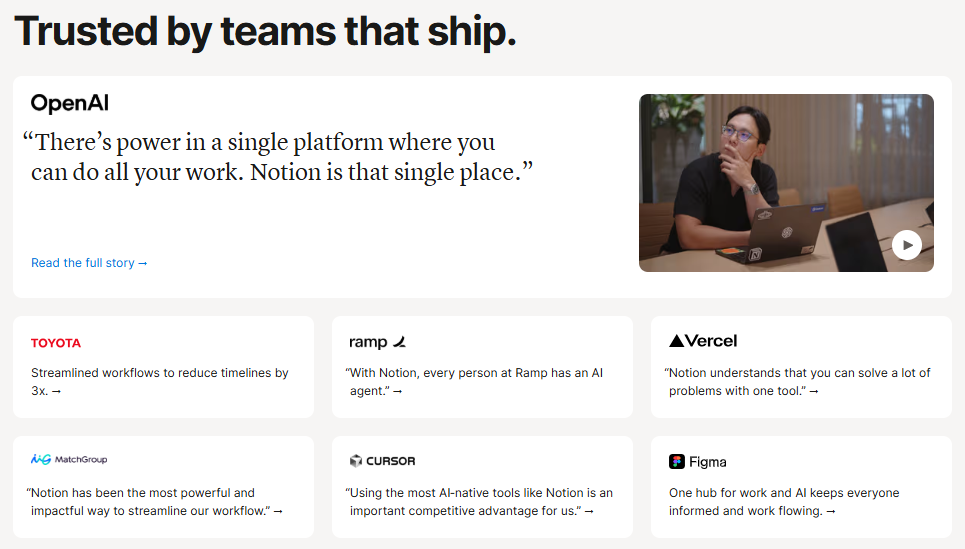
Whether you’re an individual, a small team, or a large enterprise, Notion offers the tools you need to streamline your workflow.
Its customization, collaboration, and AI-powered features make it an excellent choice for anyone looking to organize their work in one platform
FAQs💬
Notion is an all-in-one workspace for note-taking, project management, task tracking, and collaboration.
Yes, Notion offers a free version with unlimited pages and blocks for individual use.
Notion can be used offline, but some features may not be fully accessible without an internet connection.
Yes, Notion is excellent for team collaboration with real-time editing, comments, and shared pages.
Yes, Notion integrates with tools like Google Drive, Slack, and Figma to enhance your workflow.
