
5+ Best ERP Software 2026: Who Is The Winner?
What Is the Best ERP Software for Your Business? 🖥️
Choosing the best ERP software can be a game-changer for businesses looking to streamline operations, improve efficiency, and gain better control over their resources. 🚀
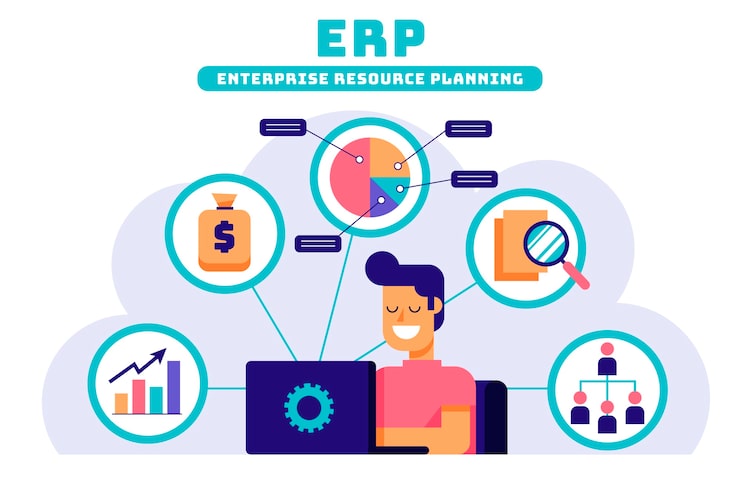
With so many ERP solutions available in the market, finding the right one that fits your business size, industry, and growth goals can feel overwhelming.

Which will ease your day-to-day business activity, and want to Focus on your Future Goal?
Here, is the full review from our experts who manually picked the best software for you and also help you in your decision-making. 👌👌
Oracle NetSuite – Enterprise ERP Leader
Best choice for large and fast-scaling global businesses
Oracle NetSuite stands out as a powerful cloud ERP platform designed for complex, multi-entity operations. It combines finance, CRM, inventory, and HR capabilities into a single, scalable system trusted by enterprises worldwide.
- ✔ Robust financials, ERP, CRM & inventory management
- ✔ Built for multi-subsidiary and global operations
- ✔ Highly scalable for mid-sized to large enterprises
- ✔ Strong reporting, compliance & automation tools
What is ERP software? 😊
ERP refers to Enterprise Resource Planning and the software that is responsible for managing and recording all the resources of an industry or business in one place is known as ERP software.
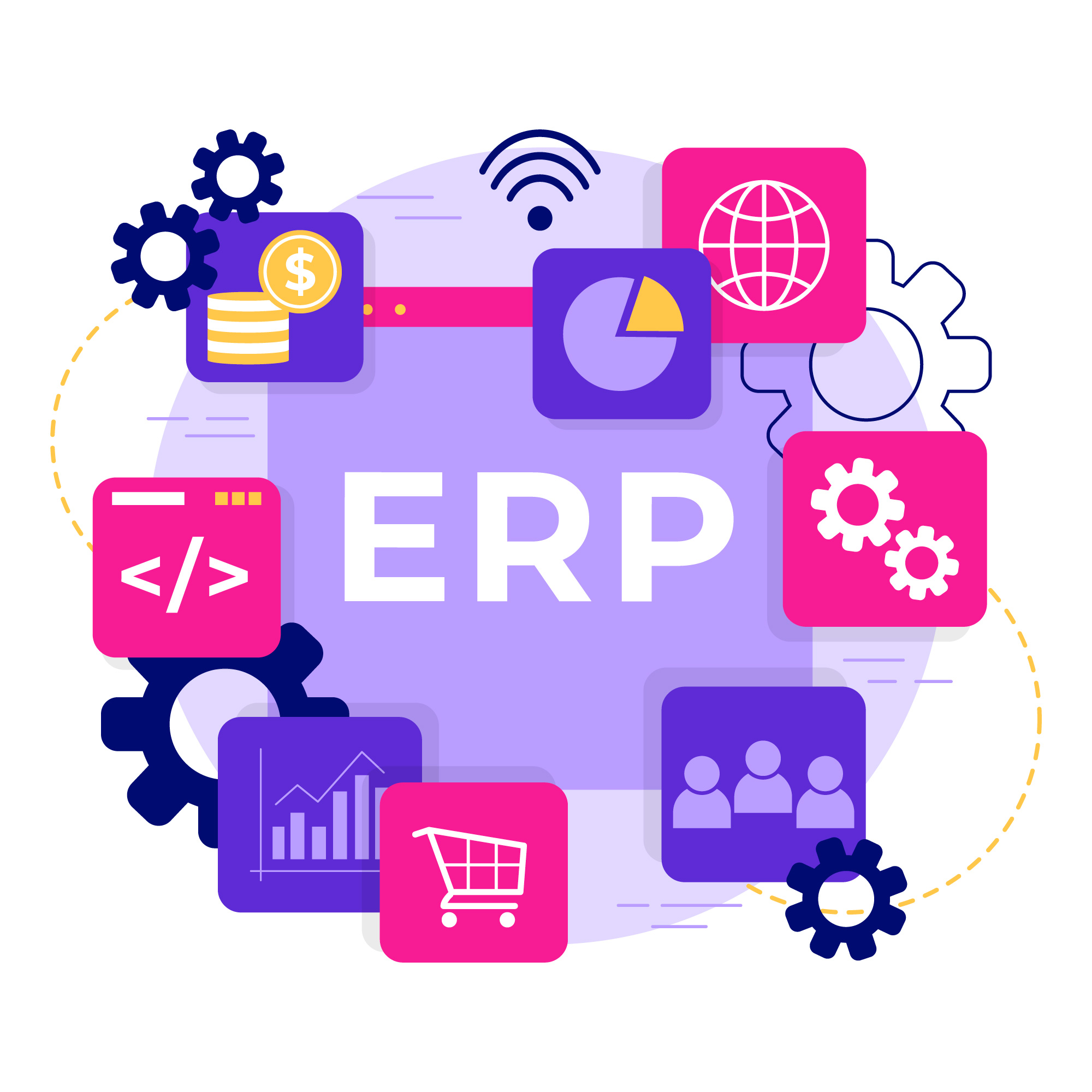
It helps businesses in their various functions like hiring, automation, finance management, service procurement, and other roles. It is one of the most powerful and used tools that can be used to maximize productivity and profitability.
This software also acts as a single tool with multiple features that can manage the entire business and every aspect whether it is Human Resources or manufacturing.
It is implemented by the business to track their onboarding to manufacturing and supply chain and then manage them all in one place making the whole process of handling the business smoother and easier.
It helps businesses to work efficiently and saves a lot of time, cost, and labor for them so that they can utilize those valuable resources for business growth.
How Can ERP Software Help Your Business? ✅
ERP is one of the most valuable and effective tools or software for the business as it is designed to perform organization and management of various aspects of any firm.
It records all the data for the firm and then automatically analyses and creates reports suggesting further improvement.

It provides a single centralized space where all the business-related operations can be performed so that it becomes easier to manage the firm.

It’s an automated software that stores, analyses, monitors, and operates on its own, reduces or almost eliminates manual labor, and saves cost & time for the firm.
It plans every aspect of the business that leads to the better functioning of the firm, resulting in more production.
To make your decision easier, here’s a curated list of the top 5+ best ERP software, complete with features, pricing insights, and pros and cons for each platform.
#1. NetSuite ERP
NetSuite ERP provides its service for managing the resources of the business including organization and execution of various programs that help them grow.
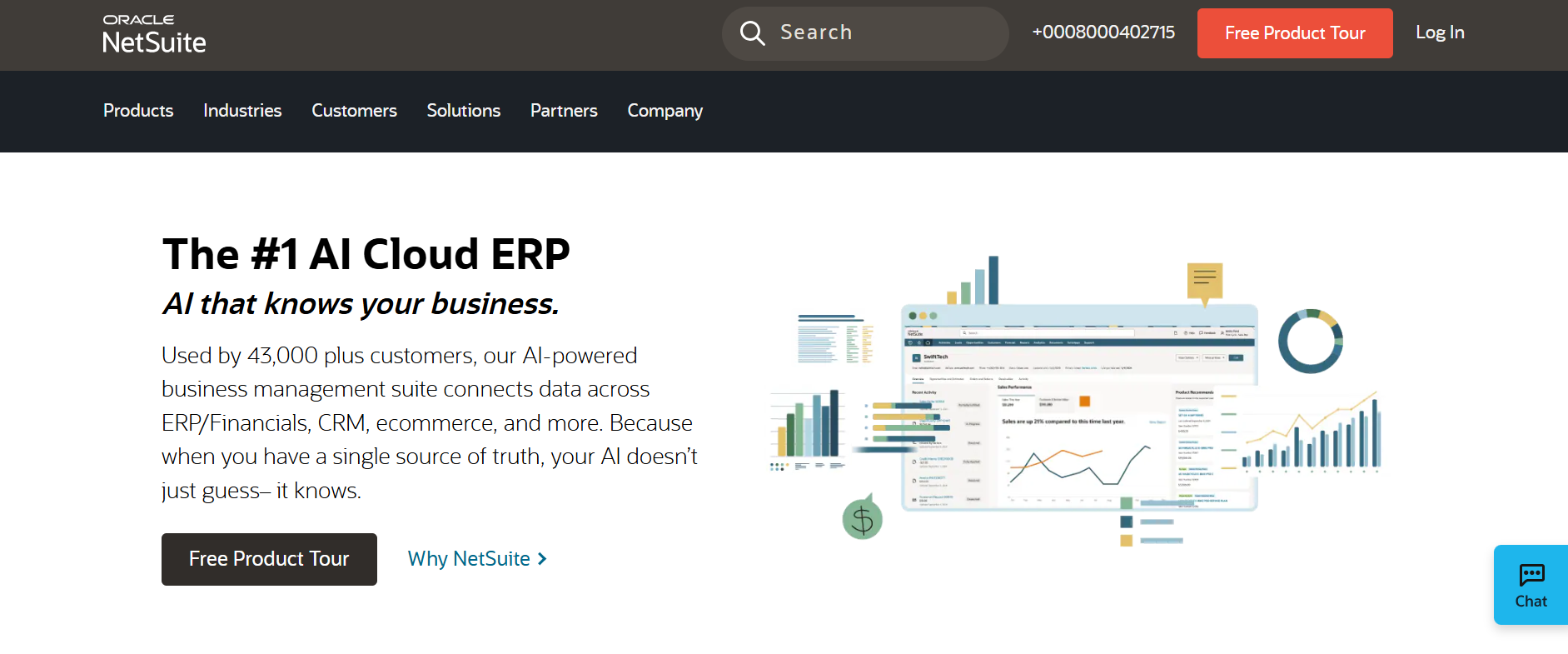
It has a wide range of features to offer that allow users to organize each aspect of their business.
Key Features of NetSuite ERP ⚡
- Unified Business Management
Brings together financials, CRM, ecommerce, inventory, and more into one integrated platform. Eliminates data silos and improves cross-department collaboration. Streamlines operations and enables better decision-making.
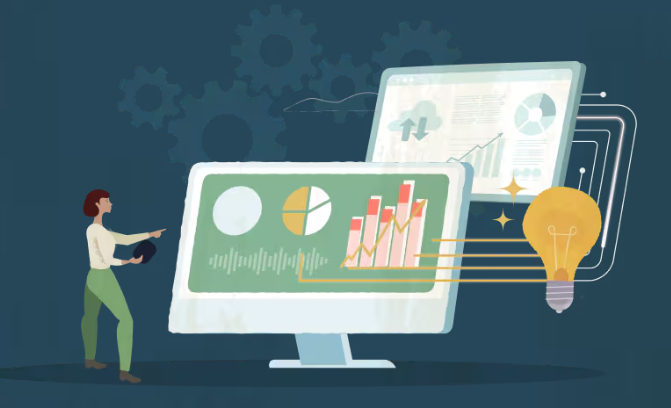
- AI-Powered Analytics & Automation
Built-in AI and machine learning automate routine tasks and deliver predictive insights. Analyzes trends across business data to improve forecasting and planning. Reduces manual work and enhances strategic outcomes. - Scalable Cloud Platform
Cloud-native ERP that scales with your business without heavy IT infrastructure. Automatic updates minimize downtime and maintenance costs. Ideal for growing mid-to-large enterprises.

- Real-Time Financial Management
Provides real-time visibility into financial performance and accounting processes. Supports global consolidation, multi-currency transactions, and compliance. Ensures accuracy and strengthens financial control. - Customization & Industry Solutions
Offers modules tailored for manufacturing, retail, wholesale, and services. Dashboards, workflows, and reports can be customized without extensive coding. Lets businesses adapt the ERP to their unique needs.
Pricing Plans of NetSuite 💰
NetSuite ERP offers flexible pricing to suit businesses of all sizes, primarily through subscription plans, with costs depending on users, modules, and customizations.
The base platform starts at around $999/month, covering core financials, inventory, and basic CRM functionality.

User licenses are additional, ranging from $99–$200 per user/month depending on role, while optional modules for advanced financials, e-commerce, or supply chain add extra monthly costs. One-time implementation fees, including setup and data migration, typically range from $10,000 to $150,000+.
Overall, small businesses may spend $15,000–$25,000/year, mid-market companies $40,000–$80,000+, and large enterprises $100,000+/year, with pricing scaling based on company size, complexity, and chosen modules.
NetSuite’s subscription model also covers maintenance and support, allowing businesses to focus on operations rather than system upkeep.
Pros & Cons of NetSuite ERP ✅
| Pros | Cons |
|---|---|
| Cloud-based ERP with real-time data and AI-powered analytics | High pricing with base fees, user licenses, and add-on modules |
| Integrated platform combining financials, CRM, inventory, and e-commerce | Implementation fees are significant and can range up to $150,000+ |
| Highly scalable to support growing mid-to-large enterprises | Customization and integrations can add extra complexity and cost |
| Real-time financial management with multi-currency and compliance support | Steeper learning curve for new users due to advanced features |
| Customizable dashboards, workflows, and reports for different industries | |
| SuiteSuccess and premium support options for faster ROI and guidance |
#2. Katana
Katana is an ERP software that manages the commercial activities related to a specific business and it ensures the effective management of inventory, accounting, and goods production to ensure that resources are being used at the right place and at the right time.
Key Features of Katana 🔥
- Real-Time Inventory Management: Katana offers live inventory visibility across all sales channels and locations, helping businesses maintain accurate stock levels. Automated stock movements reduce manual errors and prevent overstocking or stockouts. This ensures better cost control and smoother operations.
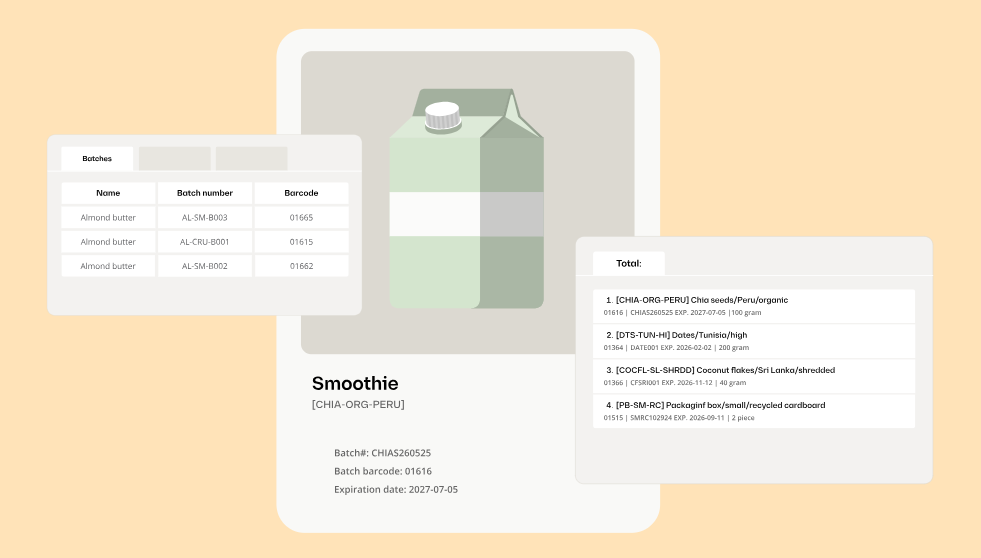
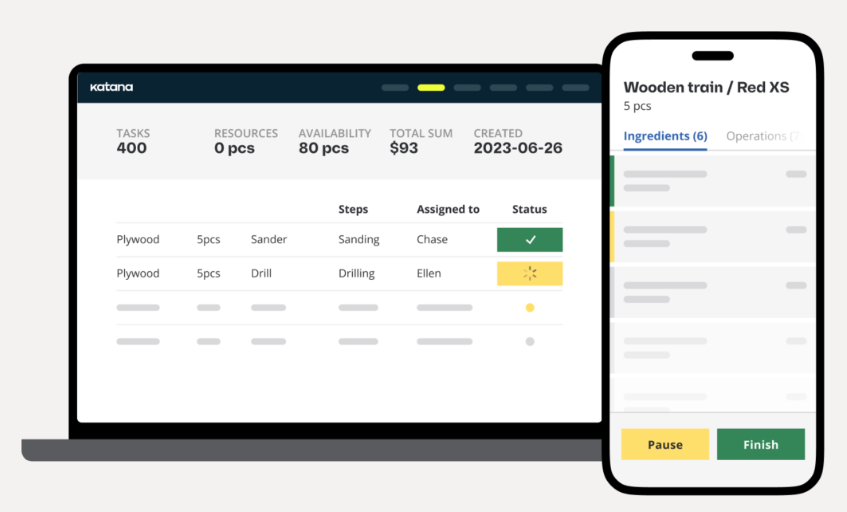
- Visual Manufacturing Management: The visual production planning system allows manufacturers to schedule and track production orders in real time. With task-level visibility, teams can monitor shop floor progress and identify bottlenecks quickly. This improves efficiency and on-time delivery rates.
- Smart Order Management: Katana syncs sales orders automatically from eCommerce platforms and sales channels into one centralized system. This ensures inventory, production, and fulfillment stay aligned. Businesses can process orders faster and deliver a better customer experience.
- Built-In Purchasing & Supply Chain Control: Katana streamlines purchasing by connecting suppliers, purchase orders, and inventory data in one place. It helps businesses plan replenishment accurately based on demand forecasts. This leads to a more resilient and cost-effective supply chain.
- Seamless Integrations & Open API: Katana integrates smoothly with tools like Shopify, WooCommerce, QuickBooks, and Xero. Its open API ensures real-time data flow across your tech stack. This flexibility allows businesses to scale without disrupting existing workflows.
Pricing Plans of Katana 💰
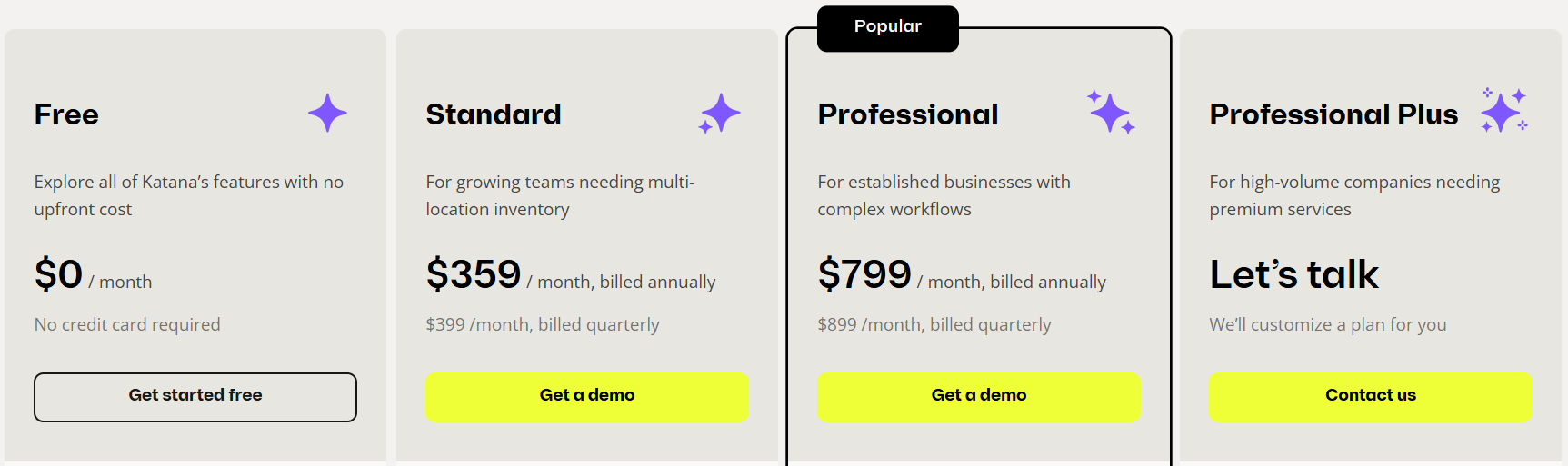
1. Free Plan – $0/month
Katana’s Free plan is perfect for small businesses to explore ERP features with no upfront cost or credit card required. It includes access to all core features, add-ons, and API, with up to 30 SKUs and 3 inventory locations.
2. Standard Plan – $359/month (billed annually)
Designed for growing teams, the Standard plan supports multi-location inventory and provides advanced insights. It includes barcode scanning, multicurrency support, and custom user permissions to streamline operations.
3. Professional Plan – $799/month (billed annually)
Ideal for established businesses with complex workflows, the Professional plan offers planning and forecasting, warehouse management, full traceability, and API access. It supports up to 10 inventory locations.
4. Professional Plus Plan – Custom pricing
Built for high-volume companies needing premium services, this plan offers unlimited inventory locations, a dedicated account manager, and priority support. Pricing is customized based on your business requirements.
Pros & Cons of Katana 📈
| Pros | Cons |
|---|---|
| Real-time inventory management for accurate stock levels across all locations | Higher pricing for advanced plans may be expensive for small businesses |
| Visual production planning improves shop floor efficiency and task tracking | Steeper learning curve for new users with complex features |
| Seamless integrations with Shopify, WooCommerce, QuickBooks, and Xero | Add-ons like Advanced Manufacturing or Warehouse Management increase costs |
| Built-in order management for synchronized sales, production, and fulfillment | Some features require additional onboarding and setup time |
| Planning and forecasting tools prevent stockouts and overstock issues | |
| Dedicated customer support and onboarding for smooth implementation |
3. Syspro
Syspro ERP is a purpose-built, cloud-first enterprise resource planning solution designed specifically for manufacturing and distribution businesses.
It helps companies connect processes, people, and technology to operate efficiently, scale confidently, and grow sustainably.
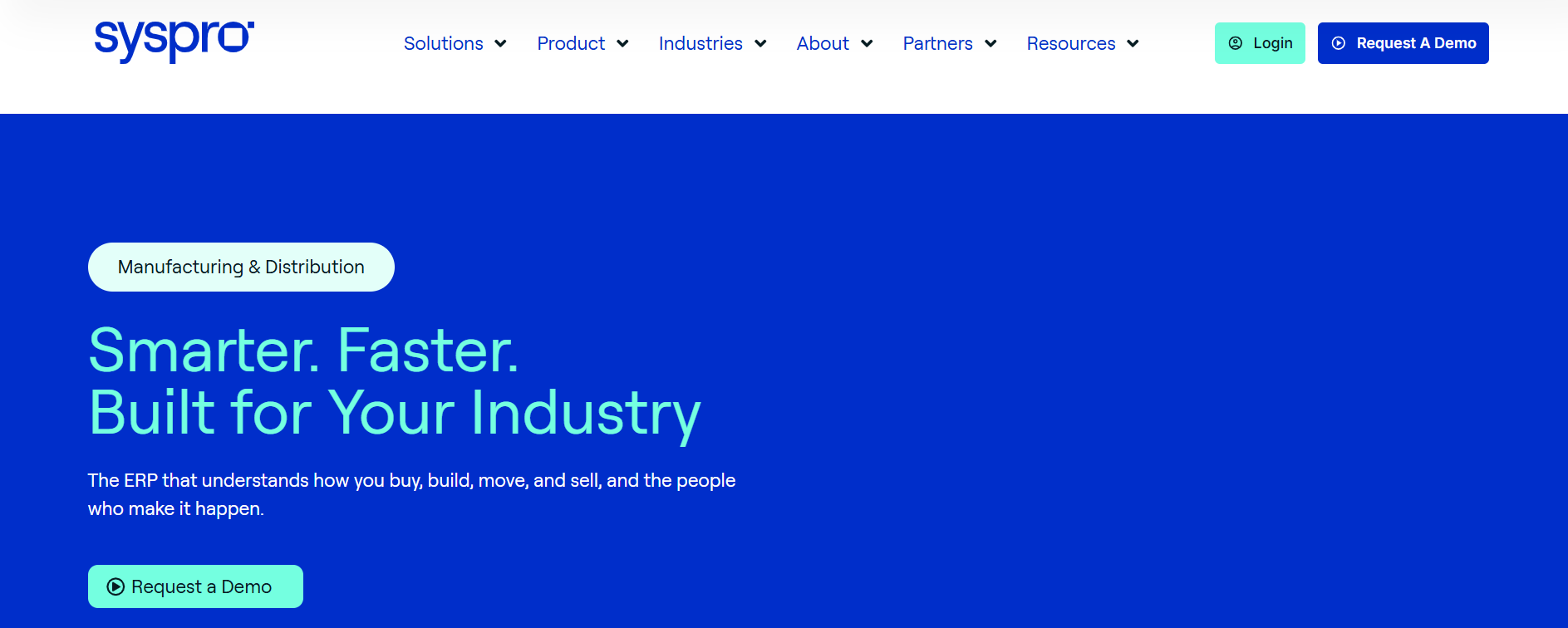
Syspro is an ERP software that facilitates the management of various programs and aspects of a business by providing required tool sets and features.
Key Features of Syspro ⚡
1. Industry-Focused ERP: Syspro is designed specifically for manufacturing and distribution businesses, ensuring workflows and processes match real-world industry needs while avoiding generic ERP compromises and unnecessary complexity.

2. AI-Enabled Operations: The platform includes SIDEKICK, an AI co-pilot that provides real-time guidance, helping teams optimize processes, track performance, and make smarter decisions, reducing errors and accelerating operational efficiency.
3. Advanced Manufacturing & Planning: Syspro offers tools for production scheduling, shop floor management, and inventory control, integrating supply chain, procurement, and manufacturing operations to help businesses meet demand accurately and reduce waste.
4. Real-Time Financial Management: The ERP delivers live visibility into financial performance and reporting, supports compliance, multi-currency transactions, and budgeting, enabling faster and more informed decision-making across departments.

5. Scalable Cloud Platform: As a cloud-first solution, Syspro allows businesses to scale without heavy IT overhead, provides automatic updates to keep the system reliable, and adapts to changing operational needs to support growth.
Pricing Plans of Syspro ERP 💰
SYSPRO ERP pricing is customized based on deployment, user count, modules, and complexity. Cloud subscriptions generally start around $150–$250+ per user/month, while on-premise perpetual licenses cost much more upfront, roughly $3,000–$5,000 per user, plus implementation and customization fees.

Implementation and customization can significantly increase costs, often 1–2 times the annual license, depending on data migration, integrations, and additional modules. Annual support and maintenance for on-premise deployments is typically around 20% of the license cost.
For small businesses with 5–15 users, the first-year investment (including licenses, implementation, and support) can range from $60,000 to $250,000. Businesses need to contact SYSPRO or an authorized reseller for a personalized quote due to the high variability.
Pros & Cons of Syspro ✅
| Pros | Cons |
|---|---|
| Purpose-built for manufacturing and distribution, with industry-specific workflows | Pricing is customized and can be expensive for small businesses |
| AI-enabled SIDEKICK co-pilot provides real-time guidance for smarter decision-making | Implementation and customization can add significant costs |
| Advanced manufacturing and planning tools for production scheduling and inventory control | On-premise deployment requires large upfront investment and IT resources |
| Real-time financial management with compliance, multi-currency support, and reporting | First-year total costs can be high for small to mid-sized businesses |
| Scalable cloud platform with automatic updates and reliable performance | |
| Strong support from experienced professionals with deep industry knowledge |
#4. SAP Business One
SAP Business One is an affordable ERP solution designed to help small and growing businesses manage their entire operations efficiently.
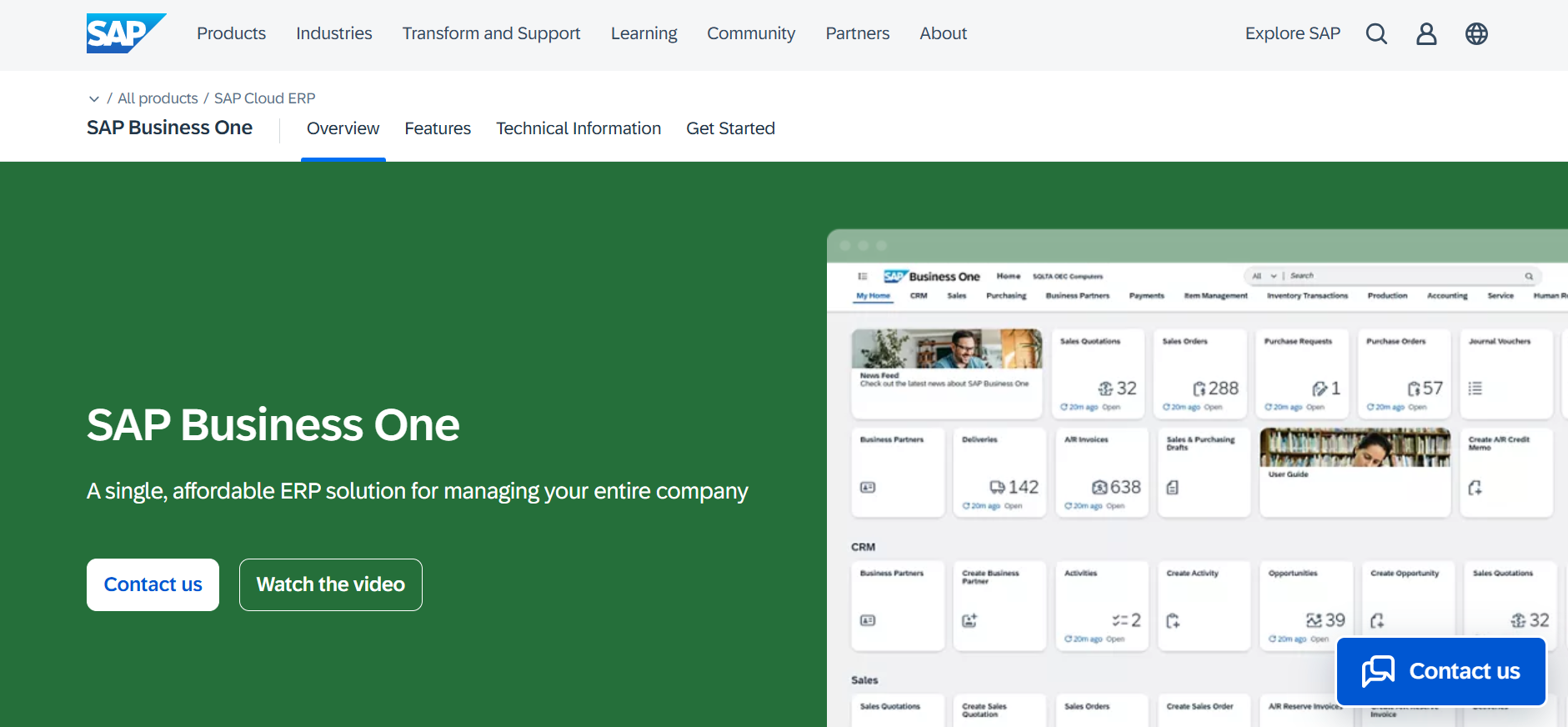
It covers key business functions such as accounting, financials, purchasing, inventory, sales, customer relationships, and reporting.
Key Features of SAP Business One ⚡
1. Financial Management: Streamline accounting, banking, and financial operations with real-time insights and accurate reporting.
2. Sales and Customer Management: Manage the entire sales process, track customer interactions, and improve relationship management.
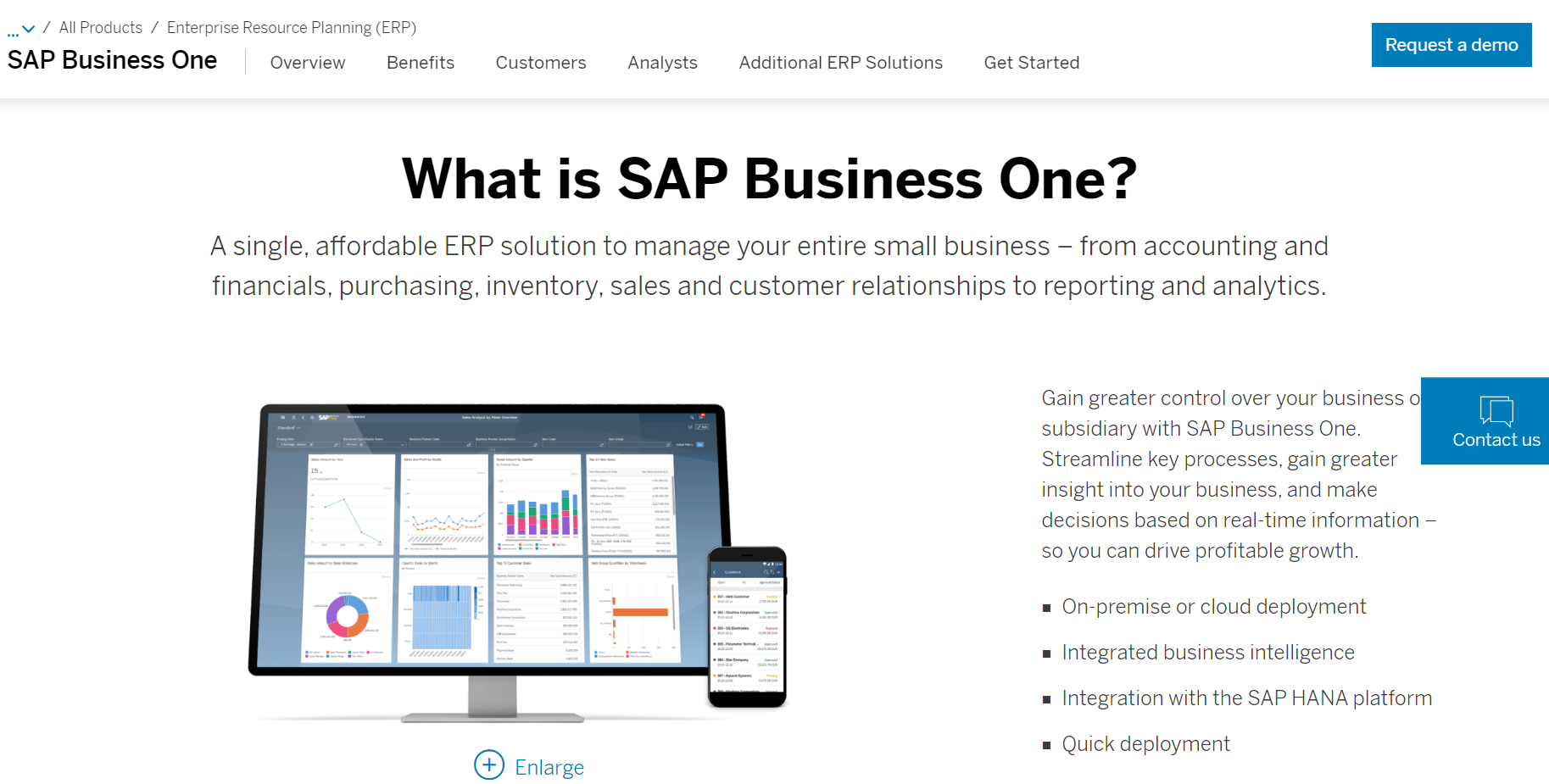
3. Inventory and Production Management: Optimize inventory, track stock, and manage production processes efficiently.
4. Reporting and Analytics: Built-in business intelligence tools provide real-time data for informed decision-making.
5. Integration with SAP HANA: Fast data processing and seamless integration with SAP HANA for enhanced performance and scalability.
Pricing Plans of SAP Business One 💰
SAP Business One pricing varies based on deployment, license type, user count, and additional modules. Cloud subscriptions generally start around $100+/user/month, while perpetual Professional licenses cost approximately $3,200+ per user, with annual maintenance fees.
Total costs can range from a few thousand dollars for small cloud setups to tens or hundreds of thousands for complex on-premise implementations, including setup, customization, and training.
Key Factors Affecting Costs:
- User Licenses: Professional (full access), Limited (specific functions), Starter (basic access).
- Deployment: Cloud subscription (lower upfront, recurring monthly) vs. On-Premise (higher upfront, lower ongoing).
- Implementation & Customization: Setup, configuration, data migration, training, and add-ons can significantly impact total costs.
Takeaway: SAP Business One is highly customizable, so obtaining a detailed quote from an SAP partner is essential to understand exact pricing for your business.
Pros & Cons of SAP Business One ✅
| Pros | Cons |
|---|---|
| Affordable ERP for small to mid-sized businesses | Pricing can vary widely depending on deployment and modules |
| Covers accounting, financials, inventory, sales, and CRM in one solution | Complex customization may require expert SAP partners |
| Real-time analytics and business intelligence for informed decision-making | Implementation and setup costs can be significant |
| Quick deployment options for both cloud and on-premise | Ongoing maintenance fees required for perpetual licenses |
| Integration with SAP HANA and other SAP products for scalability | |
| Customizable modules and user access levels to fit business needs |
5. IFS ERP
IFS provides ERP solutions to the business for effective management of all commercial operations to ensure the maximum productivity of the business and also keeps track of all the processes and resources involved in any production line that further maintains the data of the business.
Key Features of IFS ERP 💡
Integrated ERP with Industry Focus: A single cloud-enabled platform designed for manufacturing, service, construction, and asset-intensive industries.
Enterprise Asset & Service Management: Manage assets, maintenance, and service operations efficiently within the same system.
IFS Industrial AI & Copilot: AI-powered assistant streamlines workflows, improves decision-making, and accelerates adoption across teams.
Project and Supply Chain Management: Plan, execute, and monitor projects while optimizing inventory, procurement, and logistics.
Customer & Field Service Optimization: Enhance customer experiences with better order fulfillment, service delivery, and outcome-based solutions.
Pricing Plans of IFS ERP 💰
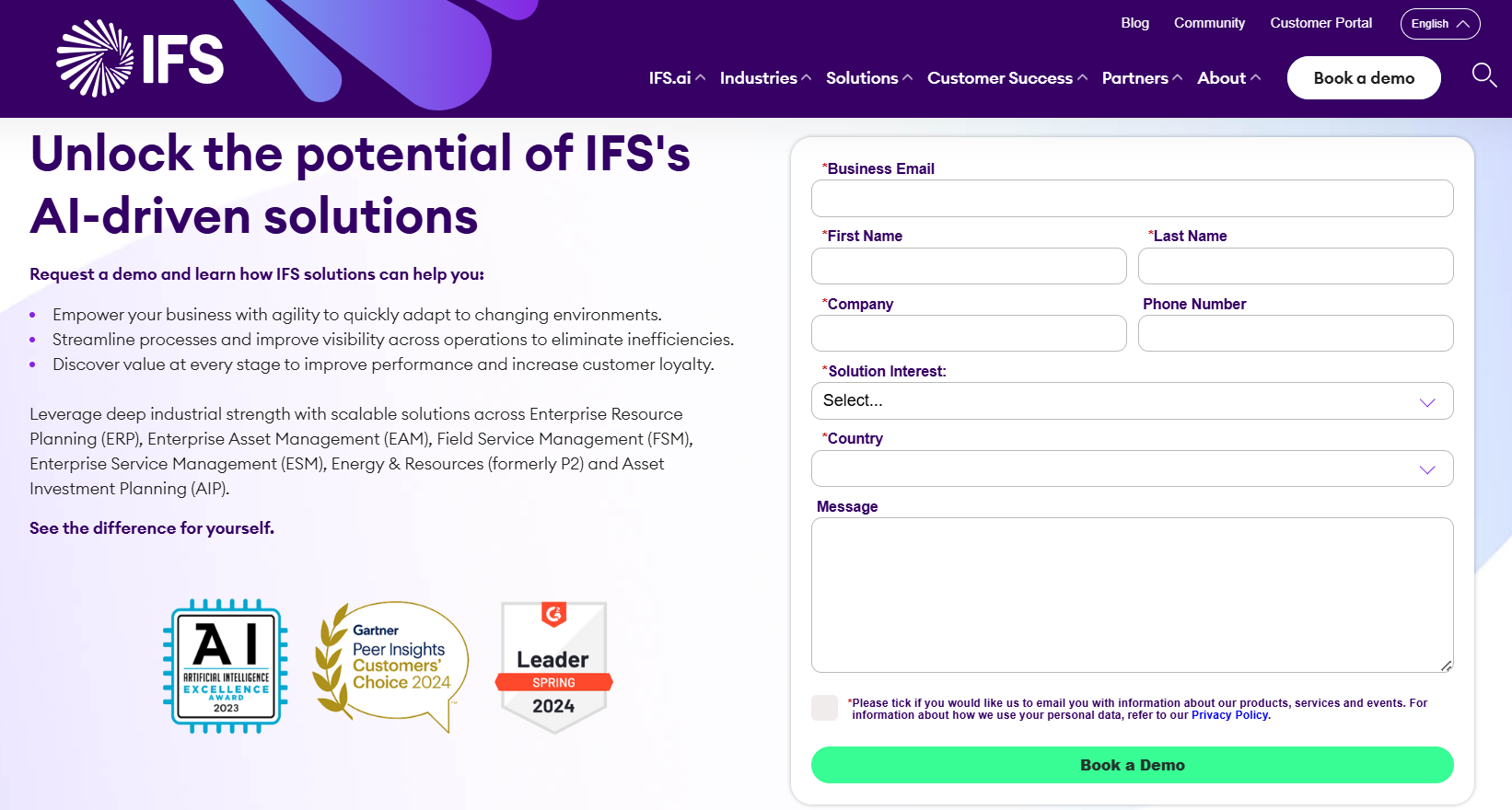
IFS ERP pricing is quote-based and depends on industry, modules, deployment, user count, and customizations. Small setups cost a few thousand dollars; large enterprises pay significantly more.
The IFS Cloud Platform supports ERP, Asset Management, and Field Service, with solutions tailored for Manufacturing, Energy, Aviation, and Construction.
Costs vary by modules, deployment type (Cloud or On-Premise), and implementation services.
To get an accurate price, contact IFS or their authorized partners. Total cost includes licensing, setup, training, and support.
IFS ERP is flexible and powerful, but pricing is customized to your business needs.
Pros & Cons of IFS ERP ✅
| Pros | Cons |
|---|---|
| Comprehensive ERP with modules for finance, manufacturing, asset, and service management | Pricing is not public and varies greatly, requiring direct quotes |
| Tailored industry-specific solutions for Manufacturing, Energy, Aviation, and Construction | Customization and implementation can add significant costs |
| Cloud and On-Premise deployment options for flexibility | Complex modules may require training and learning curve |
| AI-powered tools and industrial intelligence for improved efficiency | |
| Unified platform connecting ERP, EAM, and Field Service modules | |
| Scalable for small to large enterprise operations |
Which Is Best ERP Software? 🏆
Choosing the best ERP software ultimately depends on your business needs, size, industry, and long‑term growth strategy. However, when we compare the top contenders — Katana, NetSuite ERP, SYSPRO, SAP Business One, and IFS ERP one solution stands out overall for most mid‑sized to large enterprises:
🏆 NetSuite ERP – Best Overall ERP Software
Why NetSuite ERP is the winner:
- Comprehensive All‑in‑One Solution: NetSuite brings together financials, CRM, inventory, ecommerce, and analytics on a single cloud‑native platform, eliminating system silos.
- Scalability: It scales smoothly as your business grows, from mid‑market to large enterprise, without costly upgrades or disruptive migrations.
- AI & Real‑Time Insights: Built‑in AI and analytics give real‑time business intelligence that supports smarter planning and forecasting.
- Global Capabilities: Multi‑currency, multi‑subsidiary, and compliance features make it ideal for businesses with international operations.
- Rich Ecosystem: Strong partner network, add‑on modules, and continuous innovation extend NetSuite far beyond basic ERP functions.
While other ERP systems are excellent in specific scenarios, NetSuite ERP offers the broadest combination of depth, flexibility, and future‑ready capability.
Quick Links:
- BILL.com Review: Is It Best Financial Operations Platform?
- Payoneer Review: Is It Top Choice for Global Payments?
Conclusion – Final Say 🔥
ERP software can be an important part of any business and can help them to grow. As it manages various processes and elements of a business it helps businesses to optimize their productivity.
In today’s competitive market, it’s very difficult to choose the best product. When it comes to ERP software it increases the level of difficulty on top level because you choose this software to ease your business activity, and going with the wrong decision can occur difficulties for the business survival.
To help In your decision making we identified these best 5 ERP software available in the market which can streamline your business activity So, you can focus on your future business goals.
Now, It depends on you and your unique requirements, size, and goals of the organization.
Businesses can match their pick with their strategic objectives by carefully analyzing elements such as scalability, integration capabilities, user experience, and cost.
Investing in the appropriate ERP software is about more than just modernizing processes; it’s about future-proofing the company for growth and flexibility in a more dynamic global marketplace.
As we all know, technology is constantly developing and upgrading itself, thus this 5 ERP software is always up to date.
FAQs 🚀
ERP handles business processes, CRM focuses on customers.
Yes, most ERPs offer industry-specific configurations.
It ranges from a few months to over a year.
Cloud ERPs update automatically; on-premise needs manual upkeep.
Yes, ERPs support integration with various business tools.
