
Shopify POS Review 2026: Is It Best for Retail & Online?
Are you looking for a seamless way to run your retail store? 💼
Do you want a POS system that integrates smoothly with your existing online store? 🤔
You’re not alone. Many business owners struggle with complex POS systems that don’t align with their business needs.
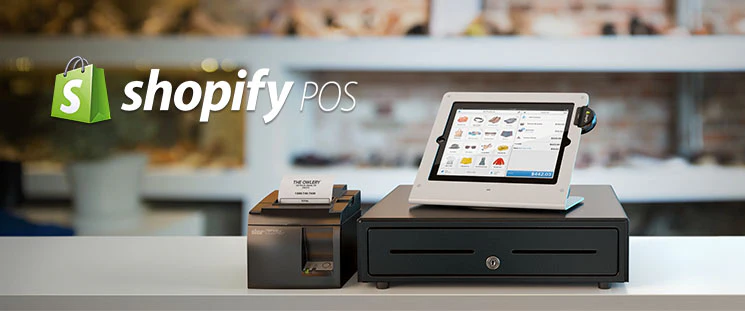
That’s when Shopify POS steps in — a system built for retail simplicity and integration.
I’ve personally tested Shopify POS, and it stands out as one of the best solutions for small and mid-sized businesses.
In this Shopify POS Review, I’ll break down its features, usability, pros and cons, pricing, and who it’s best for — all in simple terms.
Shopify POS Overview 💡
Shopify POS is an all-in-one point-of-sale solution designed for retailers who want to unify their in-store and online selling.
It’s perfect for merchants who need a system that syncs across multiple channels and helps them manage their sales, inventory, and customer data with ease.
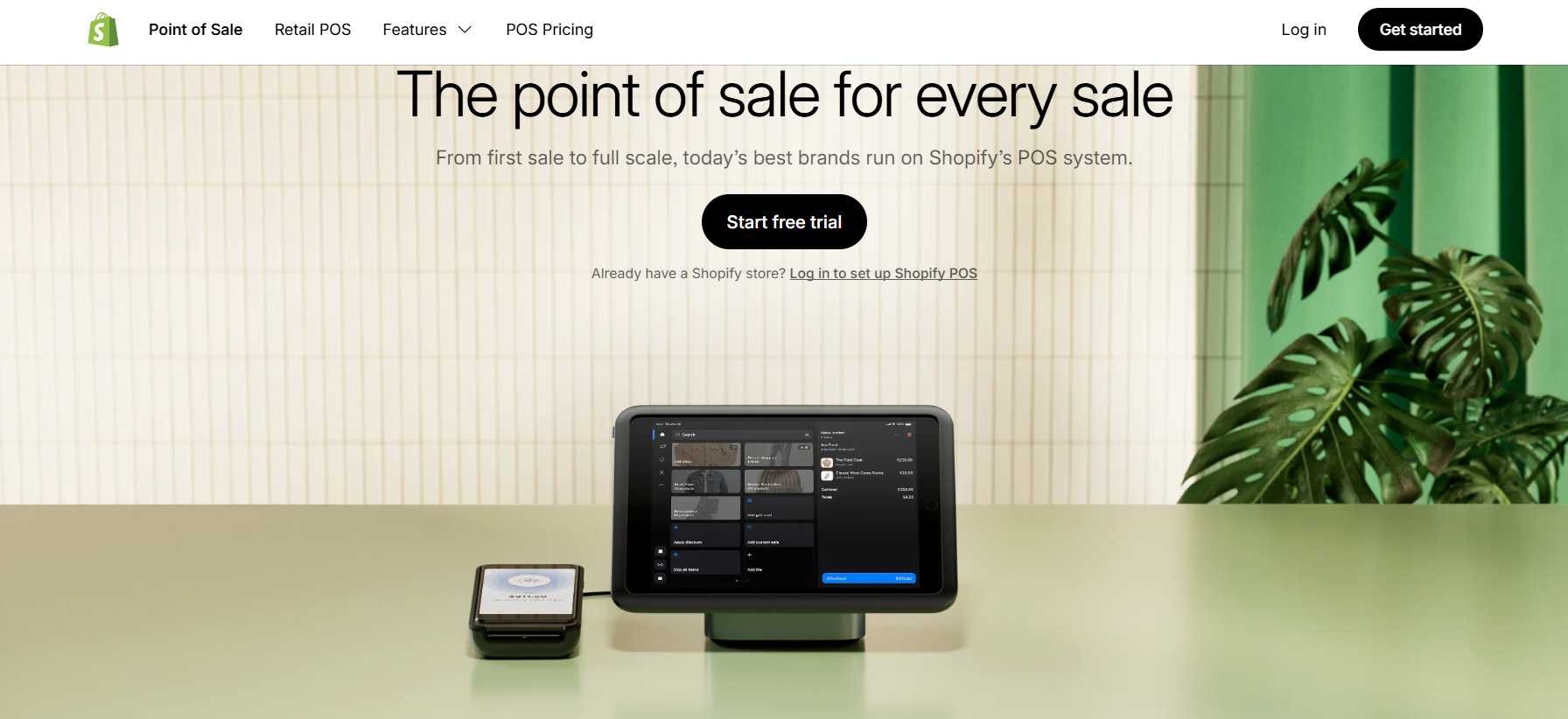
Unlike traditional POS systems that require separate software for online and offline operations, Shopify POS combines everything into one platform.

Whether you sell online, in-store, or at pop-up shops, Shopify POS enables you to track sales, inventory, and customer interactions from a single dashboard.
In short, Shopify POS gives you everything you need to run your business, from checkout to inventory management, with seamless integration to Shopify’s e-commerce platform.
Key Features of Shopify POS 🛠️
1️⃣ Unified Sales Management
Shopify POS allows you to manage sales from all your channels in one place.
Whether you’re selling online or in-store, all transactions are automatically synced to your Shopify account, providing a clear overview of your sales performance.
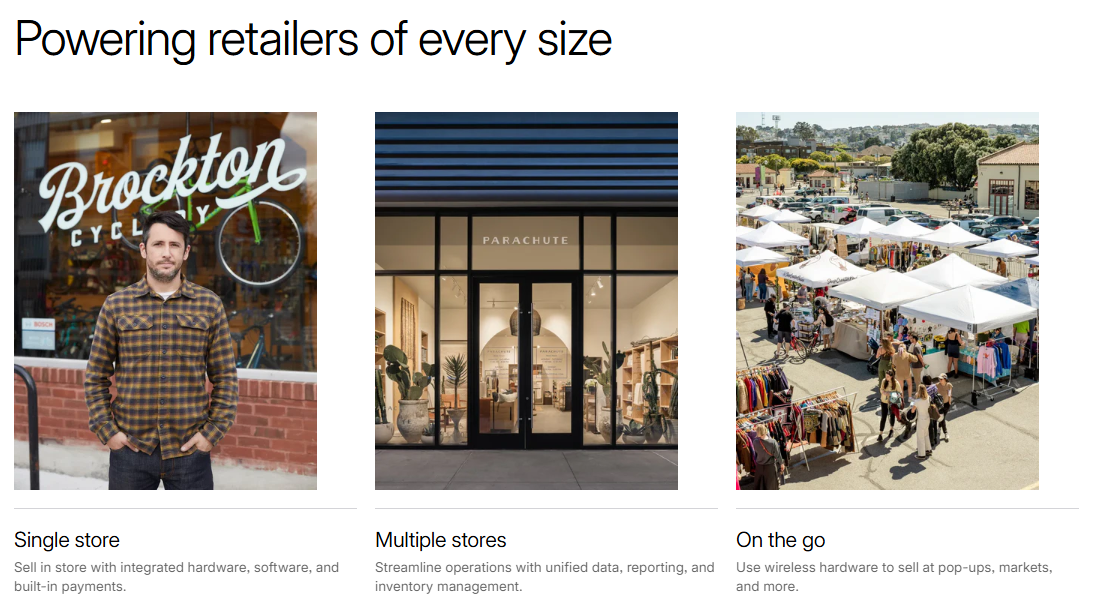
Benefit: No more juggling between different systems for in-store and online sales.
Also Read: How POS Systems Helps To Drive Sales & Profitability?
2️⃣ Inventory Tracking & Management
Shopify POS provides real-time inventory tracking, allowing you to manage your stock easily.
You can check stock levels, update quantities, and create purchase orders directly from the POS system.
Benefit: Keep track of stock levels across all your stores and prevent stockouts.
3️⃣ Customizable POS Interface
Shopify POS has a simple and intuitive interface that’s fully customizable to fit your needs.
You can set up your POS hardware and interface with just a few clicks, ensuring a smooth and personalized checkout process.
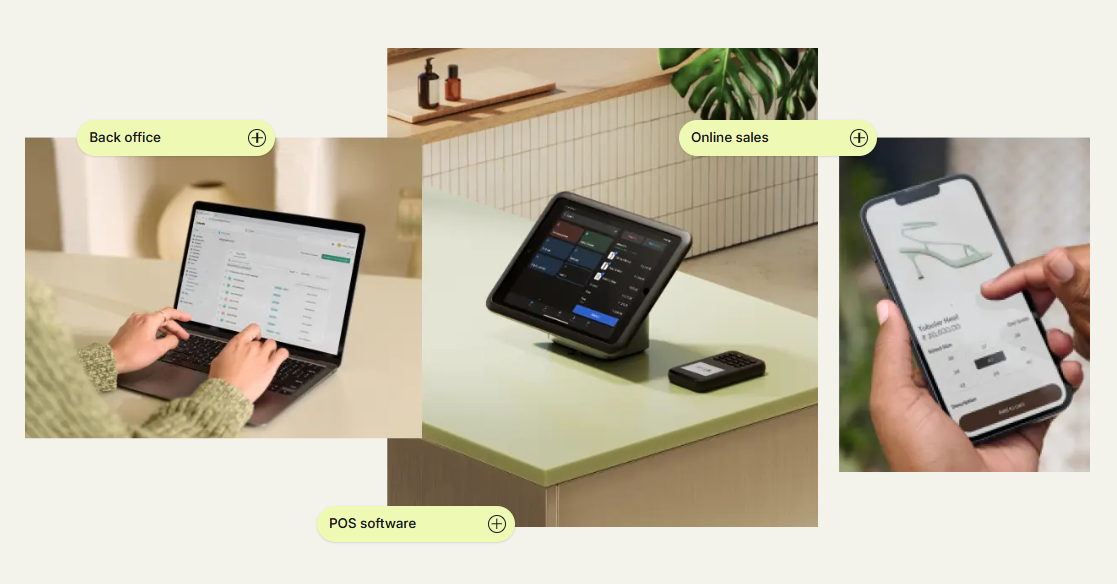
Benefit: A tailored checkout experience to meet your specific business needs.
4️⃣ Customer Management
Shopify POS integrates with Shopify’s CRM tools, helping you capture customer details and track purchase history.
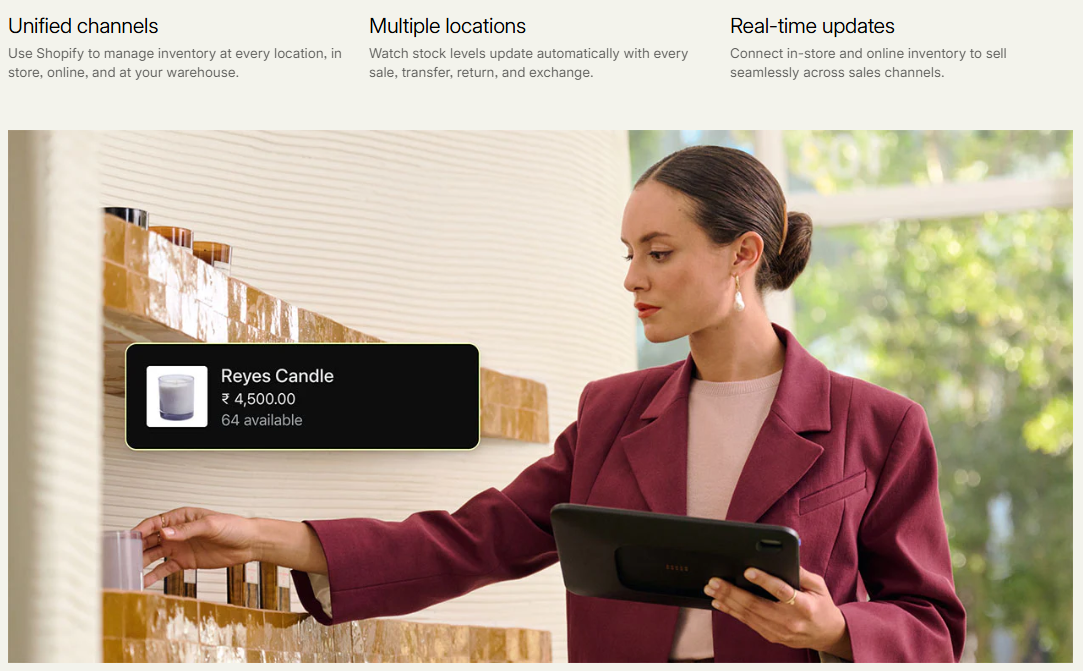
You can create customer profiles, apply discounts, and even offer loyalty rewards directly from the POS system.
Benefit: Build better relationships with your customers and provide personalized experiences.
5️⃣ Payments & Checkout Flexibility
Shopify POS supports various payment methods, including credit cards, debit cards, gift cards, and even mobile wallets like Apple Pay and Google Pay.
You can also enable installment payments, offering flexible checkout options for your customers.
Benefit: A seamless and secure payment experience for your customers.
6️⃣ Real-Time Reporting & Analytics
Shopify POS provides real-time sales and performance reporting, including detailed analytics on transactions, inventory, and customer behavior.
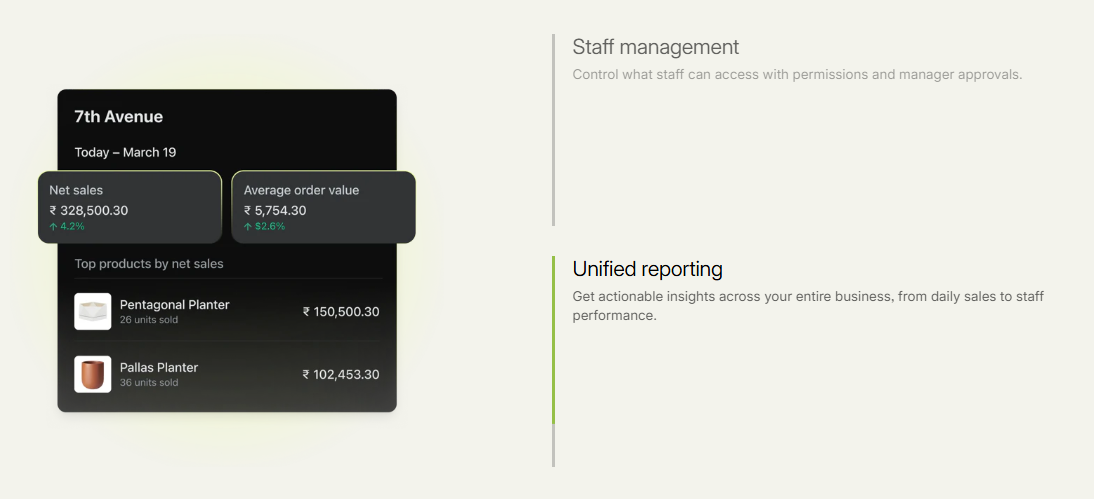
You can track your business’s performance from anywhere.
Benefit: Make data-driven decisions with real-time insights into your sales, stock levels, and customer trends.
7️⃣ Multi-Channel Integration
Shopify POS integrates smoothly with Shopify’s e-commerce platform, enabling you to sell across multiple channels.
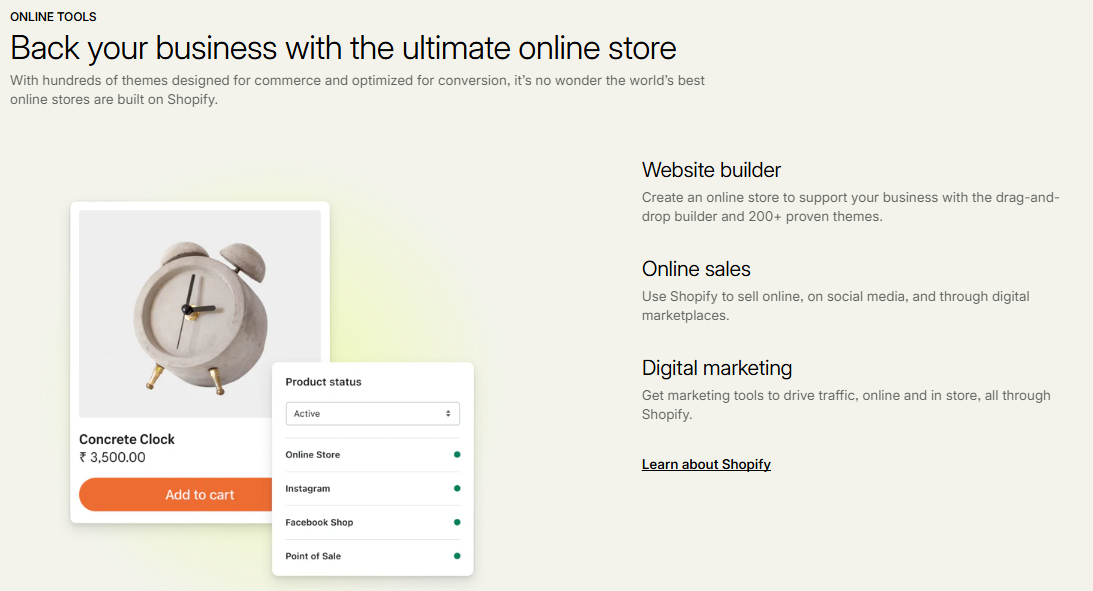
Whether you have an online store, physical location, or pop-up events, everything is managed from one platform.
Benefit: Streamline your operations with centralized sales, inventory, and customer data.
8️⃣ Mobile POS Functionality
Shopify POS is fully mobile, allowing you to take payments and manage sales from your phone or tablet.
This is perfect for businesses that need flexibility and mobility, such as pop-up shops, markets, or mobile stores.
Benefit: Operate your business anywhere with Shopify’s mobile POS.
Also Read: 5+ Best POS Software: {1st One Is Most Trusted}
Shopify POS Pricing Model
Shopify POS offers several pricing options based on your business size and needs.
Here’s a breakdown of the pricing plans:
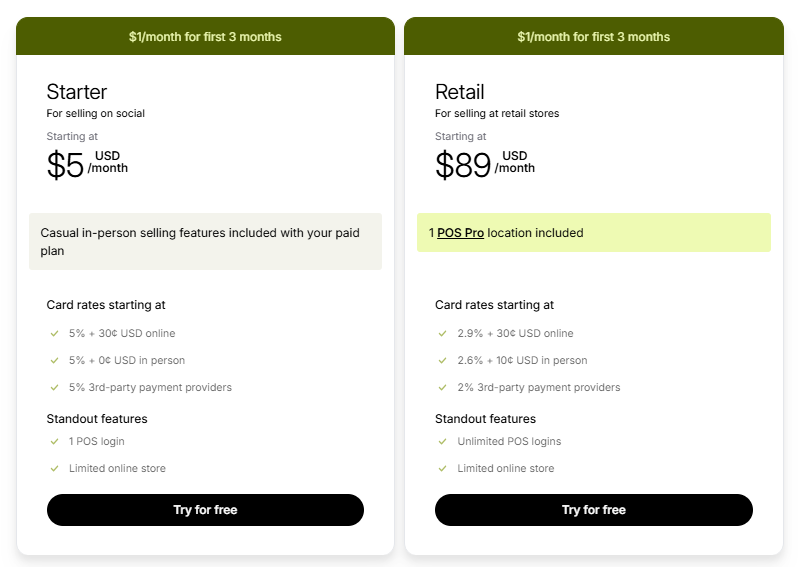
Starter Plan
- Ideal for casual in-person selling and social commerce, priced at $5/month.
- Includes one POS login and limited online store features with 5% transaction fees.
Retail Plan
- Best for retail stores with $89/month, offering one POS Pro location.
- Includes unlimited POS logins, full inventory, and 2.9% transaction fees.
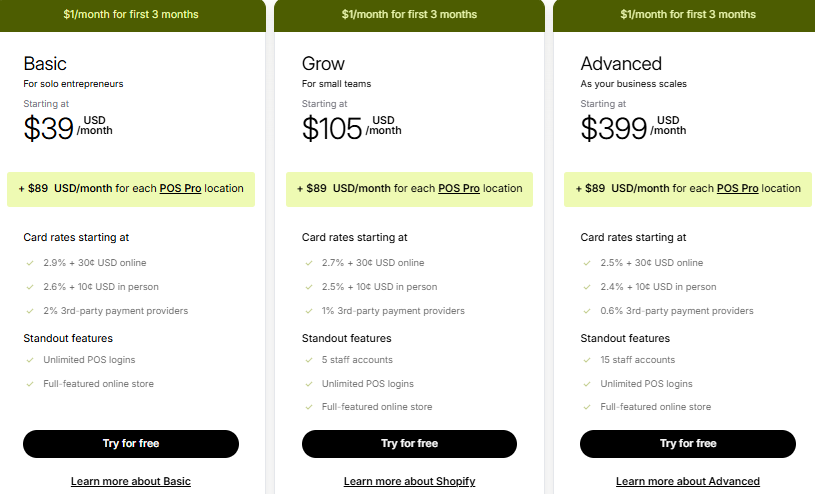
Basic Plan
- Perfect for solo entrepreneurs, priced at $39/month.
- Includes unlimited POS logins and full online store features, with 2.9% transaction fees.
Grow Plan
- Tailored for small teams, priced at $105/month with 5 staff accounts.
- Features unlimited POS logins, full online store, and 2.7% transaction fees.
Advanced Plan
- Designed for scaling businesses, priced at $399/month with 15 staff accounts.
- Includes unlimited POS logins, a fully featured store, and 2.5% transaction fees.
How to Get Started with Shopify POS 📝
Getting started with Shopify POS is easy. Here’s a simple step-by-step guide:
Step 1: Visit Shopify’s official website.
Go to shopify.com and select the “POS” option under products.
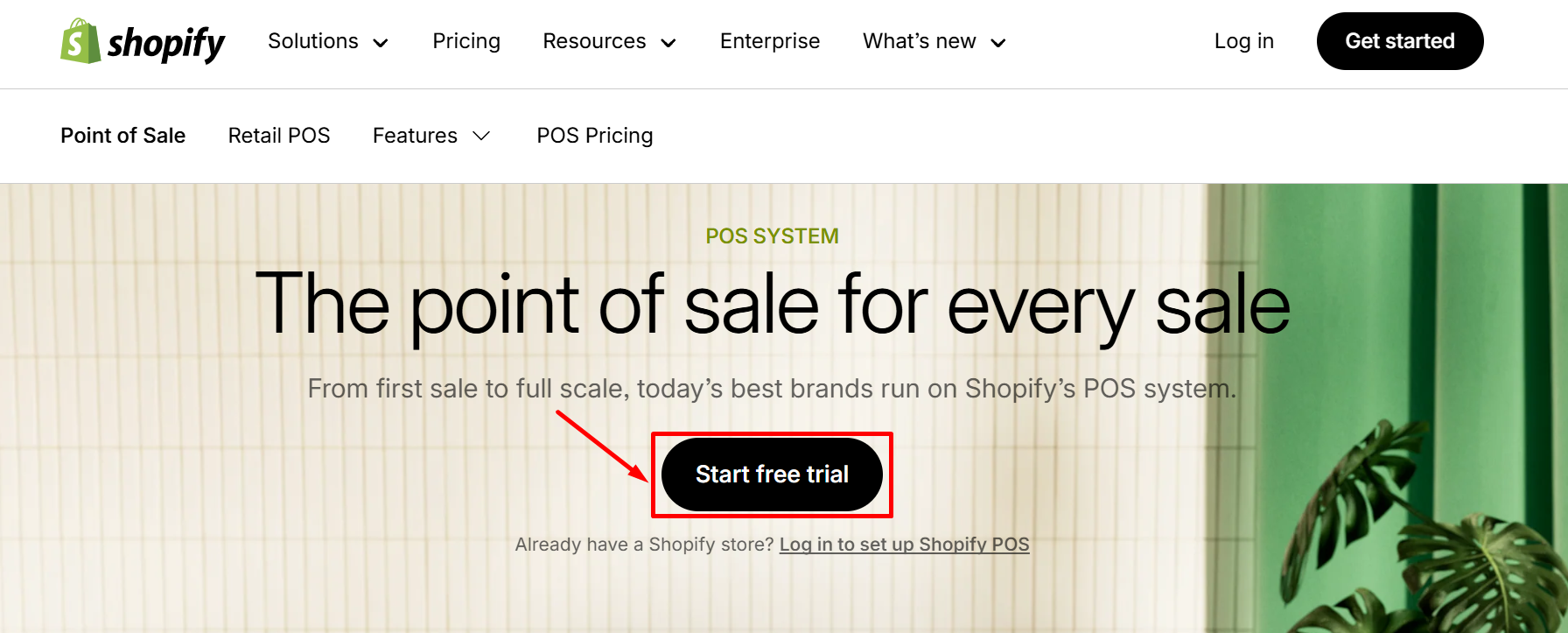
Step 2: Start your free trial.
Click “Start Free Trial” to get started with Shopify’s free trial, which allows you to test out the POS features.
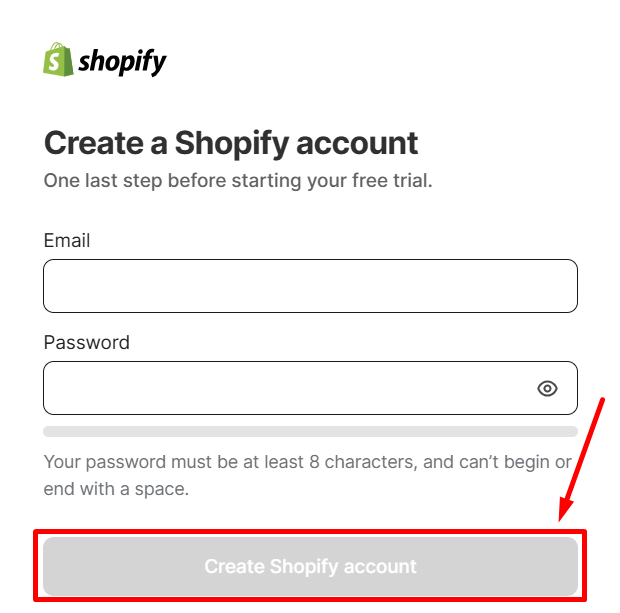
Step 3: Create your shopify account
Step 4: Set up your hardware and sync your inventory.
Shopify POS works with a range of POS hardware, including receipt printers, barcode scanners, and cash drawers.
Add your products to Shopify, and your inventory will automatically sync with your POS system.
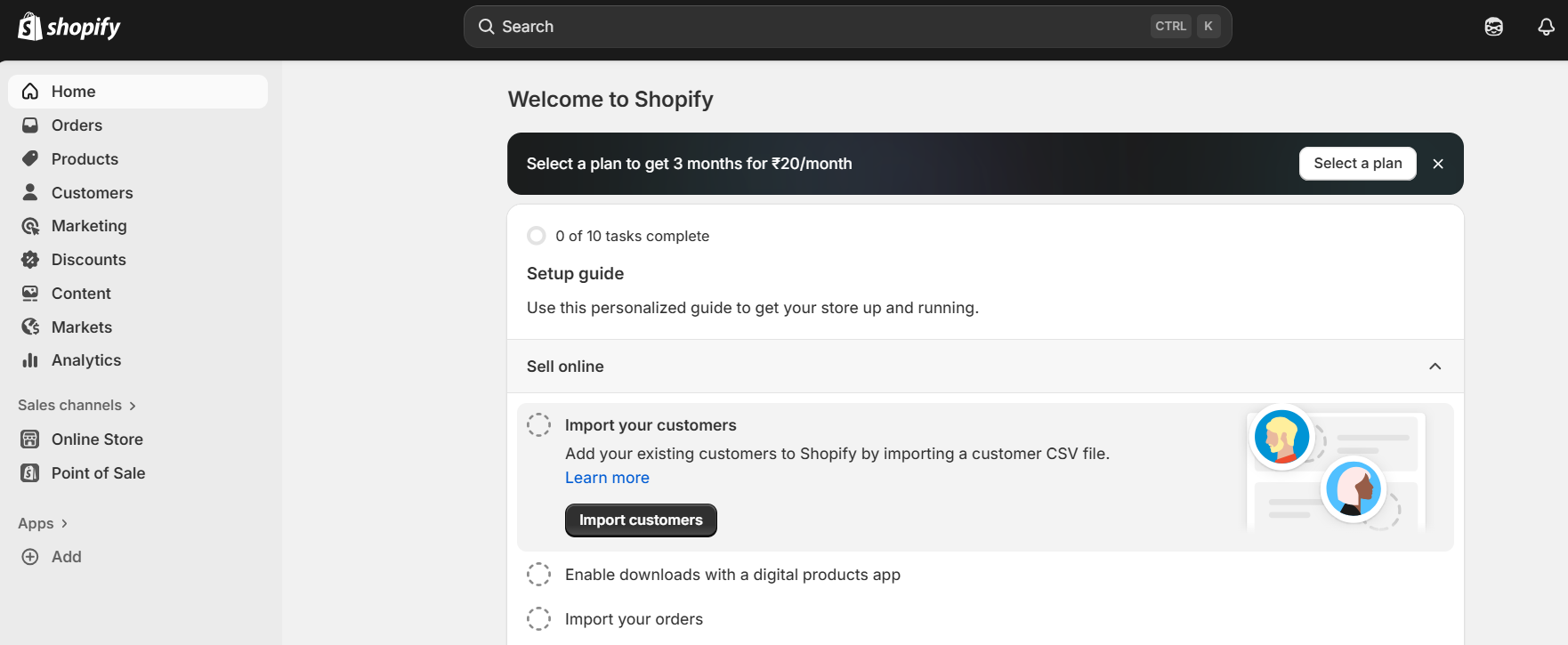
Step 6: Start selling.
Pros & Cons of Shopify POS
Here’s a quick snapshot of what users love about Shopify POS and where it could improve:
| Pros ✅ | Cons ❌ |
|---|---|
| Unified sales management across all channels (online, in-store, mobile). | Pricing may be higher than basic POS systems. |
| Real-time inventory tracking and automated updates. | Limited features on the basic plan for small businesses. |
| Fully customizable POS interface for different business needs. | Additional hardware costs (e.g., barcode scanners, receipt printers). |
| Seamless integration with Shopify’s e-commerce platform. | Some advanced features require a higher-tier plan. |
| Flexible payment options, including mobile wallets and installments. | Shopify POS is best for Shopify users, so it may not be suitable for non-Shopify platforms. |
| Detailed reporting and analytics for data-driven decision-making. | |
| Supports multi-location sales and inventory management. | |
| Mobile functionality for selling on-the-go. |
Shopify POS vs Competitors 💪
| Feature | Shopify POS | Square POS | Lightspeed POS | Vend POS |
|---|---|---|---|---|
| Communication | Unified sales management. | Real-time sales tracking. | Integrated payments and CRM. | Seamless integration with e-commerce. |
| Automation | Automated inventory updates. | Limited automation. | Robust inventory automation. | Basic automated inventory alerts. |
| Ease of Use | Intuitive, easy-to-navigate. | Simple, user-friendly UI. | Customizable with training needed. | Easy setup but limited reporting. |
| Mobile Functionality | Fully mobile POS. | Mobile app available. | Limited mobile features. | Mobile apps for sales on-the-go. |
| Support | 24/7 customer support. | Email and phone support. | 24/7 support available. | Support available during business hours. |
| Best For | Small to medium businesses. | Small businesses and startups. | Large businesses with complex needs. | Retailers needing advanced features. |
Also Read: 5 Best POS Softwares 2026: Boost Productivity For Your Business
Who Should Use Shopify POS? 🔁
Shopify POS is ideal for:
- Small to medium businesses: Looking for an easy-to-use POS system that integrates with their Shopify online store.
- Retail stores: That need an efficient way to manage sales and inventory in one place.
- Pop-up shops and events: Need mobile functionality for selling on-the-go.
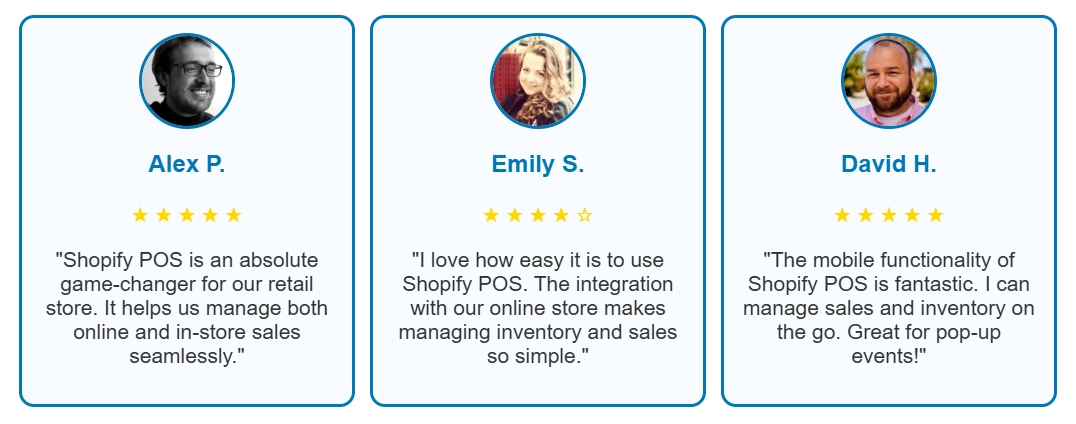
Customers Reviews
Is Shopify POS Worth It? 🔍
Yes — Shopify POS is definitely worth it if you’re running a small to medium-sized retail business and want a system that integrates seamlessly with your Shopify online store.
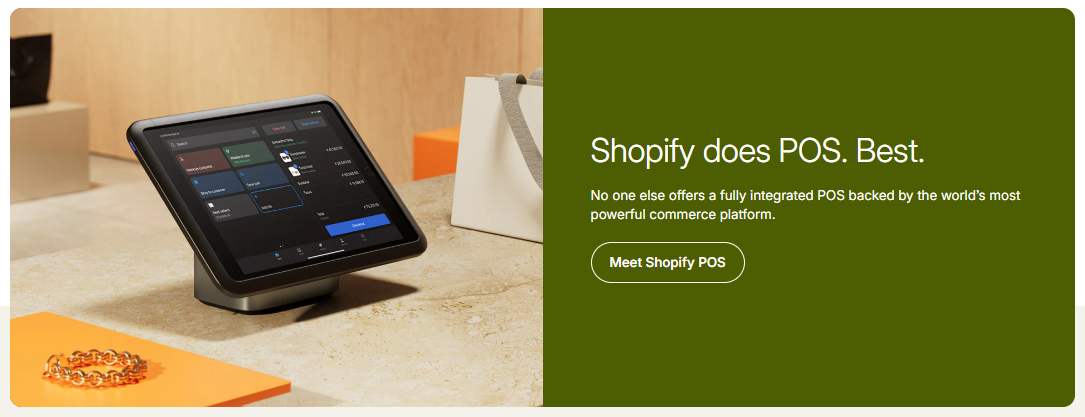
Unlike other POS systems, Shopify POS focuses on simplicity and speed. It gives you all the features you need to sell across multiple channels while saving time on inventory management and customer interactions.
If your goal is to streamline your operations and manage everything from a single platform, Shopify POS delivers exactly that.
FAQs
No, but it offers a 14-day free trial for all plans.
Yes, Shopify POS integrates seamlessly with your Shopify online store.
Yes, Shopify POS is fully mobile and works on smartphones and tablets.
Shopify POS complies with PCI DSS standards and ensures secure transactions and data encryption.
Yes, Shopify POS allows you to manage sales, inventory, and customers across multiple locations.
