
Dext Review 2026: Is It Best Accounting Automation Tool?
Are you tired of dealing with messy piles of receipts and invoices? 📄
Do you wish there was a tool that could scan, organize, and sync all your financial data automatically — without hiring extra staff? 💼
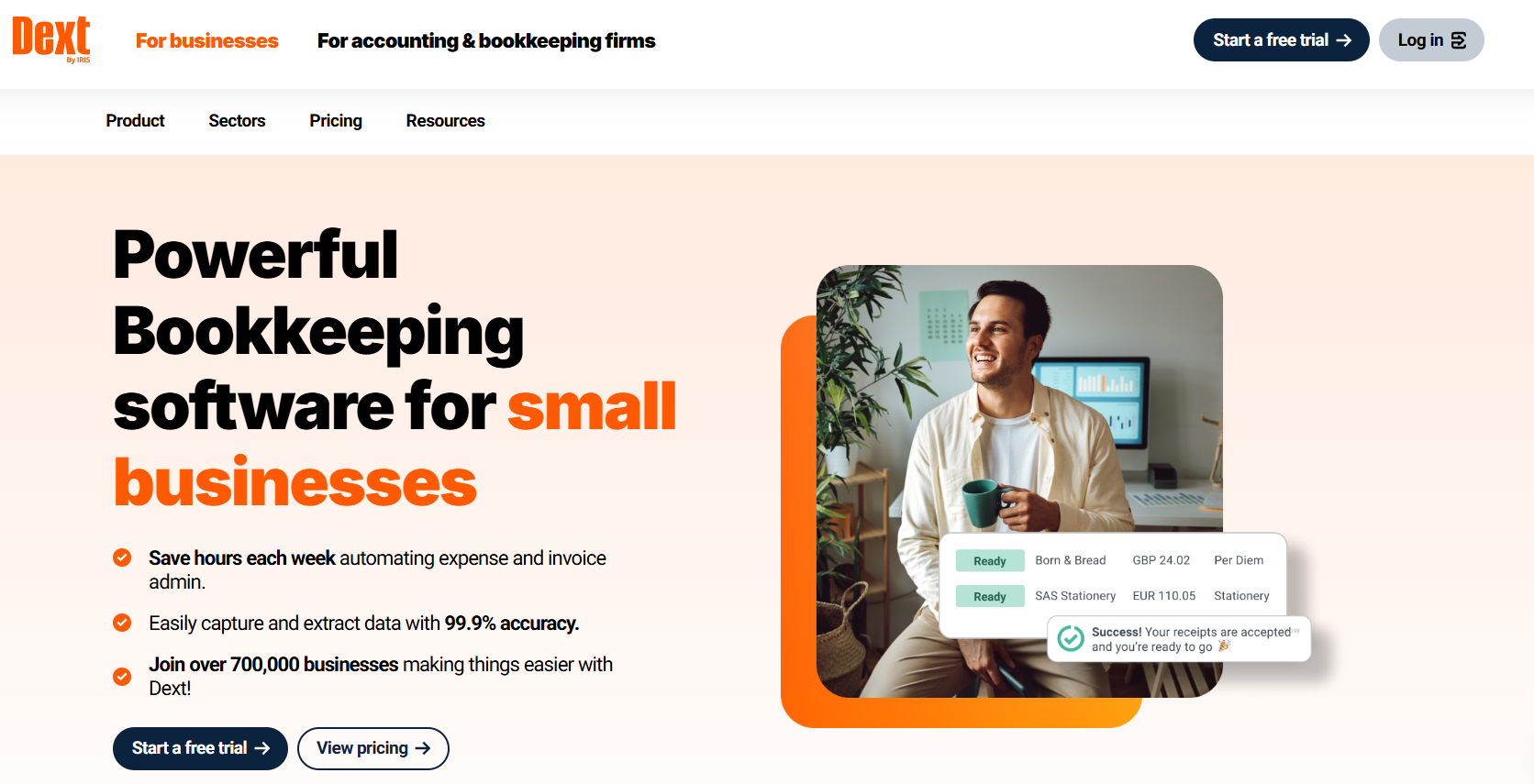
Meet Dext, the all-in-one bookkeeping automation tool that makes expense tracking effortless.
It helps businesses, accountants, and bookkeepers save hours every week by eliminating manual data entry.
In this Dext Review 2026, we’ll explore its key features, pricing, pros and cons, competitor comparison, and real user feedback — to help you decide if it’s truly worth your money.

Dext Discount Code – Limited Time Offer 🚀
Save up to 20% on Dext’s powerful accounting automation tools. Streamline bookkeeping, eliminate manual data entry, and boost your financial workflow instantly.
Dext Overview 💡
Dext is a cloud-based platform built on AI to simplify expense management, data collection, and bookkeeping.
It was previously known as Receipt Bank, one of the most popular tools for accountants and small businesses.
After rebranding to Dext, the company expanded its product suite to include smart analytics, invoice processing, and real-time reporting.

At its core, Dext automates how businesses capture receipts, extract data, and sync it with all major accounting tools like QuickBooks, Xero, and Sage.
Whether you’re managing your own business finances or working as a bookkeeper for multiple clients, Dext saves hours of repetitive work.
Also Read: Xero Review 2026: Why Choose Xero For Your Business?
Why Businesses Use Dext? ⚙️
Manual bookkeeping is not just time-consuming — it’s error-prone. Dext replaces manual entry with AI-powered automation.
It automatically recognizes vendor names, tax amounts, dates, and totals from receipts and invoices. Everything is stored securely in the cloud, and synced across your accounting system.
Key Features of Dext ✨
1️⃣ Receipt & Invoice Capture
Dext’s OCR technology can scan and read data from any image or document — even if it’s a crumpled paper receipt.
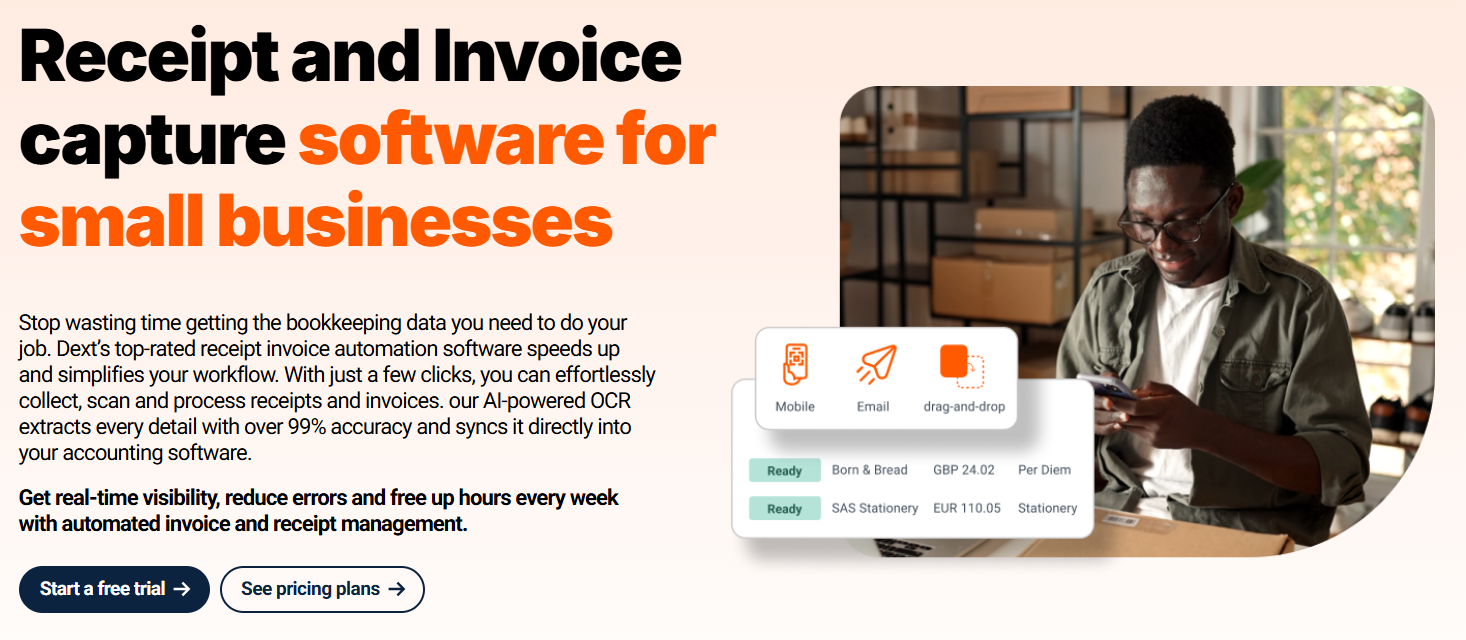
You can upload receipts through:
- The mobile app (by taking a photo)
- Email forwarding (sending invoices to a unique Dext email address)
- Direct upload from your computer
- Fetch connections pull invoices from thousands of suppliers
- Integrations with tools like Dropbox and WhatsApp
Once uploaded, Dext automatically extracts details like vendor, amount, date, and tax information.
Benefit: No typing, no spreadsheets — just snap and store.
2️⃣ Smart Expense Categorization
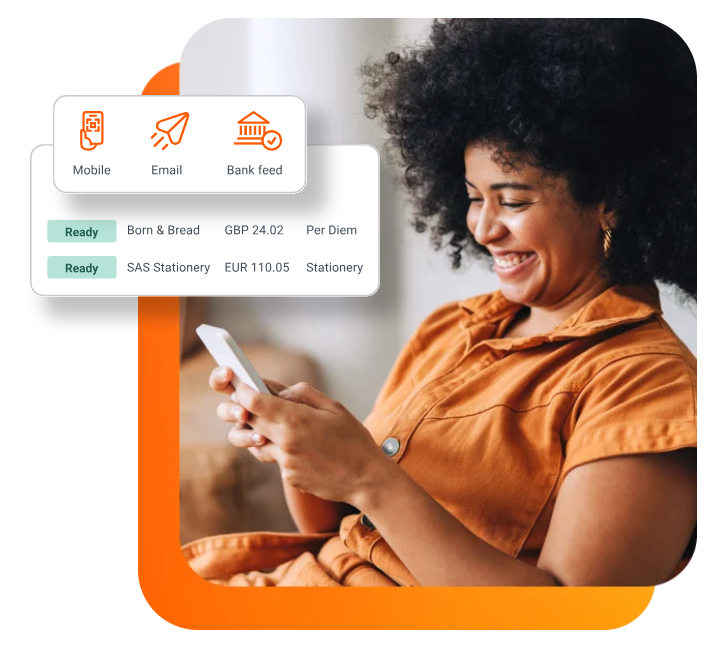
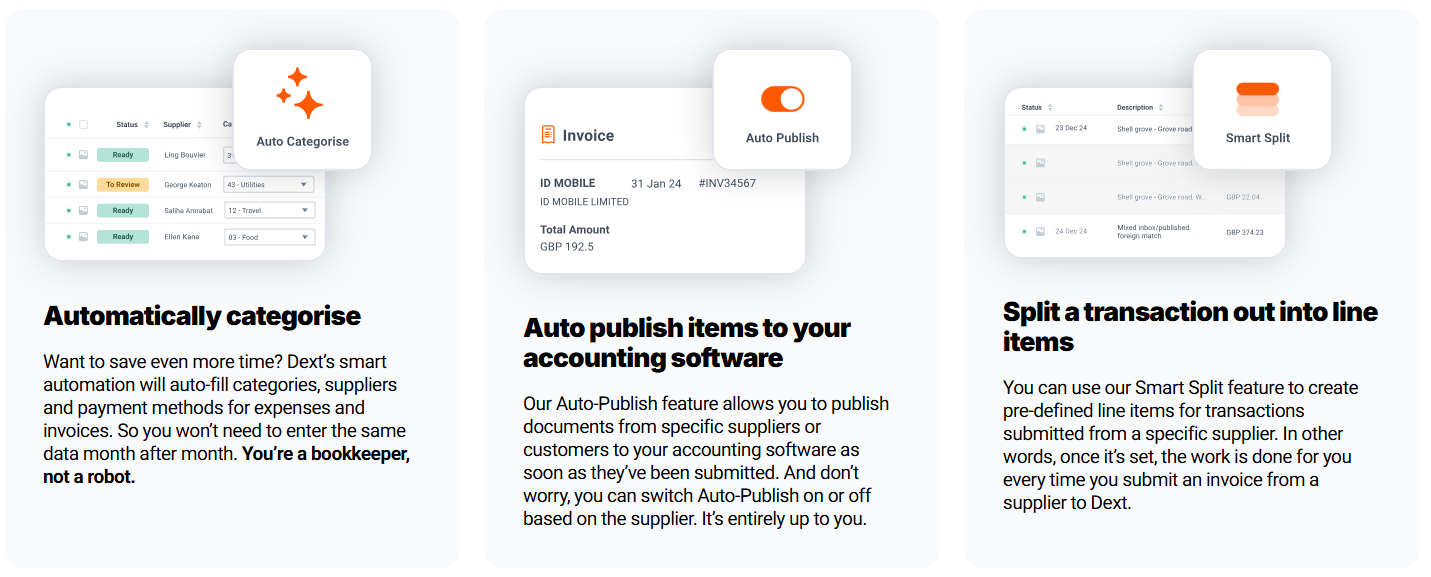
Dext uses machine learning to learn your habits over time. It automatically categorizes expenses into correct accounts such as rent, utilities, travel, or marketing.
Benefit: Keeps your bookkeeping clean, consistent, and compliant.
3️⃣ Real-Time Expense Tracking
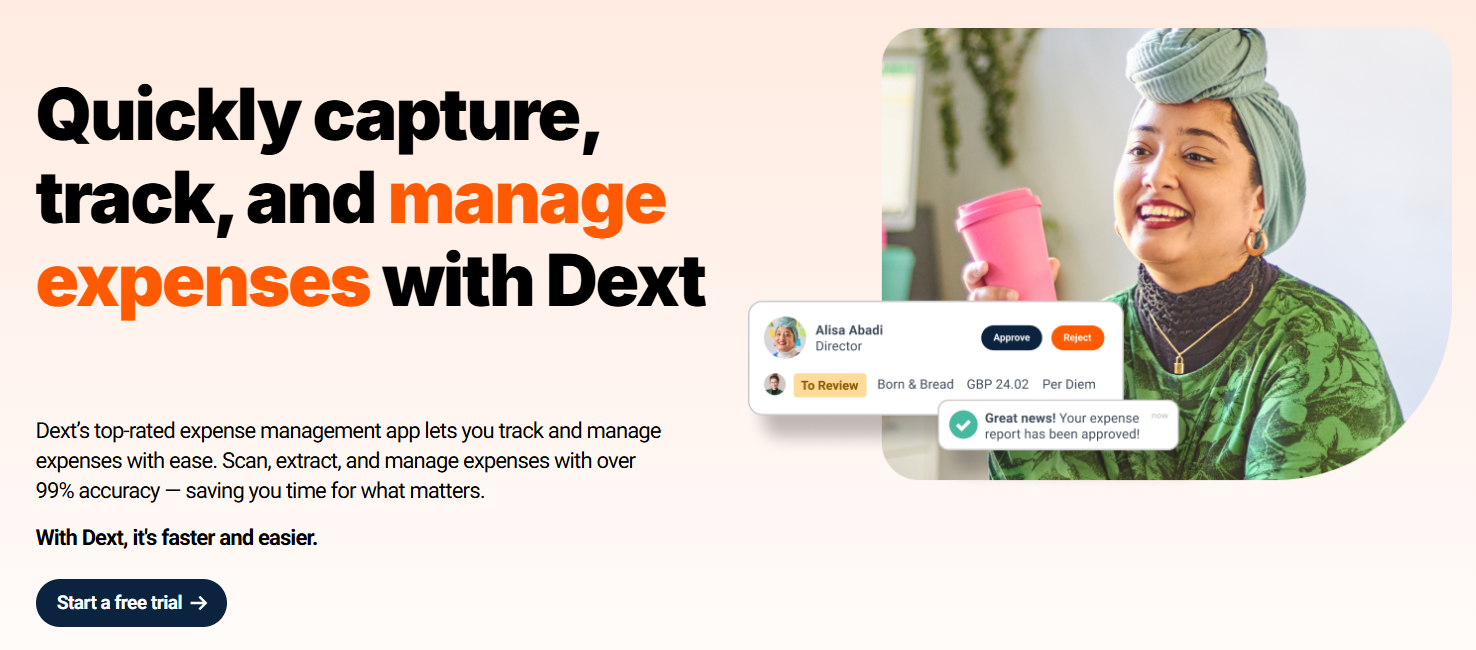
The dashboard shows you every expense as it happens.
You can see who submitted what, when it was approved, and which account it belongs to.
Benefit: Get real-time visibility into your company’s cash flow and avoid end-of-month surprises.
4️⃣ Seamless Integration
Dext integrates with all major accounting platforms — QuickBooks, Xero, Sage, FreeAgent, and others. As well as over 11,500 financial institutions and e-commerce platforms such as Amazon and Shopify.
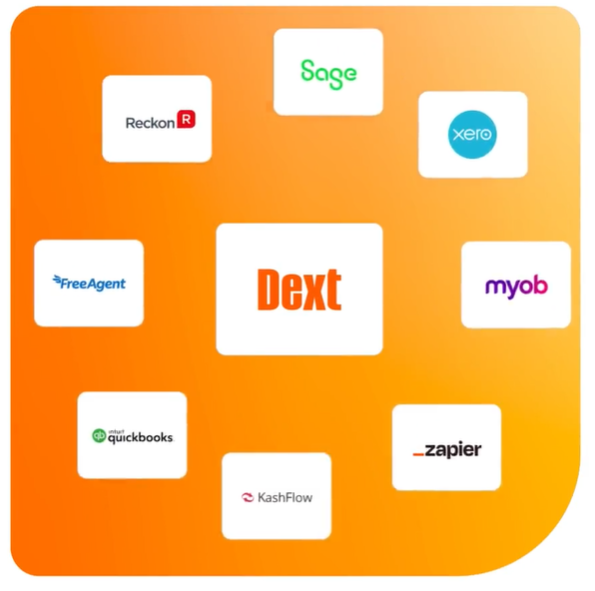
It can also connect with cloud storage tools like Google Drive or Dropbox for backup.
Benefit: Sync data once, and forget about double entry forever.
5️⃣ Multi-User Collaboration
Dext allows multiple users per account. You can assign permissions, so team members can upload documents while accountants verify and publish them.
It’s perfect for businesses, accounting firms, and teams managing multiple clients.
Benefit: Everyone stays on the same page — literally.
6️⃣ Automated Publishing
Once data is verified, Dext automatically sends it to your accounting platform.
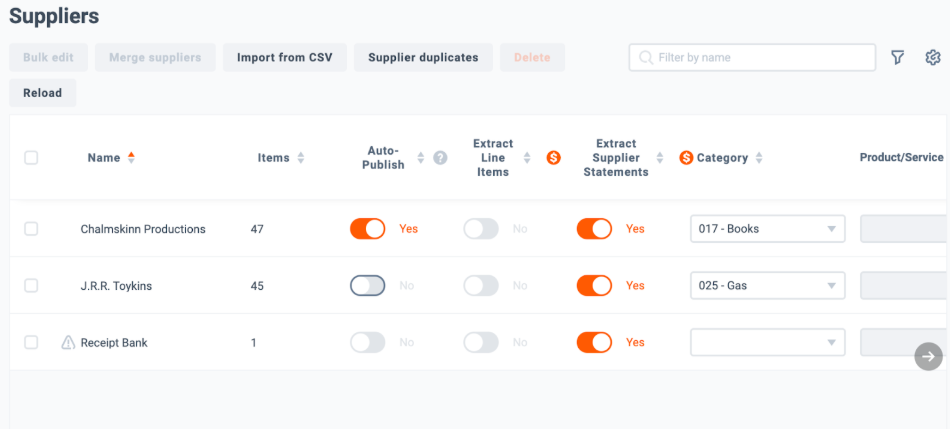
You don’t even have to click “Export.”
Benefit: Spend less time managing, more time analyzing.
7️⃣ Mobile App for On-the-Go
The Dext mobile app is available for both Android and iOS.
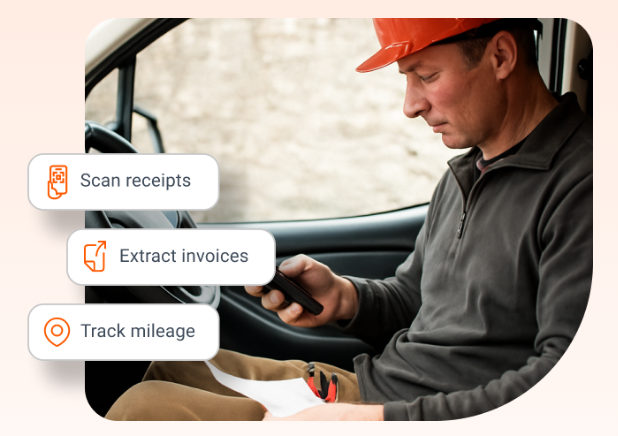
You can capture receipts instantly, even offline — and they’ll sync once you’re connected again.
Benefit: Turn your phone into a portable accountant.
8️⃣ Supplier & Client Management
Dext makes it easy to manage suppliers and clients.
You can view invoices by vendor, filter by payment status, and even share documents directly with clients.
Benefit: Maintain better relationships with vendors and customers.
9️⃣ AI-Powered Accuracy
Dext’s AI engine constantly improves accuracy by learning from your uploads.
It can detect duplicates, flag errors, and recognize patterns to reduce mistakes.
Benefit: Accurate records without human oversight.
🔟 Cloud Security & Data Privacy
All your financial documents are encrypted and stored securely in Dext’s cloud.
The platform complies with GDPR standards and ensures only authorized users can access your data.
Benefit: Peace of mind knowing your data is private and protected.
How to Get Started with Dext? 📝
Getting started with Dext takes only a few minutes.
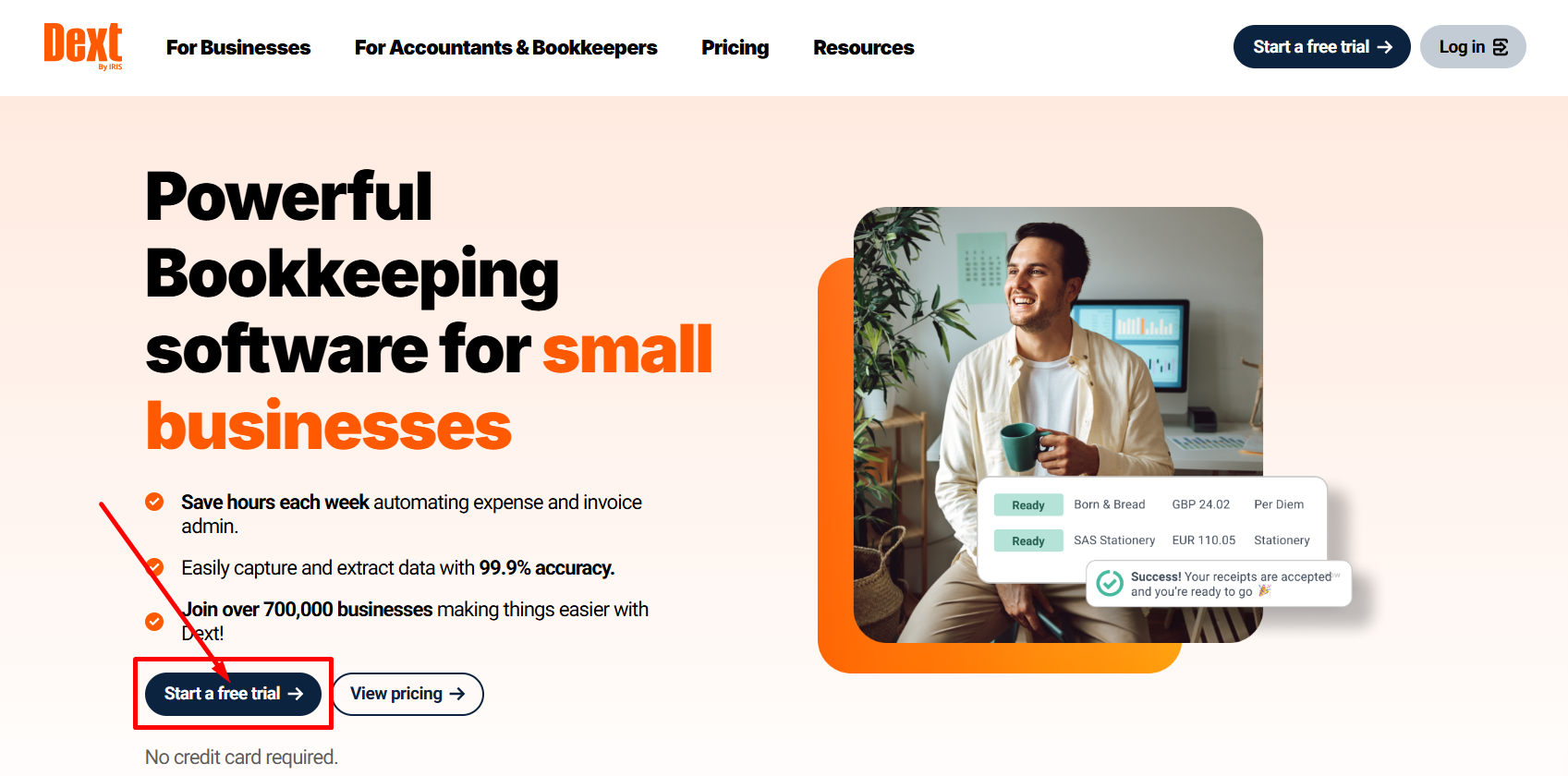
Step 1: Visit the Dext website and click on “Start a free trial”
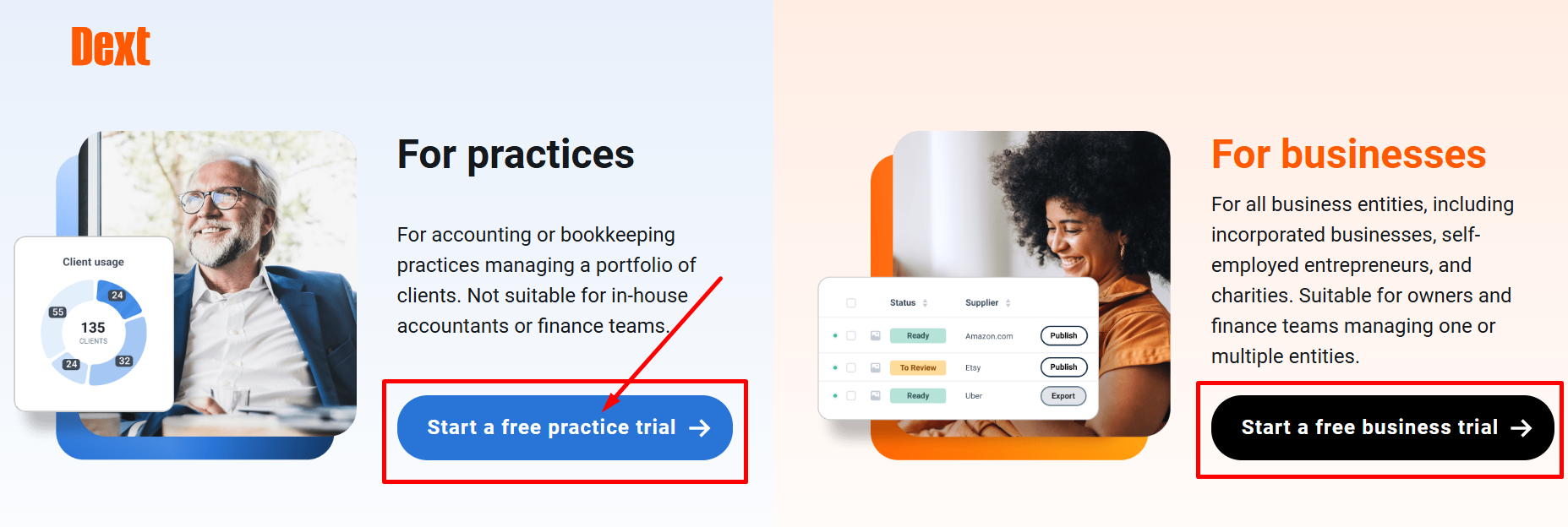
Step 2: Choose your plan either for practices or for businesses.
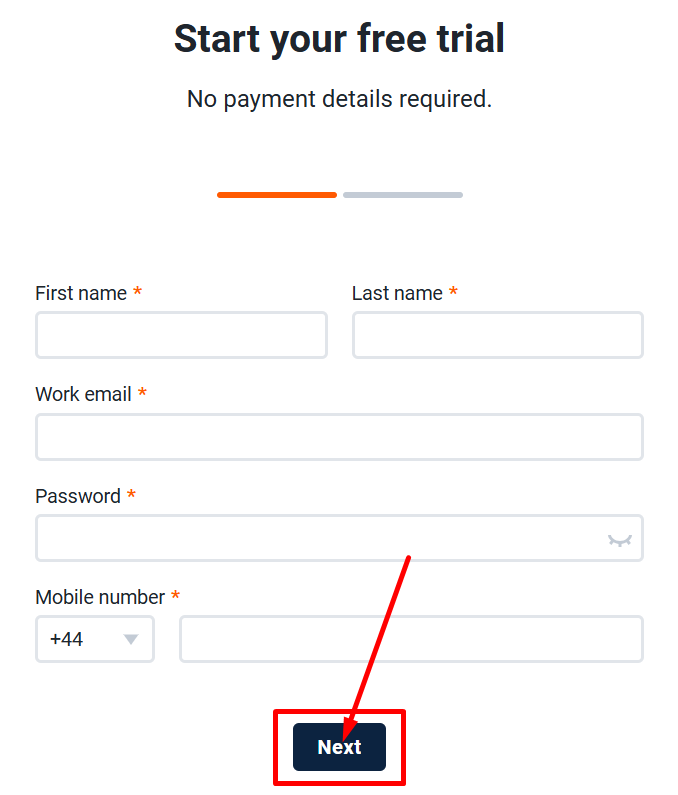
Step 3: Fill your personal details and email.
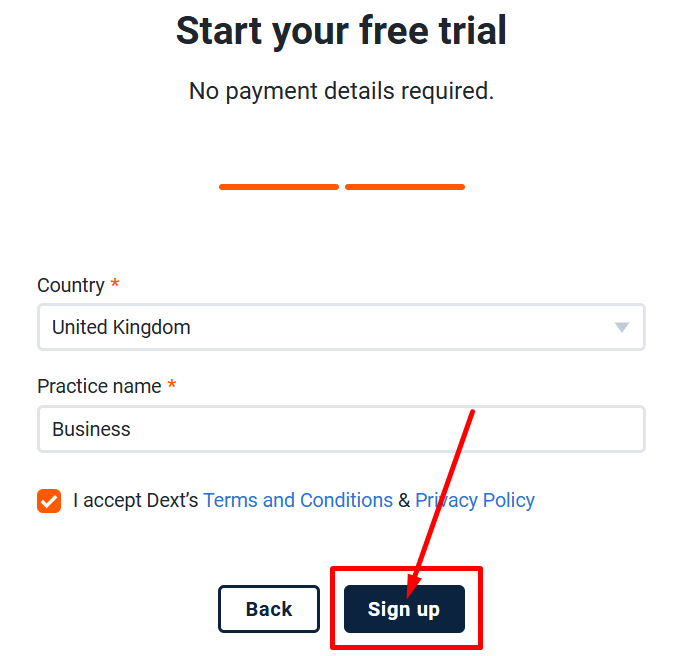
Step 4: Start your free trial by clicking on “Sign Up”
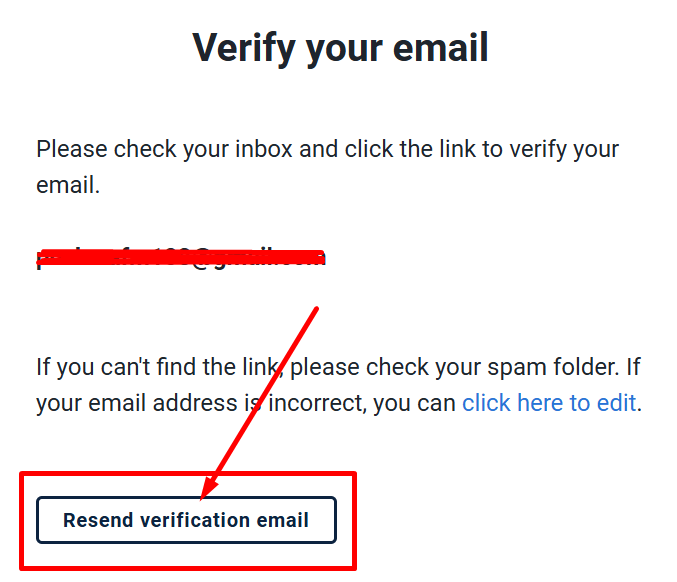
Step 4: Verify your email.
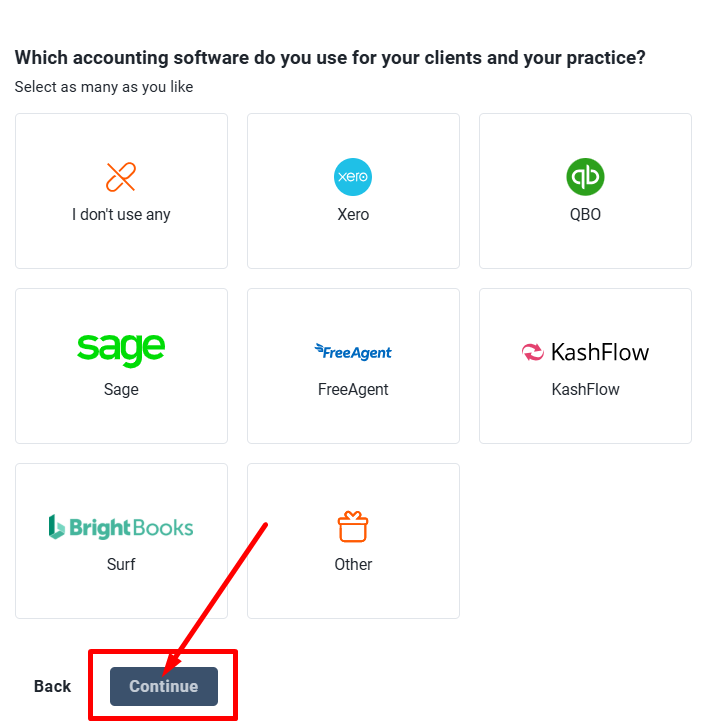
Step 5: Choose your accounting software.
Step 6: Start automating your finances with Dext!
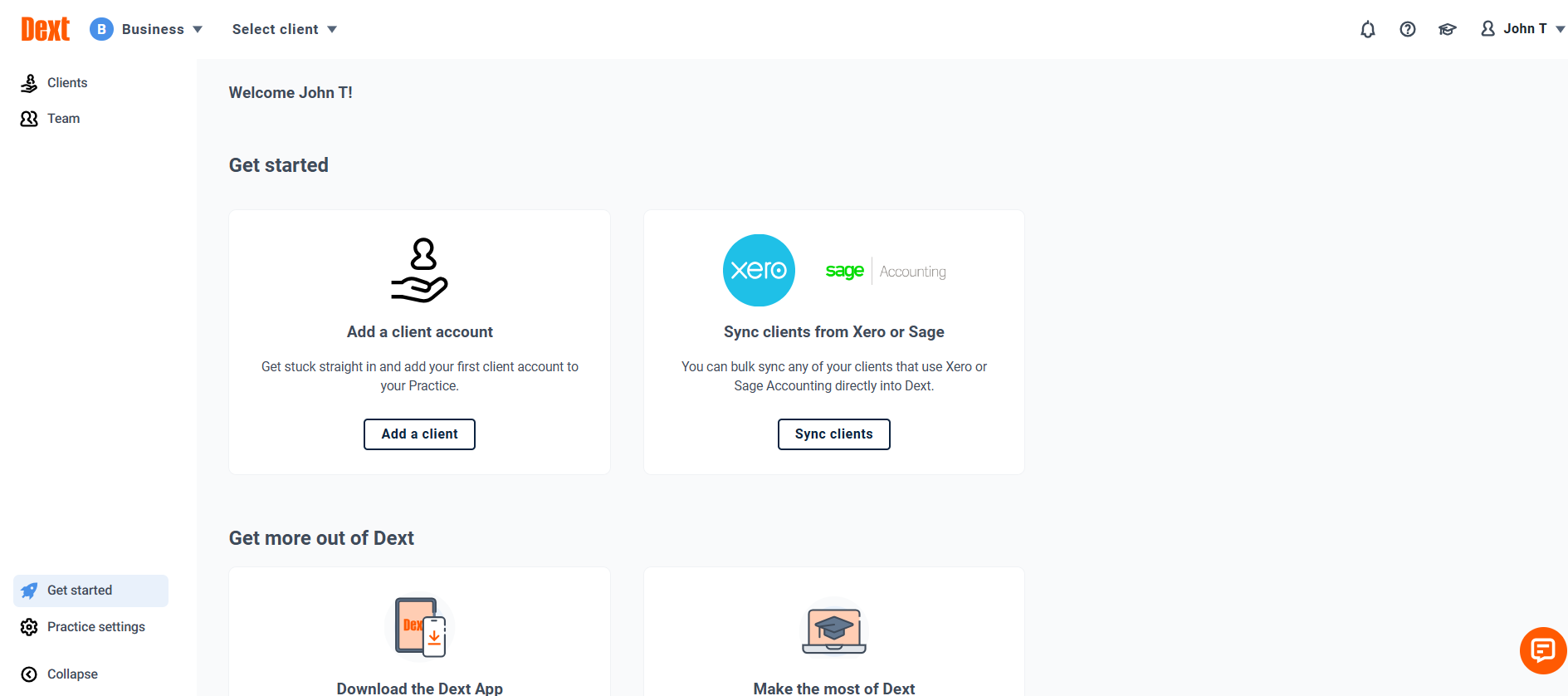
That’s it — your financial workflow is now automated.
Dext Pricing Plans 💰
1. Practice Pricing (for accountants/bookkeepers)
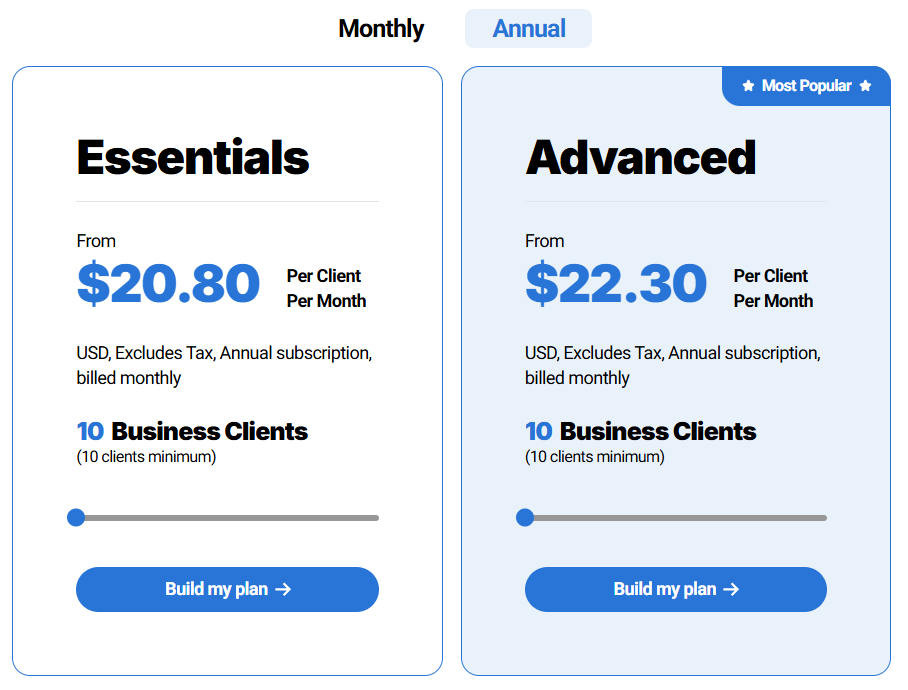
The practice plans begin at $20.80 per client/month, billed annually, with a 10-client minimum.
Higher tiers like “Advanced” start at $22.30 per client/month for 10 clients minimum.
2. 💼 Dext Pricing for Businesses
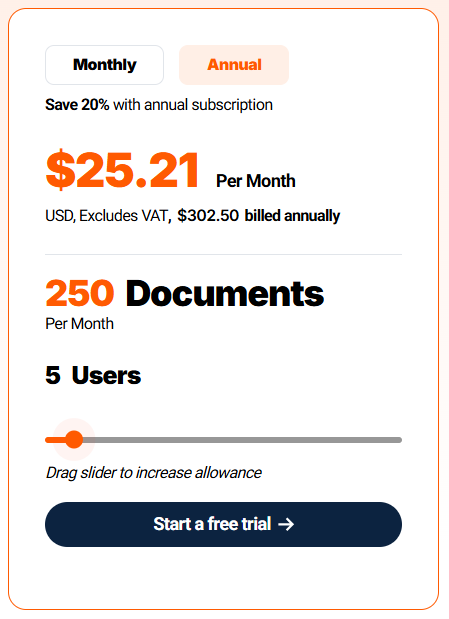
The Business plan starts at $25.21/month (or $302.50 annually) for up to 250 documents and 5 users, with 20% savings on yearly billing.
Add-ons like Commerce Lite ($7.50/month) and Vault storage (from $4/month) let you expand e-commerce syncing and secure document storage.
Dext Pros & Cons ✅❌
| Pros ✅ | Cons ❌ |
|---|---|
| Accurate OCR captures data instantly. | Mobile app can sometimes lag. |
| Thousands of seamless integrations with financial & e-commerce platforms. | Limited customization for reports. |
| AI categorization improves accuracy. | Some features can cost additionally. |
| Works offline and syncs automatically later. | Can take time for first-time setup. |
| Supports multiple users and teams. | |
| Secure cloud storage with backups. | |
| Reliable customer support and tutorials. | |
| Saves time for business, accountants and bookkeepers. |
Dext vs Xero vs QuickBooks ⚖️
| Feature | Dext | Xero | QuickBooks |
|---|---|---|---|
| Receipt Scanning | Advanced OCR | Limited | Good |
| Expense Categorization | AI-Powered | Manual | Semi-Auto |
| Automation Level | High | Medium | Medium |
| Integration Options | Excellent | Good | Good |
| Mobile App | Yes | Yes | Yes |
| Reporting & Insights | Basic Reports | Comprehensive | Detailed |
| Data Storage & Backup | Unlimited Cloud | Cloud Limited | Cloud Limited |
| Pricing | Affordable | Moderate | Higher |
Verdict:
Dext wins for a streamlined bookkeeping process thanks to its automation and AI accuracy, while Xero and QuickBooks remain better for complete accounting.
Pairing Dext with either gives the best experience.
Also Read: Sage Accounting Software
Who Should Use Dext? 🔁
- Freelancers: Capture and organize receipts for tax filing.
- Small Businesses: Automate expense tracking and cut admin costs.
- Accountants: Manage multiple clients with centralized control.
- Finance Teams: Improve accuracy and approval workflows.
- Agencies: Simplify bookkeeping for remote teams and contractors.
If you handle a lot of invoices and receipts, Dext will likely pay for itself within a month.
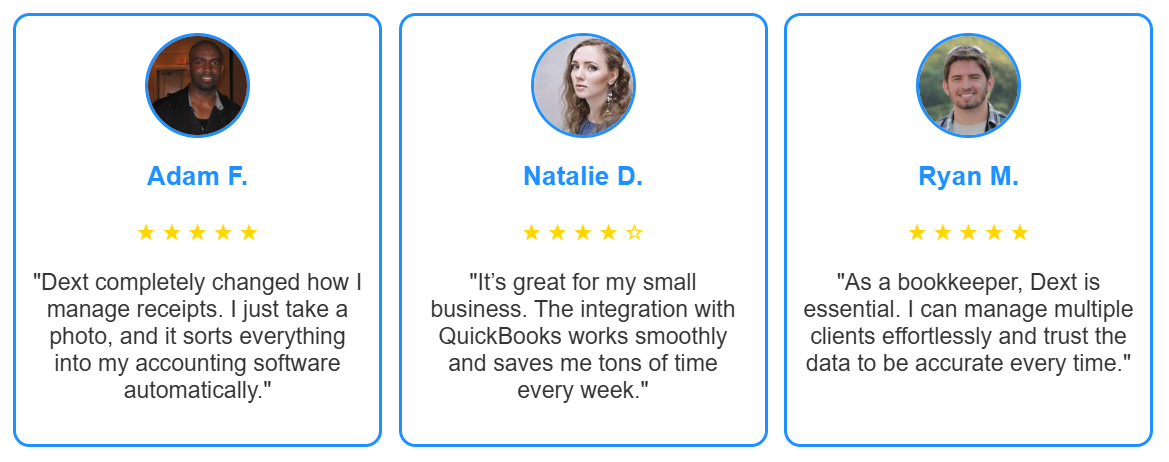
What Customers Are Saying About Dext?🤝
Is Dext Worth It? 🔍
Absolutely. Dext is one of the most efficient tools for automating bookkeeping and expense management.
It helps small businesses and accountants save hours every week, reduces manual errors, and provides real-time visibility into financial data.
If your workflow involves constant invoice processing, Dext will feel like hiring a digital assistant that never sleeps.
Rating: ⭐ 4.8/5 — Perfect for freelancers, accountants, and small businesses that value accuracy and automation.
Also Read: ConvertKit Review: Do We Recommend It For Email Marketing?
FAQs About Dext ❓
Dext helps capture, organize, and process receipts and invoices automatically.
Yes. Dext connects with both, syncing all data automatically.
Yes. It’s ideal for freelancers, startups, and accounting firms.
Yes. You can upload receipts and track expenses from your phone.
Yes. All data is encrypted and stored securely in the cloud.
