
TradingView Review 2025: Is It Best Platform for Traders?
Are you trying to find out whether TradingView can actually help you trade smarter? 🤔
Do you keep hearing traders rave about its charts and indicators but wonder if it truly offers an advantage?
Is it really better than broker-built platforms like Thinkorswim or MetaTrader?


TradingView Upto 60% Off Coupon Code – Exclusive Offer 🚀
Unlock 60% OFF on TradingView’s premium plans! Access powerful charting tools, real-time data, and advanced analysis for traders. Don’t miss out on this limited-time deal!
And most importantly – can TradingView improve your technical analysis and decision making?
This TradingView Review will help you understand everything clearly.
TradingView is now one of the most widely used charting and market-analysis platforms in the world, trusted by more than 50 million traders across crypto, stocks, forex, futures, and commodities.
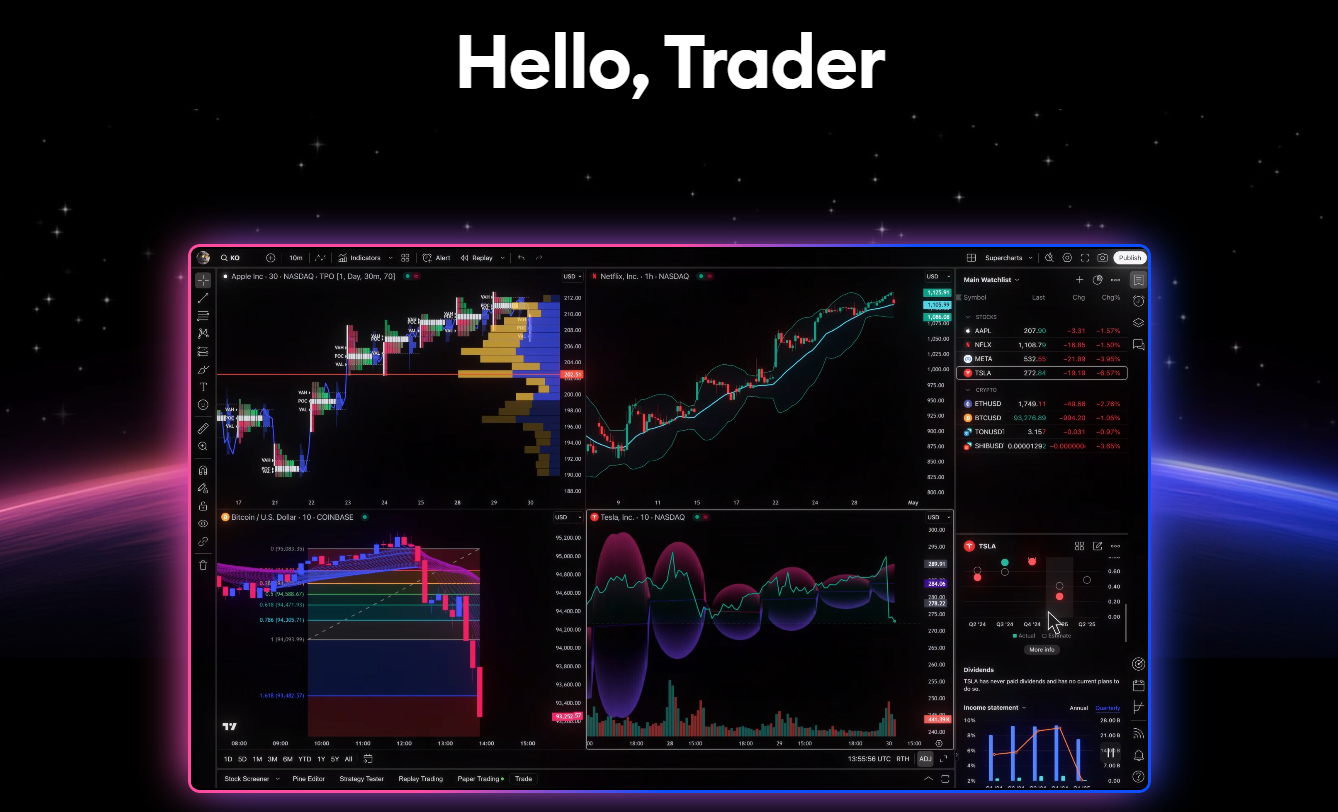
Its clean interface, real-time data, advanced indicators, and strong community make it a top choice for both beginners and experienced traders.
Let’s break down its features, pricing, tools, competitors, pros and cons, and whether it is the right platform for your trading style.
TradingView Upto 50% Off Coupon Code – Limited Time Deal 🎉
Get 50% OFF TradingView’s premium subscription. Enjoy advanced charting features, unlimited indicators, and priority support to supercharge your trading experience!
What Is TradingView? 🤗
TradingView is a powerful charting and market-analysis platform designed to help traders analyze price movements, test strategies, study patterns, and monitor markets in real time.

It supports all major markets under one platform:
• stocks
• crypto
• forex
• futures
• indices
• commodities
TradingView became popular for its seamless interface and incredibly fast charts.
Unlike traditional trading software, everything works inside your browser or mobile app without the need to install heavy programs.
The platform is designed for traders at every level. Beginners enjoy the simple charting experience, while advanced traders use its deep tools, scripts, multi-chart layouts, and institutional-grade indicators.
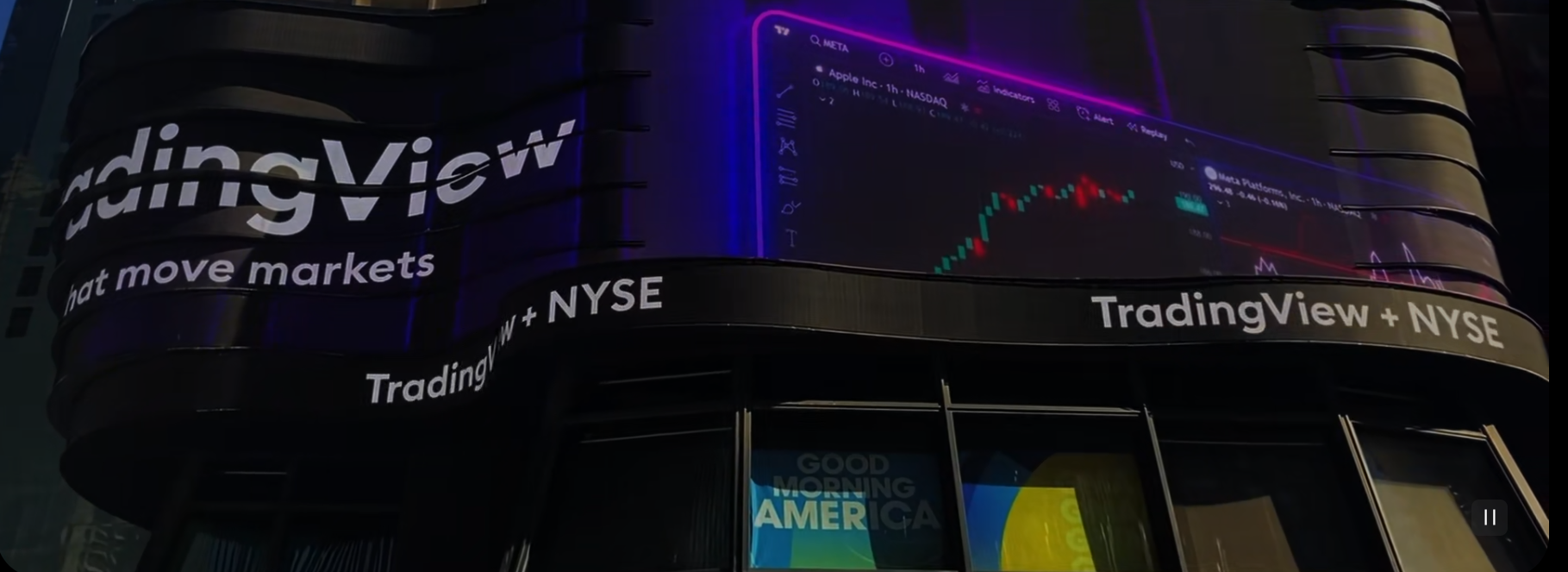
Its biggest strength is customizability. Traders can create personalized setups, build indicators through Pine Script, analyze complex market structures, and share trading ideas with millions of users in its community.
TradingView has earned a reputation for accuracy, speed, and ease of use, making it the go-to charting system for professionals across the world.
TradingView Key Features 💡
1. Professional-Quality Charting Tools
TradingView’s charting engine is smooth, fast, and incredibly detailed.
Traders can study price action using dozens of chart types, including candlesticks, bars, Heikin Ashi, Renko, and more.
Its charts load instantly and allow deep customization, making them ideal for day traders and swing traders who depend on precise visual analysis.
2. Massive Indicator Library
TradingView includes over 100+ built-in indicators, but what makes it unique is the 100,000+ custom indicators created by experts and shared publicly.
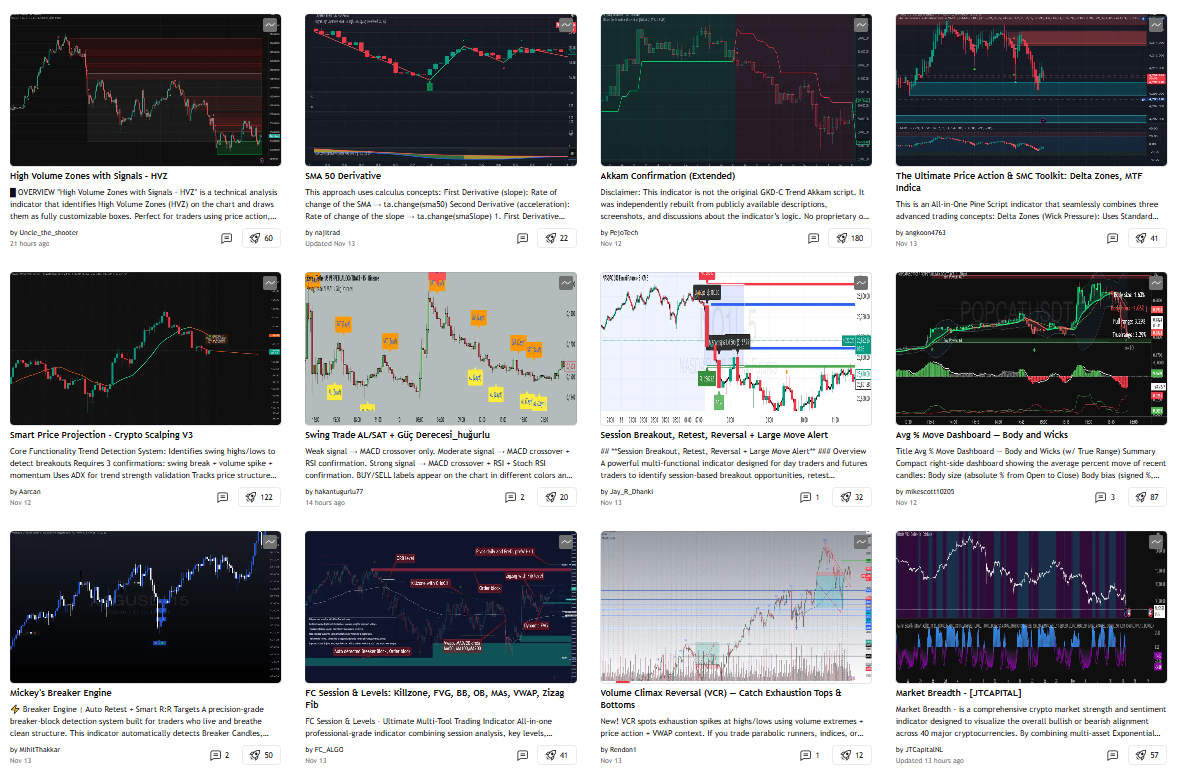
If you want special tools like Smart Money Concepts, order blocks, volatility ranges, supply/demand, or advanced moving averages, chances are the TradingView community has already built them.
This gives traders a huge advantage that traditional platforms can’t match.
3. Advanced Drawing Tools for Technical Analysis
Whether you use Fibonacci retracement, trendlines, pitchforks, channels, patterns, or custom shapes, TradingView gives you complete freedom to mark charts the way you want.
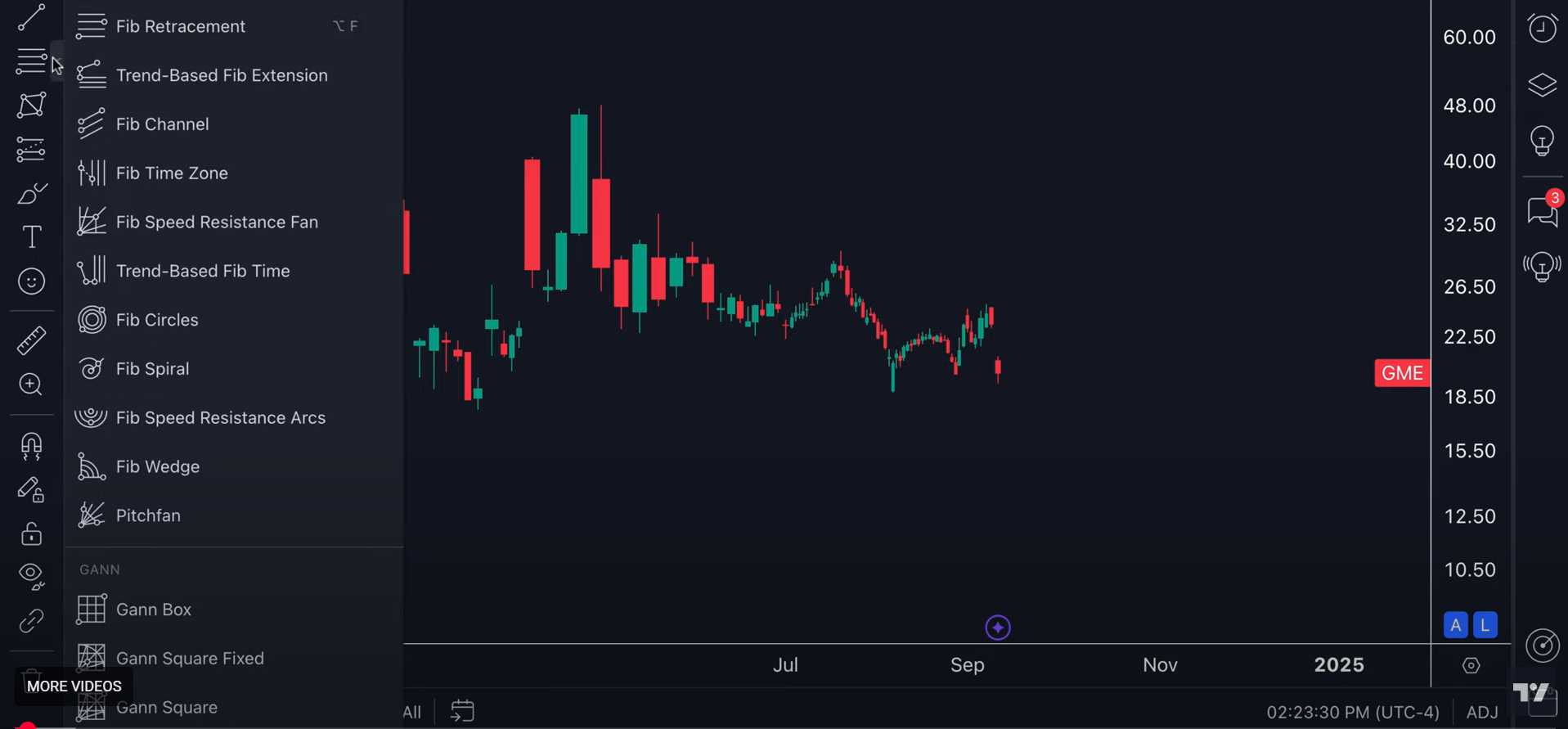
Its drawing tools are highly accurate and extremely flexible.
This helps traders identify market structure, support and resistance, and key trend reversals with clarity.
4. Multi-Chart Layouts
TradingView allows you to view multiple charts in a single screen.
Premium users can open up to 8 charts at once.
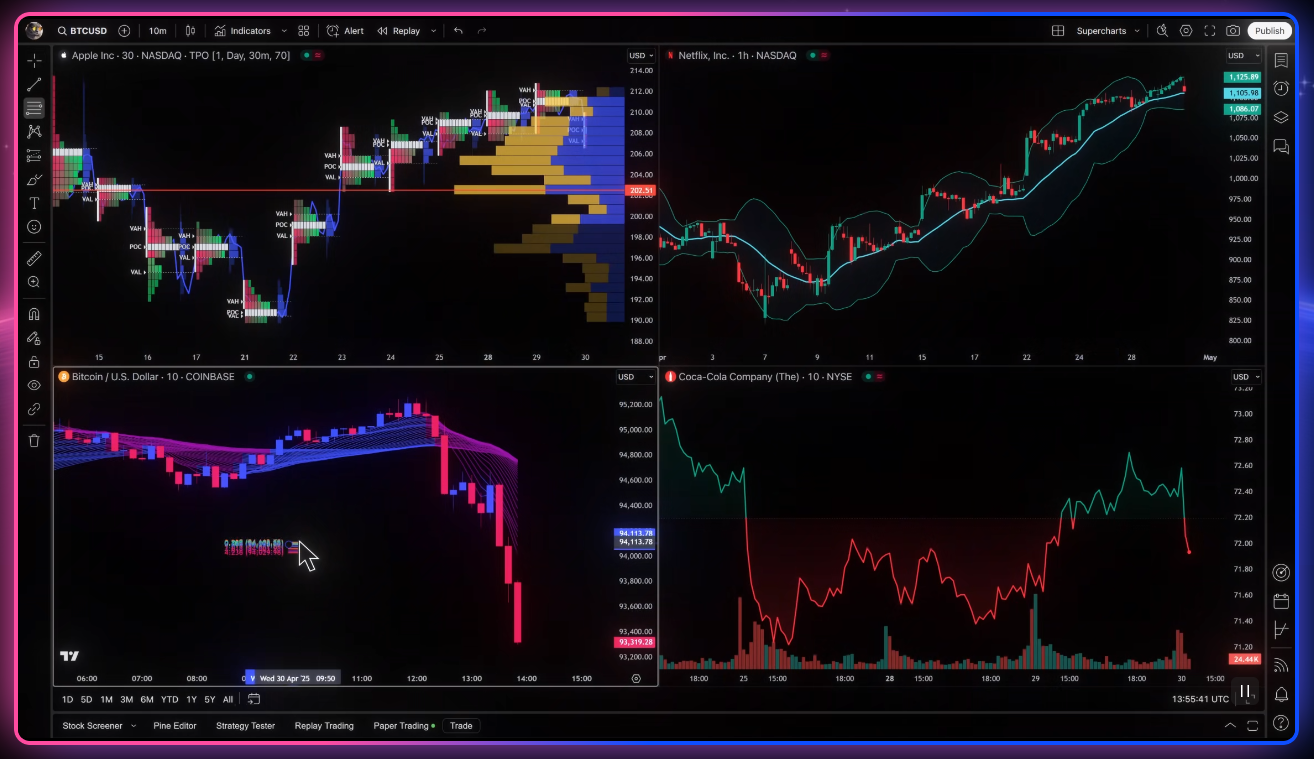
This is essential for traders who compare:
• different timeframes
• related markets
• correlated assets
It creates a complete market view for better decision making.
5. Real-Time Alerts
TradingView offers one of the most advanced alert systems in the industry.
You can set alerts on:
• price levels
• indicators
• chart drawing objects
• custom Pine Script rules
• strategies
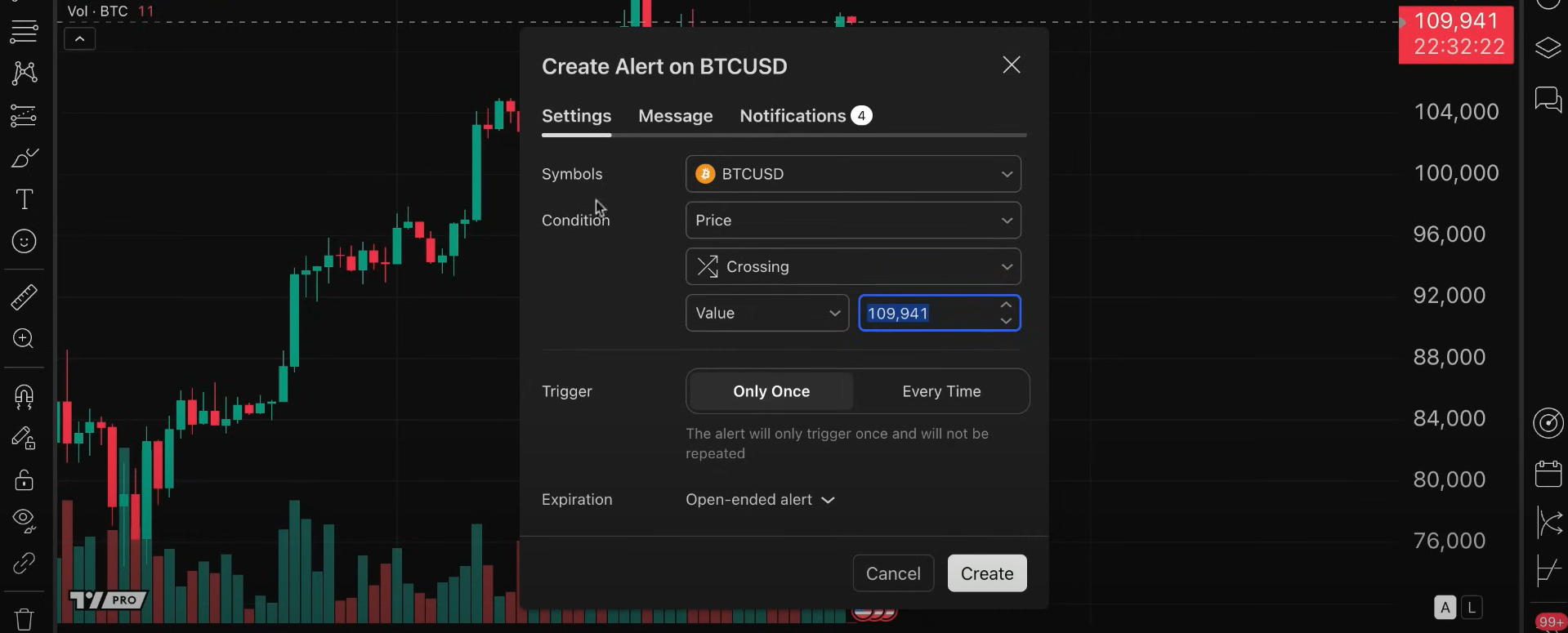
Alerts are delivered instantly through:
• SMS
• email
• app notifications
• webhooks for automated trading
This saves hours of screen time and ensures you never miss an opportunity.
6. Pine Script – Build Your Own Tools
TradingView’s coding language, Pine Script, allows traders to build completely custom indicators and strategies.

It works even for beginners and lets you test unique ideas using real market data. Many popular strategies on TradingView were built entirely with Pine Script.
7. Strategy Testing and Backtesting
TradingView’s strategy tester helps traders evaluate ideas before risking money. It shows:
• profit/loss
• drawdown
• win rate
• risk metrics
• equity curves
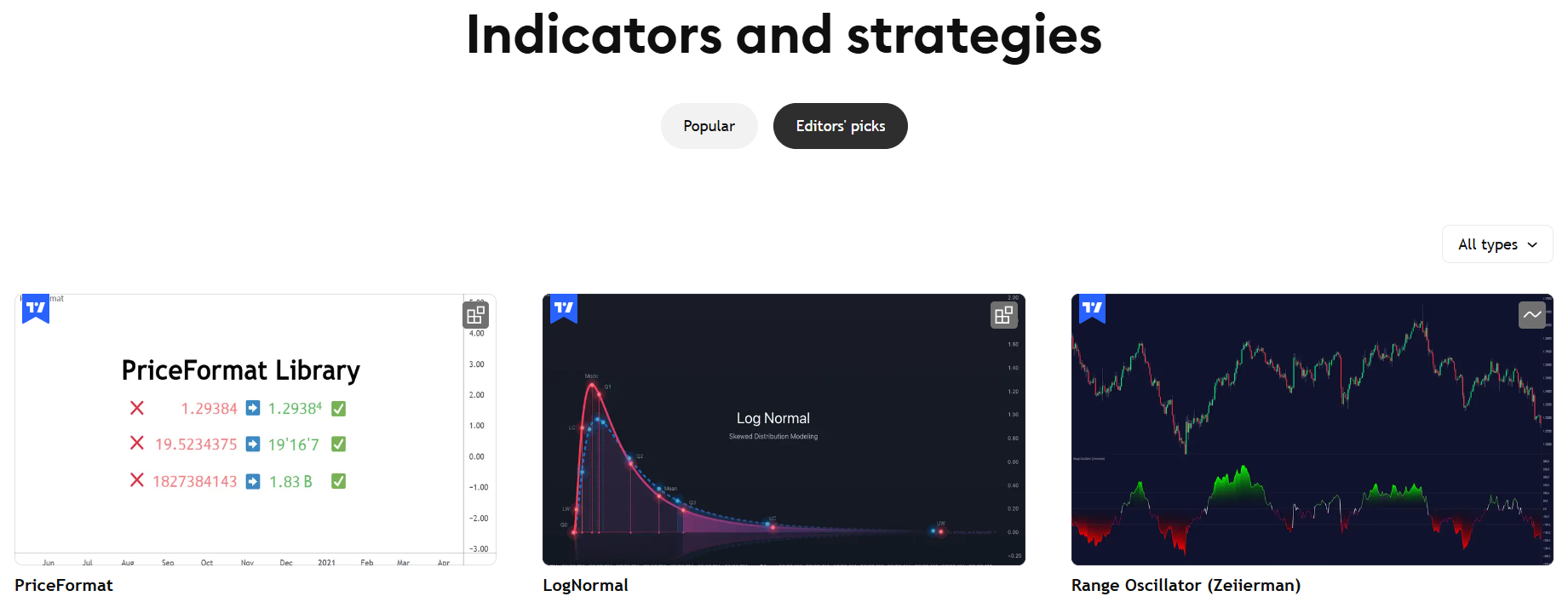
This helps traders avoid emotional or untested decisions.
8. Community Insights and Shared Ideas
One of the biggest strengths of TradingView is its massive social trading community.
Traders post charts, forecasts, analysis, and strategies daily.
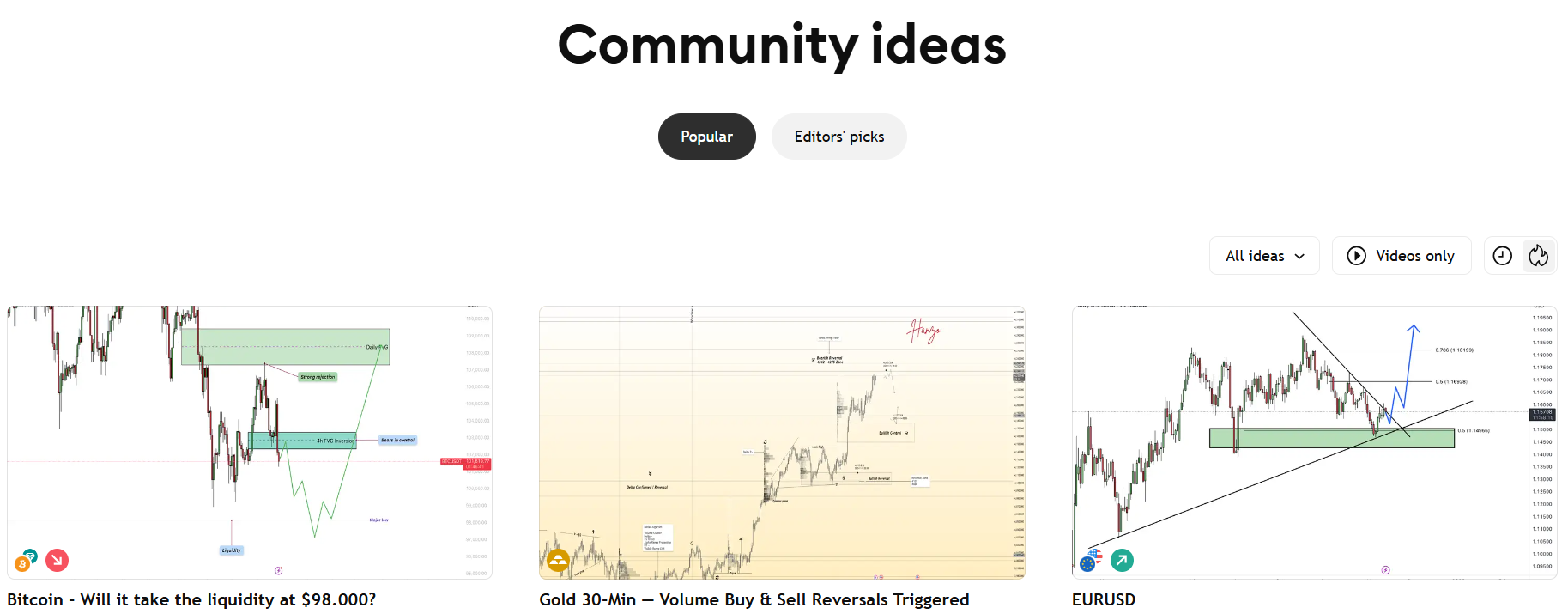
You can follow top analysts, learn from experienced traders, and discuss market conditions in real time.
How to Apply for TradingView? 😍
Getting the TradingView discount is simple.
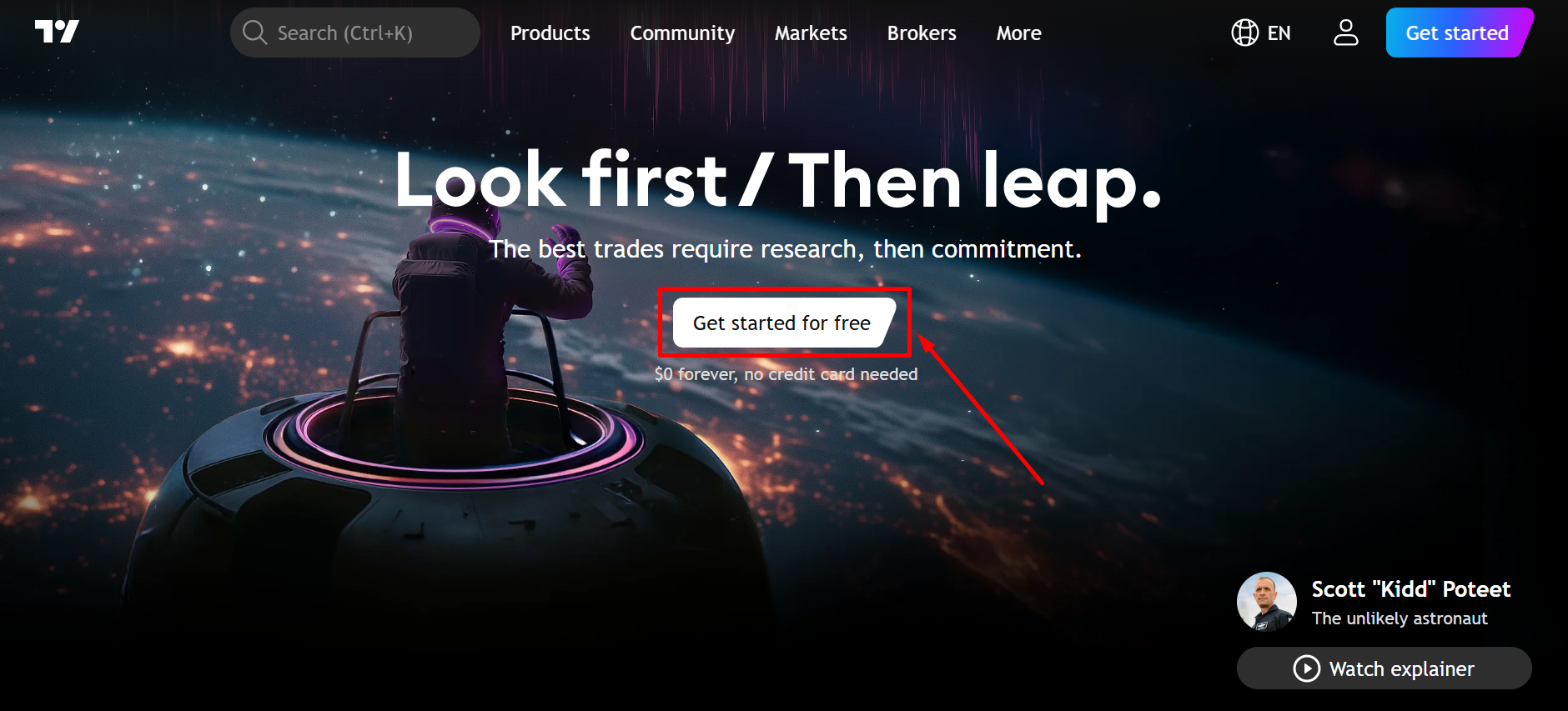
Step 1: Go to TradingView.com and click “Get Started.”
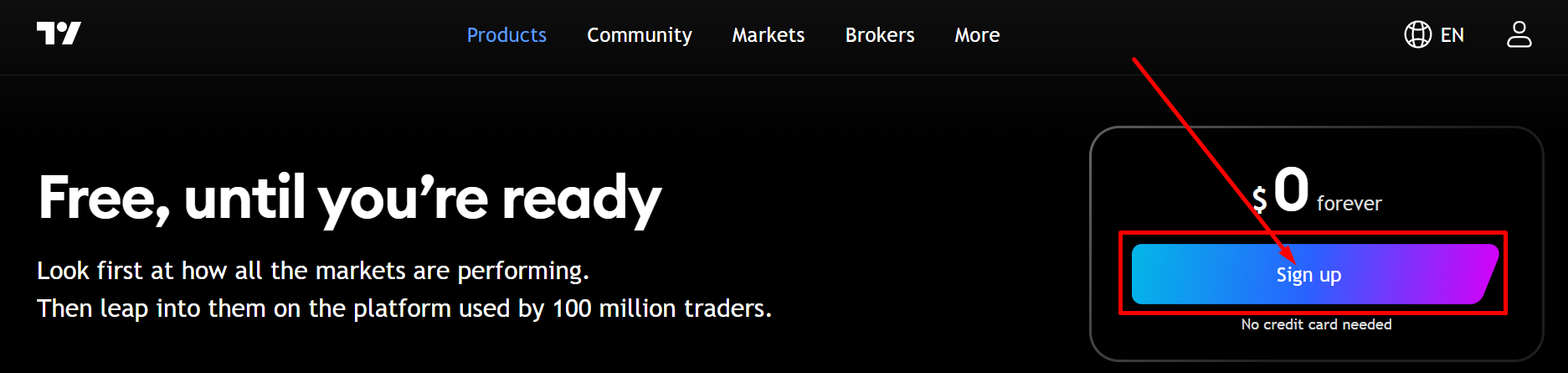
Step 2: Choose your plan among Essential, Plus, Premium or Ultimate or sign up for $0 forever. Here we are proceeding with the free plan.
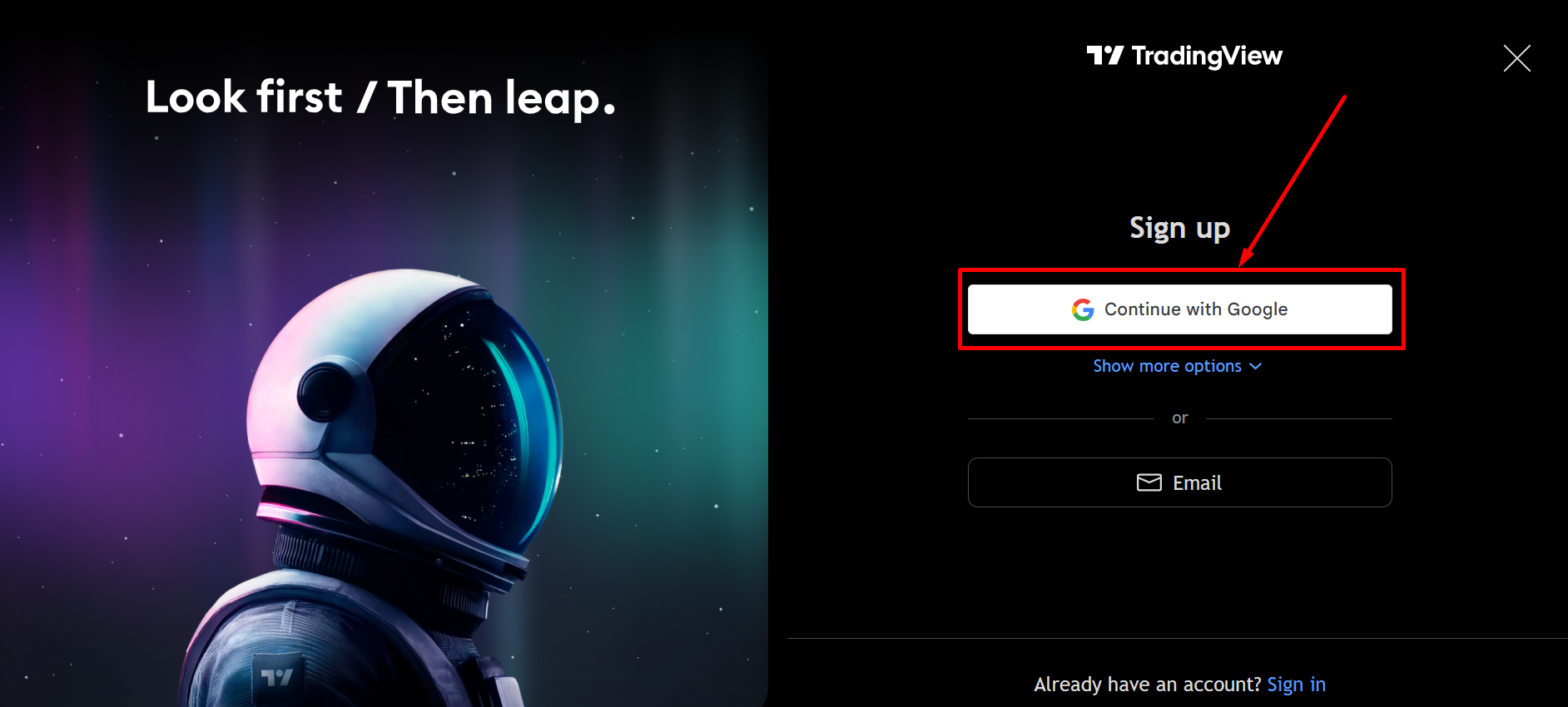
Step 3: Create a free account.
You’ll instantly unlock advanced charts, indicators, and all premium features.
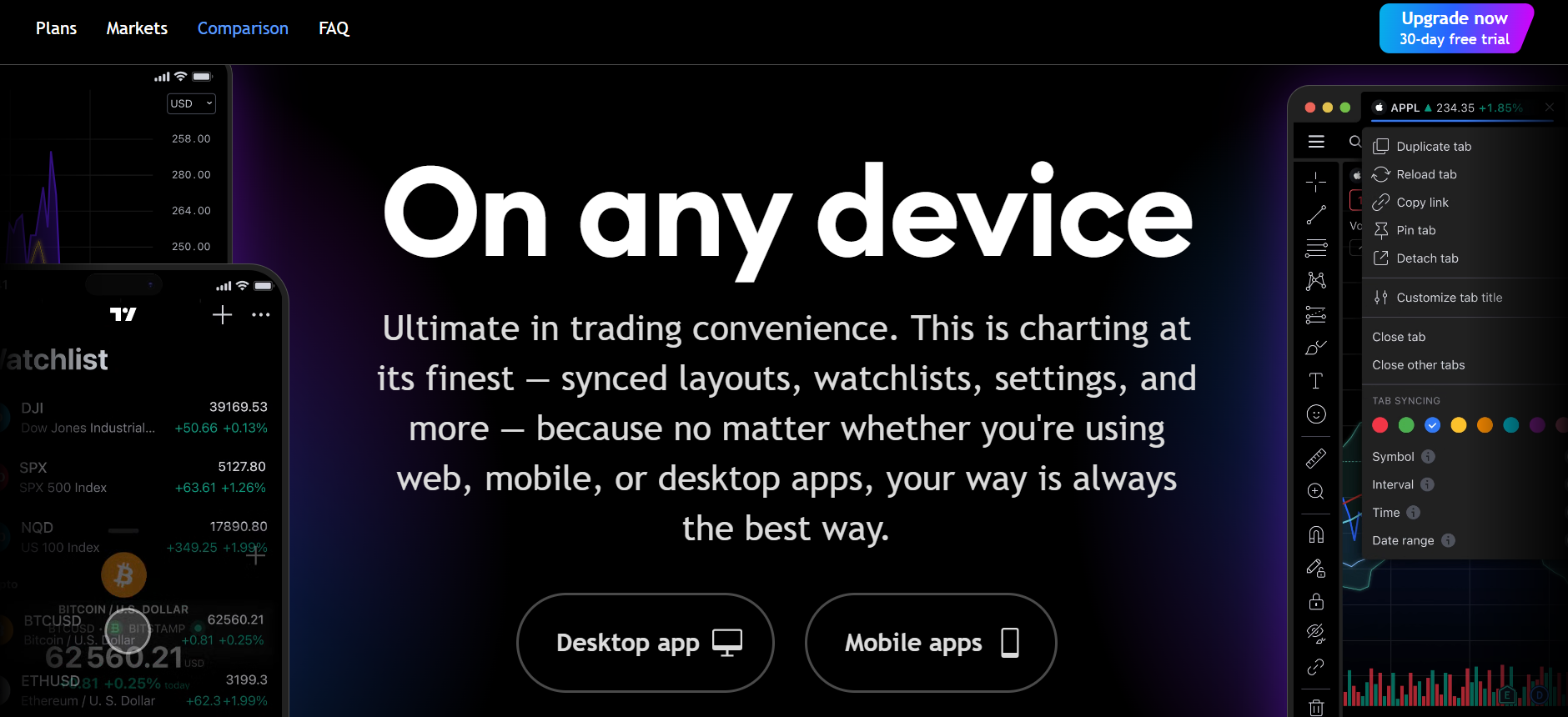
You are all set! Enjoy Trading on any device.
TradingView Pricing 🎁
TradingView offers flexible plans based on your trading needs.

| Plan | Price | Key Features |
|---|---|---|
| Free Plan | $0 forever | 1 chart per tab, 3 alerts, basic tools, ads included. Good for beginners checking markets. |
| Essential | $12.95/mo billed annually | 2 charts per tab, 20 alerts, no ads, custom timeframes. Ideal for active traders upgrading from free. |
| Plus | $28.29/mo billed annually | 4 charts per tab, 100 alerts, 10 indicators per chart. Best for swing traders and analysts. |
| Premium | $56.49/mo billed annually | 8 charts per tab, 400 alerts, 25 indicators per chart. Built for power users needing deep analysis. |
| Ultimate | $199.95/mo billed annually | 16 charts per tab, 1,000 alerts, 50 indicators per chart. Best for institutions and high-volume traders. |
TradingView Pros & Cons ✅❌
| Pros ✅ | Cons ❌ |
|---|---|
| Exceptional charting tools with lightning-fast performance. | Real-time exchange data may require paid add-ons. |
| Access to 100,000+ custom indicators created by experts. | Free plan includes ads and limited chart features. |
| Advanced alerts for price, indicators, patterns, and scripts. | Some backtesting tools are basic compared to pro software. |
| Multi-chart layouts for analyzing multiple assets at once. | Learning Pine Script requires practice for new traders. |
| Huge community with shared ideas, strategies, and insights. | |
| Works on all devices with smooth syncing across platforms. |
Who Should Use TradingView?
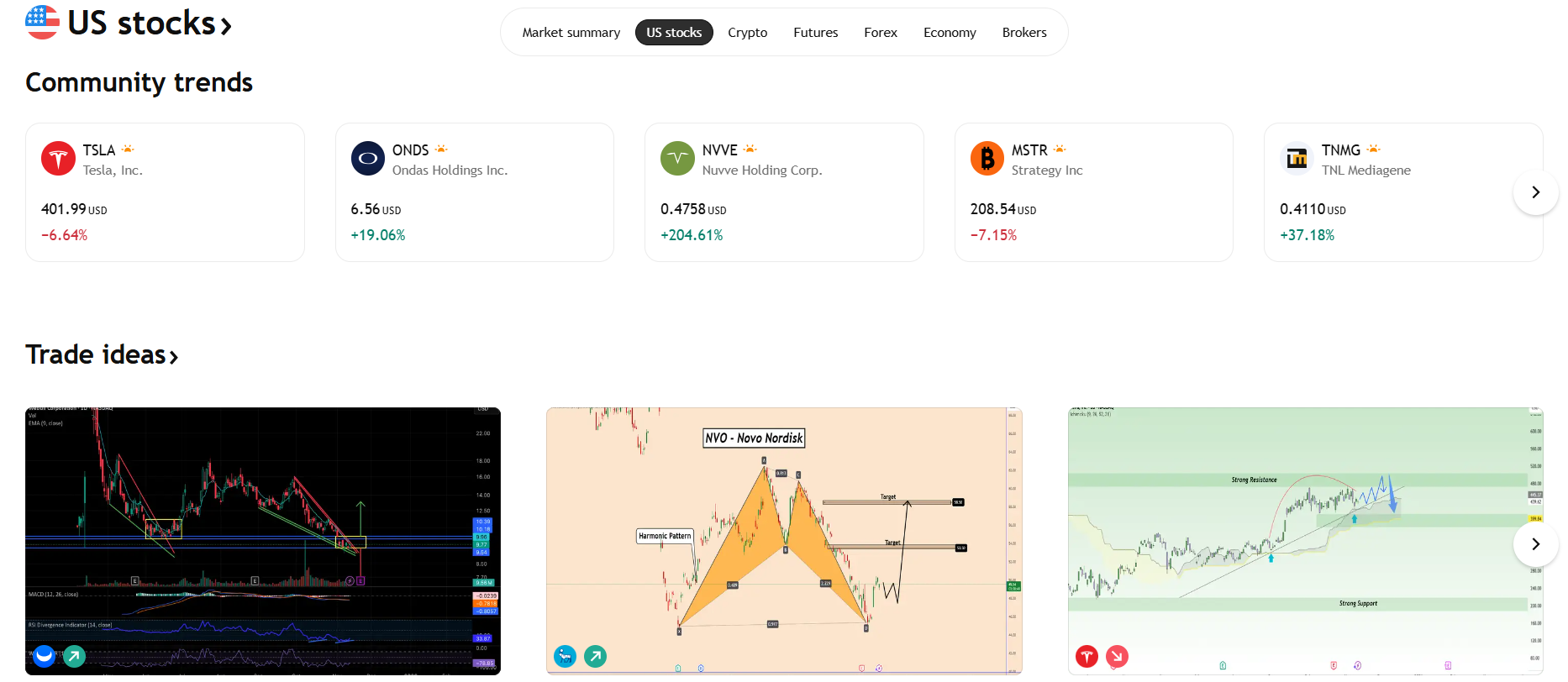
TradingView is perfect for:
- Stock traders: Get real-time data, advanced charting tools, and seamless order execution to make informed stock trading decisions.
- Crypto traders: Analyze crypto markets with cutting-edge indicators and real-time price feeds to stay ahead of volatile crypto trends.
- Forex traders: Take advantage of detailed forex charts, currency pairs, and technical indicators to perfect your trading strategy.
- Day traders: Utilize fast, real-time market updates, quick execution, and customizable charts to capitalize on intraday price movements.
- Swing traders: Identify short-term market trends and opportunities using advanced charting tools to maximize profit in medium-term trades.
- long-term investors: Track long-term market movements with robust technical analysis tools to guide strategic investment decisions.
Anyone who depends on clean charts, indicators, alerts, and deep analysis will benefit immediately.
TradingView vs Thinkorswim vs MetaTrader 🔥
| Feature | TradingView | Thinkorswim | MetaTrader |
|---|---|---|---|
| Ease of use | Very user-friendly. | Complex for beginners. | Moderate difficulty. |
| Chart quality | Smooth and modern. | Very detailed charts. | Functional but basic. |
| Indicators | 100K+ indicators. | Few custom options. | 150+ built-ins. |
| Community | Massive user community. | Minimal community. | No built-in community. |
| Automation | Custom Pine Script. | Limited automation. | Strong EA support. |
| Multi-device access | Works everywhere. | Desktop only. | Desktop/mobile. |
| Alerts | Advanced and flexible. | Basic alerts. | Limited alerts. |
| Best For | Active traders & analysts. | Advanced institutional users. | Forex traders & automation users. |
TradingView Customer Reviews ❣️
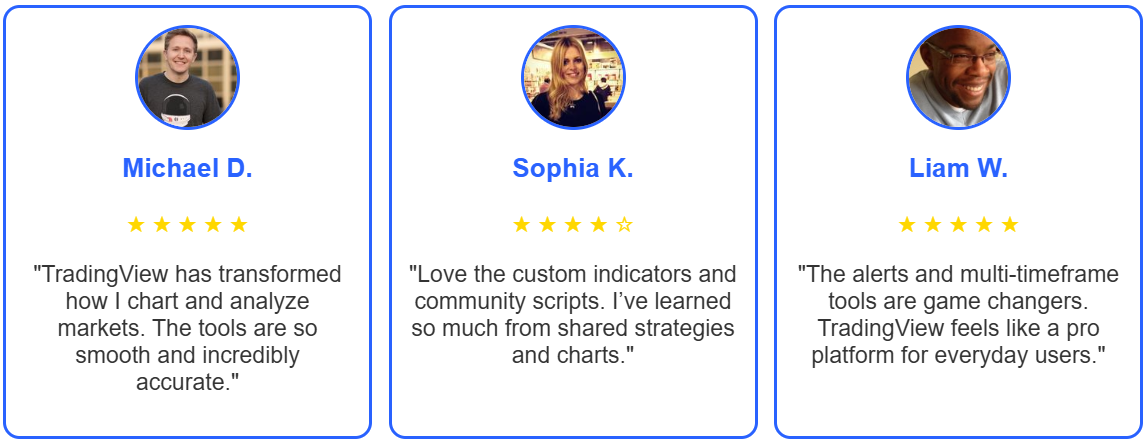
Traders across the world appreciate TradingView for its speed, reliability, and professional-grade charting tools.
Many praise its clean interface, easy usability, and high-quality indicators.
Conclusion: Is TradingView Worth It?
Yes, TradingView is absolutely worth using.
Its combination of speed, charting quality, indicators, alerts, and customization makes it one of the most complete trading platforms today.

TradingView offers professional-grade tools that help traders analyze markets with more clarity and confidence.
Whether you’re a beginner learning charts or an experienced trader building advanced strategies, TradingView gives you everything you need in one place.
For traders serious about improving their skills and accuracy, TradingView is one of the best investments you can make.
Must Read: Prime XBT Review: Right Site To Trade Forex, Crypto & CFD
FAQs 📝
Yes, it’s easy to use and ideal for learning technical analysis.
Yes, it supports global crypto, forex, and stock markets.
Yes, the free version works well, but paid plans unlock advanced tools.
Yes, many brokers connect for one-click trading.
Yes, especially for alerts, multi-chart layouts, and unlimited indicators.
