
Nutshell Vs. Salesforce: Which CRM is The Best In 2026?
Nutshell vs Salesforce: Are You Choosing the Right CRM?
Are you wondering whether Nutshell or Salesforce is the better fit? Do you want a CRM that is powerful yet simple?
If you answered yes to any of these questions, this guide is for you.

Crazy Nutshell Discount Offer – Get 30% OFF Now! 🤗
Save big with 30% OFF on all Nutshell plans! 🎉 Enjoy the discount on Foundation, Growth, Business, or Pro plans and boost your CRM today.
In this article, we break down Nutshell vs Salesforce in an honest, practical way. We focus on usability, pricing, features, automation, integrations, support, and overall value.
And we explain why, for most growing businesses, Nutshell offers a better experience with less complexity.
Let’s dive in.
What Is Salesforce? 😊
Salesforce is one of the most widely known CRM platforms in the world. It offers a massive ecosystem, dozens of add-ons, and advanced enterprise features.
The platform was built more than two decades ago and became famous for its SaaS model. But Salesforce is also known for something else:
- High costs
- Long setup times
- Heavy administration
- Steep learning curve
Most businesses do not use even half of what Salesforce provides. This leads to wasted time, wasted money, and a CRM that teams struggle to adopt.
Pros & Cons Of Salesforce
| Pros ✅ | Cons ❌ |
|---|---|
| Extensive CRM ecosystem with tools for almost any industry. | High cost, especially when adding modules and integrations. |
| Highly customizable workflows and automation capabilities. | Steep learning curve for new users. |
| Powerful reporting and analytics suitable for enterprise needs. | Often requires a dedicated Salesforce admin to manage. |
| Large integration marketplace with thousands of apps. | Setup and implementation can take weeks or months. |
| Strong global brand reputation and enterprise-level reliability. | Interface can feel overwhelming with too many options. |
| Robust automation engine for complex multi-step processes. | |
| Strong API support for building custom integrations and apps. |
What Is Nutshell? 😍
Nutshell is a modern, user-friendly CRM built for B2B teams that want power without complexity.
It helps sales and marketing teams work together, stay organized, and close more deals without hiring an admin to run the system.
Nutshell is known for:
- Straightforward pricing
- Fast onboarding
- Intuitive automation
- All-in-one sales, marketing, and engagement tools
- Easy integrations
- Friendly customer support
Unlike many CRMs, Nutshell focuses on simplicity that never sacrifices power.
Pros & Cons Of Nutshell
| Pros ✅ | Cons ❌ |
|---|---|
| Easy-to-use interface with a modern, intuitive layout. | Not as feature-heavy as enterprise CRMs like Salesforce. |
| Transparent and affordable pricing with no hidden fees. | Some advanced integrations may require Zapier. |
| Quick onboarding and very fast setup time. | Smaller integration ecosystem compared to Salesforce AppExchange. |
| Excellent human-based support included with all plans. | Less suited for huge enterprises requiring deep customization. |
| Built-in marketing tools like email campaigns, SMS, and web chat. | |
| Simple yet powerful automation for pipelines and follow-ups. | |
| Smooth syncing with Google Workspace, Microsoft 365, and more. |
Nutshell Limited Discount Offer – Get 15% OFF Now! 😍
Grab 15% OFF on all Nutshell plans! 🎉 Apply the discount to Foundation, Growth, Business, or Pro plans today and save instantly.
Nutshell vs Salesforce: Key Differences at a Glance 🤔
Here is a quick comparison before we break things down:
| Feature | Nutshell | Salesforce |
|---|---|---|
| Ease of Use | Very beginner-friendly and intuitive | Steep learning curve, especially for new users |
| Pricing | Transparent and affordable plans | Can get expensive with add-ons and users |
| Customization | Simplified custom fields and pipelines | Highly customizable with deep features |
| Integrations | Integrates with Google, Microsoft, and others | Massive app ecosystem with advanced options |
| Automation | Built-in sales automation features | Powerful workflow automation engine |
| Reporting | Easy-to-understand built-in reporting | Advanced, customizable reports |
| Team Collaboration | Built-in email, call tracking, and team notes | Robust collaboration tools and add-ons |
| Best For | Small to medium-sized sales teams | Large enterprises with complex needs |
Now let’s look deeper.
Ease of Use
Nutshell makes CRM simple. Salesforce is powerful, but overwhelming.
Salesforce’s interface includes countless dashboards, menus, and configuration screens. It was built for enterprise teams with complex workflows and dedicated administrators.
For smaller or mid-sized businesses, this often becomes a barrier. Teams commonly report:
- Difficulty finding critical data
- Too many clicks
- Confusing workflows
- Long training periods
- Low user adoption
If your CRM feels like work, your team won’t use it consistently.
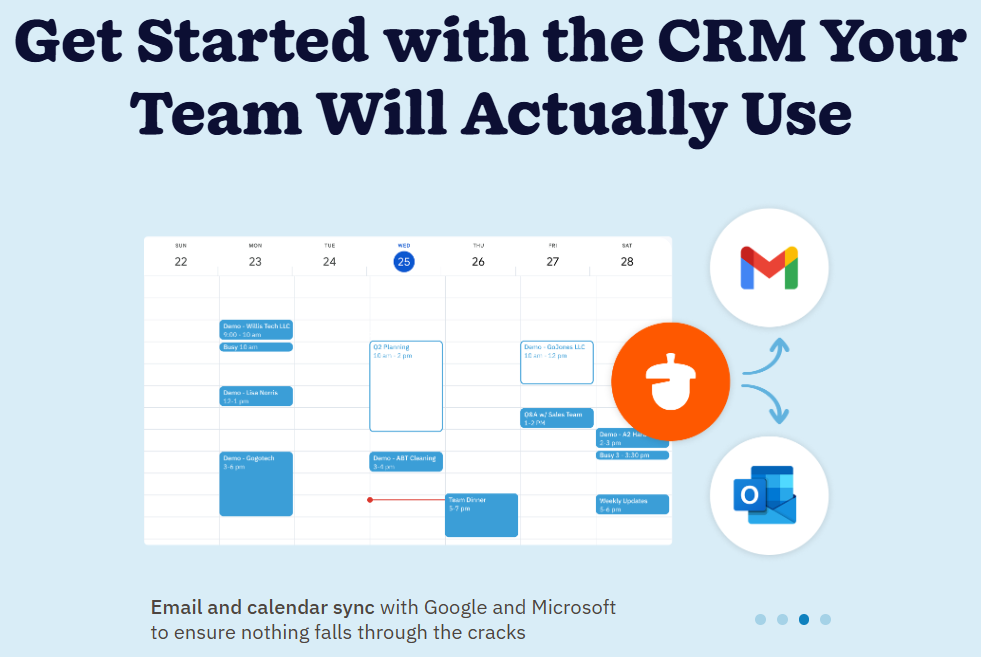
Nutshell focuses on clarity and usability. The interface feels clean, fast, and effortless. Users can start selling within minutes, not months. You can also gain access to 14 day free trial. You get:
- Simple navigation
- Clear pipeline views
- Easy contact management
- Instant setup
- No manual “admin” position required
This creates better adoption and smoother workflows – two things that matter for real sales performance.
Pricing 💰
Nutshell wins with transparency and value. Salesforce pricing often surprises buyers.
Salesforce often requires:
- Paid add-ons
- Extra modules
- Integration fees
- Implementation costs
- Ongoing admin time
- Additional support plans
The advertised cost rarely reflects the real monthly bill. For many small and medium businesses, Salesforce becomes one of the most expensive tools they use.
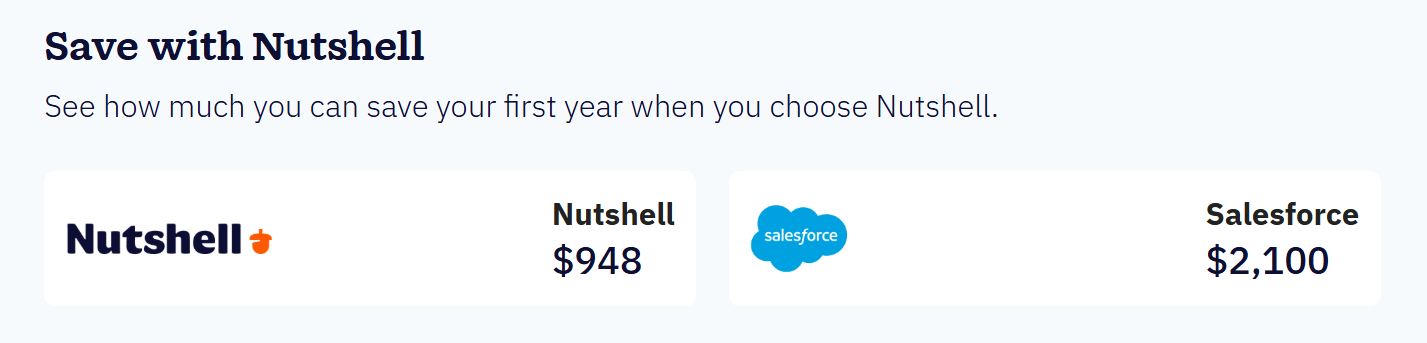
Nutshell keeps pricing simple. Nutshell’s pricing is:
- Transparent
- Predictable
- Affordable
- All-inclusive
You choose a plan based on your needs. You don’t get trapped in upgrade loops or required add-ons. You get more value for a fraction of the cost.
This is one of the biggest reasons businesses switch from Salesforce to Nutshell.
Onboarding and Setup 🛠️
Nutshell takes hours, not months. Salesforce setup is a project Implementation often involves:
- Consultants
- Paid onboarding teams
- Complex data migration
- Custom workflow programming
- Admin training
Businesses can wait months to fully roll out Salesforce. Some even require a dedicated employee to manage the system.

Nutshell setup is quick and painless. Nutshell was designed for non-technical teams. You get:
- Guided onboarding
- Fast data import
- Simple customization
- Helpful live support
- No coding needed
Most teams start using Nutshell the same day they sign up. That alone creates faster results and less stress.
Automation 🔄
Simple, smart, and useful in Nutshell. Salesforce offers deep automation – if you can manage it.
Salesforce automation is powerful but complicated. You often need admin skills or consultant help to build flows. For many teams, this leads to unused features.
Nutshell provides automation you can actually use. Nutshell’s tools focus on simple, real-world workflows, such as:
- Automatic email sequences
- Pipeline-triggered follow-ups
- Lead assignment rules
- Activity reminders
- Smart notifications
- Sales process automation
You get automation that supports your sales team instead of slowing them down.
Integration: Both Are Strong, but Nutshell Feels Effortless
Salesforce integrates with many apps but often at a cost. Salesforce’s marketplace is huge. But many connectors are:
- Paid
- Complex
- Overwhelming
- Hard to maintain
Some require developer work just to keep them running smoothly.
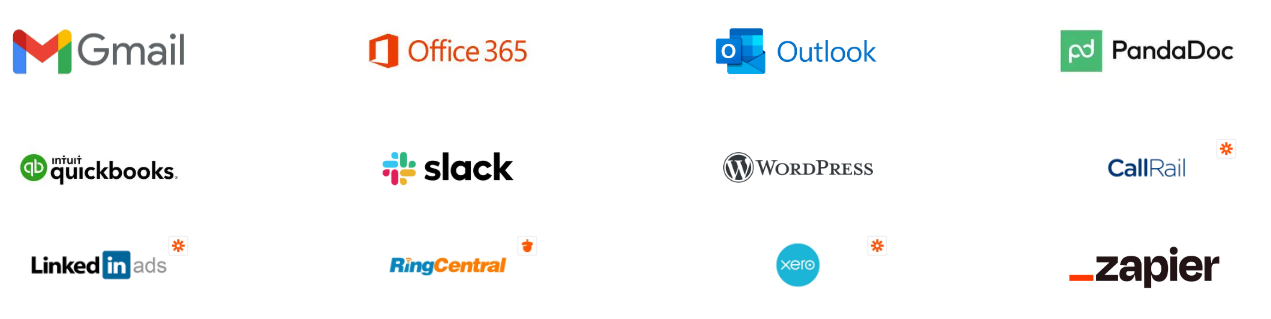
Nutshell integrates with the tools teams use every day. Nutshell connects seamlessly with tools like:
- Google Workspace
- Microsoft 365
- Slack
- QuickBooks
- Zapier
- Calendars
- Email marketing tools
Most integrations take minutes to activate. No technical background required.
Customer Support 🤝
Nutshell delivers human service. Salesforce support is tiered and costly. It support varies based on your plan. To get hands-on assistance, many customers need to upgrade or pay extra.

Nutshell provides real support for everyone. Nutshell is known for:
- Fast response times
- Friendly, human-based support
- Helpful onboarding guidance
- Chat and email support for all plans
This creates a smoother user experience and better long-term adoption.
All-in-One Functionality: Nutshell Offers More Built-In Tools
Salesforce often requires add-ons for important functions. Nutshell includes many of these features from the start. With Nutshell, you get:
- CRM
- Email marketing tools
- SMS messaging
- Web chat
- Scheduling
- Quoting
- Prospecting
- Pipeline automation
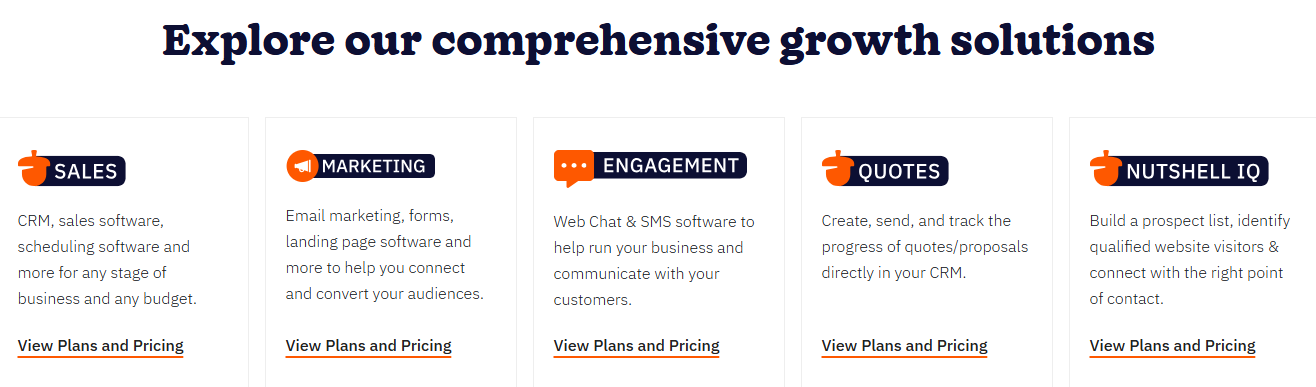
This creates one unified workflow inside a single platform. No juggling separate tools. No additional monthly subscriptions.
Speed: Nutshell Helps Teams Sell Faster 🔥
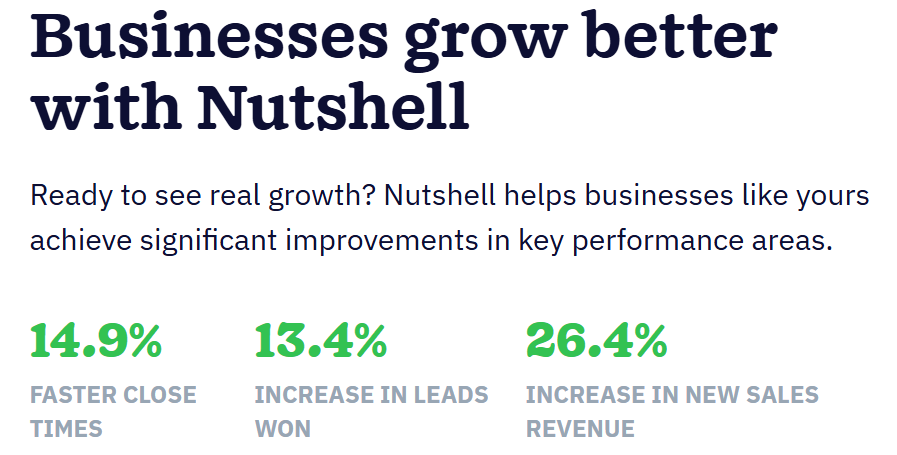
Because Nutshell is easier to use, teams:
- Onboard faster
- Adopt features sooner
- Follow sales processes more consistently
- Contact leads quicker
- Close deals with fewer delays
A CRM is only valuable if your team actually wants to use it. That’s where Nutshell shines.
Why Nutshell CRM is Better Than Salesforce?
1. User-Friendly Interface
Salesforce is feature-rich but often overwhelming for new users. Its dashboards can be complex, leading to longer onboarding times.
Nutshell CRM, in contrast, has a clean, modern interface that makes navigation intuitive.
2. Faster Setup and Implementation
Setting up Salesforce can take months, requiring IT support and professional services. Businesses often face delays before they can start seeing ROI.
Nutshell CRM can be up and running in days, not months, with minimal configuration. This allows teams to start managing leads and closing deals almost immediately.
3. Quick ROI and Productivity Gains
Because Nutshell is simple to use, quick to set up, and efficient in managing sales pipelines, businesses see results faster.
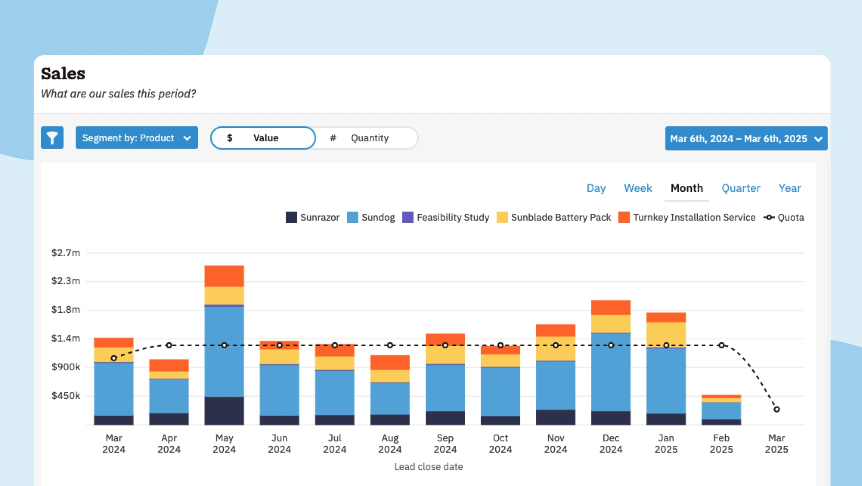
From increased lead conversions to faster deal closures, Nutshell drives productivity without the long ramp-up time Salesforce often requires.
4. Higher Adoption Rates
Complex systems can lead to low employee adoption. Teams may resist using Salesforce because of its steep learning curve.
Nutshell is designed with users in mind. Its intuitive workflows, drag-and-drop features, and automation tools ensure higher adoption, meaning your sales and marketing teams actually use the CRM to drive results.
Why Businesses Switch from Salesforce to Nutshell? 🤔
Companies that switch to Nutshell commonly report:
1. Lower Costs 💰
Salesforce can be expensive, especially when adding extra modules or user licenses. Businesses often face hidden costs for setup, customization, and ongoing maintenance.
Nutshell, on the other hand, offers transparent pricing across all plans, making it easier for companies of all sizes to adopt without breaking the budget.
2. Higher Adoption Rates 📈
One common challenge with Salesforce is its steep learning curve. Employees often struggle with its complex interface and features, which can lead to underutilization.
Nutshell’s intuitive, modern design allows teams to quickly learn the platform and start using it effectively, resulting in higher adoption rates across sales, marketing, and customer support teams.
3. Better Team Satisfaction 😊

Sales teams value tools that make their work easier, not more complicated. Salesforce can feel overwhelming, whereas Nutshell’s clean interface, easy navigation, and automation tools help teams work more efficiently.
Higher satisfaction often leads to better performance and reduced employee frustration.
4. More Efficient Sales Processes ⚡

With Salesforce, complex pipelines and workflows can slow down sales processes.
Nutshell’s pipeline management and automation features streamline lead tracking, follow-ups, and reporting. Teams can move deals faster, focus on high-value opportunities, and close more business in less time.
5. Quick Setup 🚀
Salesforce implementation can take months, requiring IT support or a dedicated administrator. Nutshell can be set up in days, not months, letting businesses start using the platform quickly without expensive onboarding.
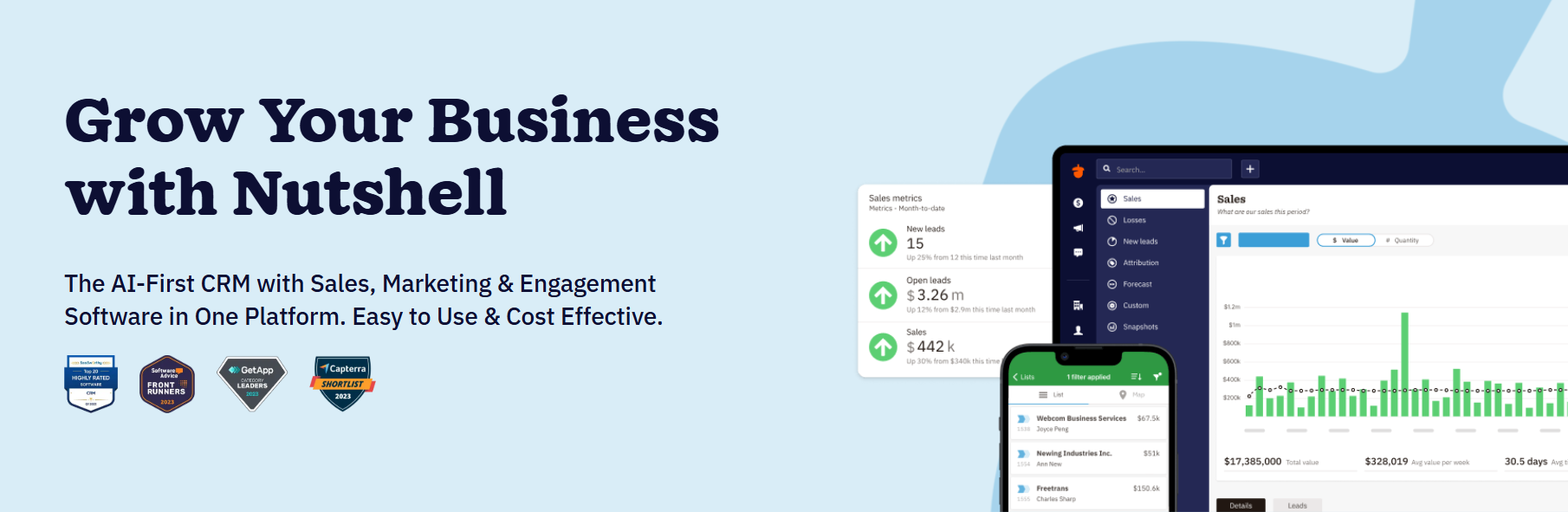
Nutshell offers the essential power without unnecessary complexity. That is a major advantage for growing businesses.
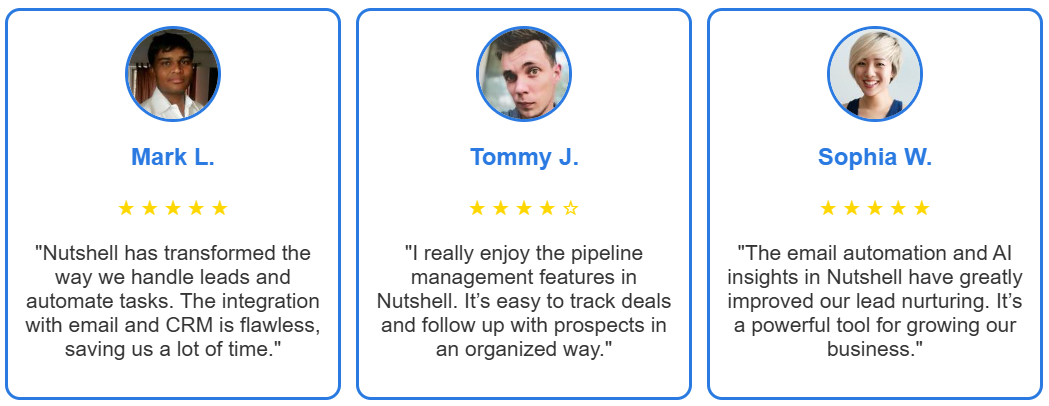
Customer Reviews 👨💼
Nutshell vs Salesforce: Final Verdict
If your business needs a CRM that:
- Is easy to use
- Onboards fast
- Has transparent pricing
- Helps your team stay organized
- Includes sales and marketing tools
- Provides excellent support
- Delivers real value without overwhelm
Then Nutshell is the smarter choice. Salesforce is powerful for enterprise teams with large budgets, long timelines, and dedicated admins. But most businesses do not need that level of complexity.
Nutshell gives you everything you need without the hassle.
Conclusion 🌟
Nutshell is the smarter choice for any business that wants a powerful CRM without the complexity and high costs of Salesforce.
From the very first login, Nutshell feels easier, faster, and more intuitive, giving your team everything they need to sell and communicate effectively without overwhelming them.

With predictable pricing, built-in marketing tools, seamless integrations, and friendly human support, Nutshell delivers real value from day one. You don’t need developers, long training sessions, or expensive add-ons to make it work. It simply works.
If you want a CRM that your team will actually use and one that helps you close more deals with less effort. Nutshell stands out as the best choice. It’s modern, affordable, and built for real-world sales teams who need speed, clarity, and results.
Choose Nutshell, and give your business a CRM that truly supports growth.
Quick Links:
- Pipedrive Review: Is It Best CRM Management Software?
- Freshworks vs Salesforce: Which One Is The Best?
FAQs
Yes. Nutshell offers easier setup, lower pricing, and simpler automation, making it a strong alternative for small and mid-sized teams.
Nutshell is easier to use. It has a clean interface and short learning curve, while Salesforce is more complex and requires more training.
Salesforce charges extra for add-ons, integrations, support tiers, and advanced modules. Nutshell includes most tools at a predictable price.
For most small and mid-sized businesses – yes. Nutshell covers CRM, automation, email, SMS, and integrations without enterprise complexity.
Nutshell is usually better for small businesses because it’s affordable, user-friendly, and fast to set up.
