
Envato Review: Is It Best Platform For Digital Creative Assets?
Looking for a single platform that gives you unlimited creative assets and AI-powered tools? 🤔
If yes then you are in the right place. 👌
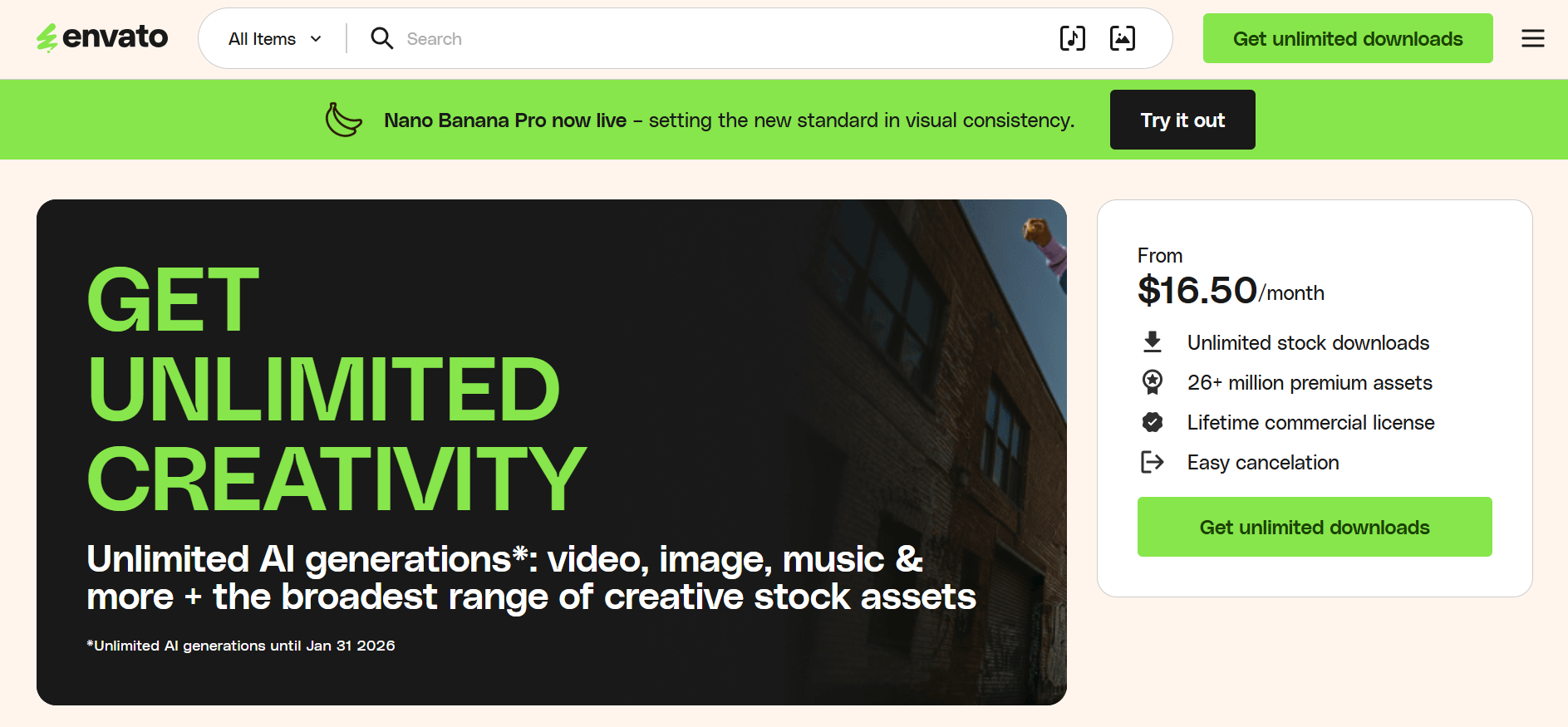
💡 Save 30% on Envato – Student Special!
Students can now get 30% OFF on Envato subscriptions. Access unlimited templates, stock videos, graphics, fonts, and AI tools at a fraction of the cost. Start creating smarter today! 🎨✨
Imagine having access to millions of templates, stock videos, graphics, fonts, and AI generators—all in one place.
Envato makes it possible, helping designers, marketers, video creators, and agencies simplify their creative workflows and save time. 🎨✨
🎓 Envato Student Discount – 30% OFF!
Upgrade your creative projects with Envato and enjoy 30% discount for students. Download premium assets, explore AI tools, & build professional designs without breaking budget. 🚀
Envato at a Glance
- 26+ million premium creative assets for every project.
- Powerful AI suite including VideoGen, ImageGen, and VoiceGen.
- Flexible plans with commercial licenses and student discounts.
- Ideal for freelancers, marketers, and creative teams.
- Seamless integration with popular design and editing software.
Envato: The All-in-One Creative Platform 🤖
Envato is an all-in-one creative platform that gives users unlimited access to millions of digital assets. It offers stock videos, photos, music, graphics, fonts, templates, and 3D assets all under a single subscription.
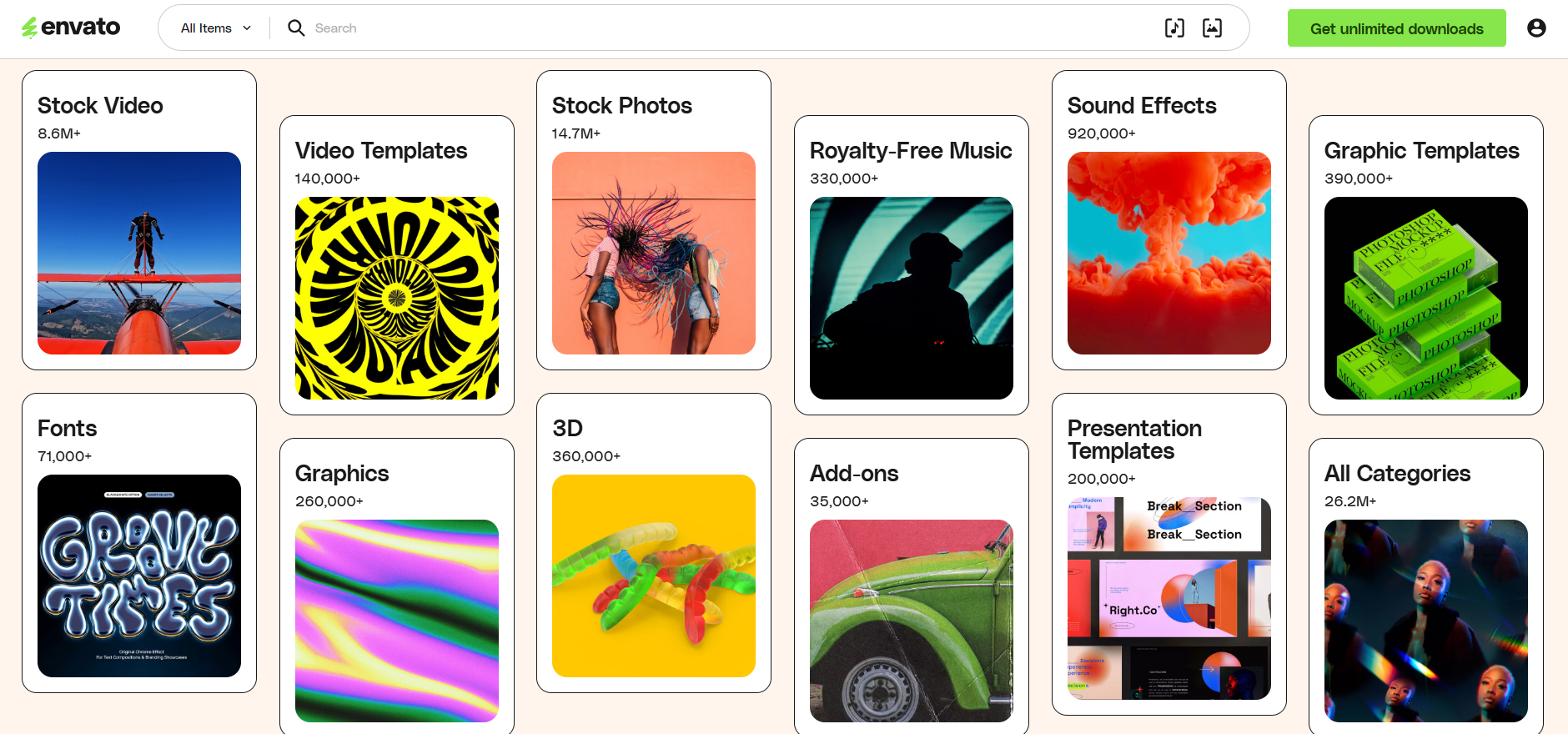
Along with stock content, Envato includes powerful AI tools for generating videos, images, music, voiceovers, and graphics. This makes it a complete solution for creators who want speed, flexibility, and professional-quality results.
Envato is widely used by designers, marketers, video editors, freelancers, agencies, and content creators who need high-quality assets without worrying about individual licenses or per-item costs.
Envato Suite of AI Tools ✅
Envato offers a powerful suite of AI tools designed to help creators produce content faster without sacrificing quality. These tools cover everything from video and image creation to music, voiceovers, and graphic design all accessible within one subscription.
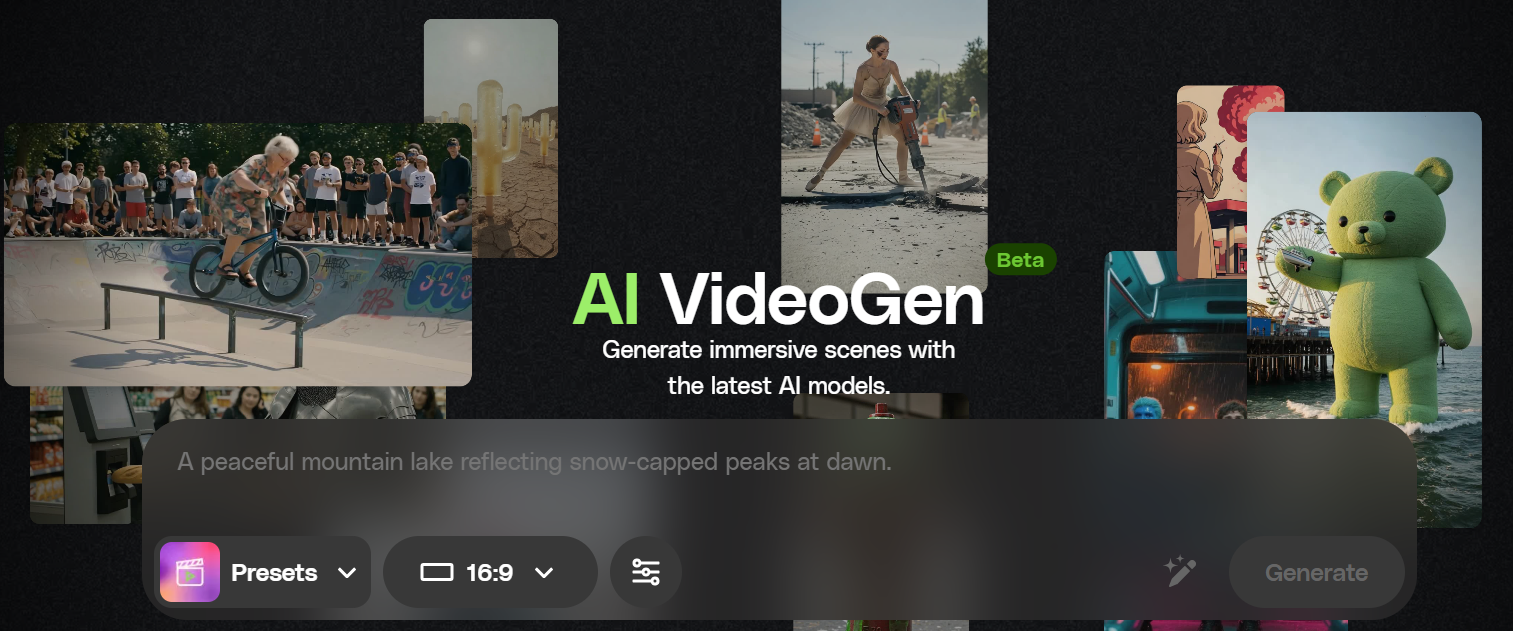
1. VideoGen
VideoGen lets you create high-quality videos using text prompts or images. It’s ideal for social media, ads, explainers, and marketing videos without complex editing skills. This tool saves time by automating video creation while ensuring professional output.
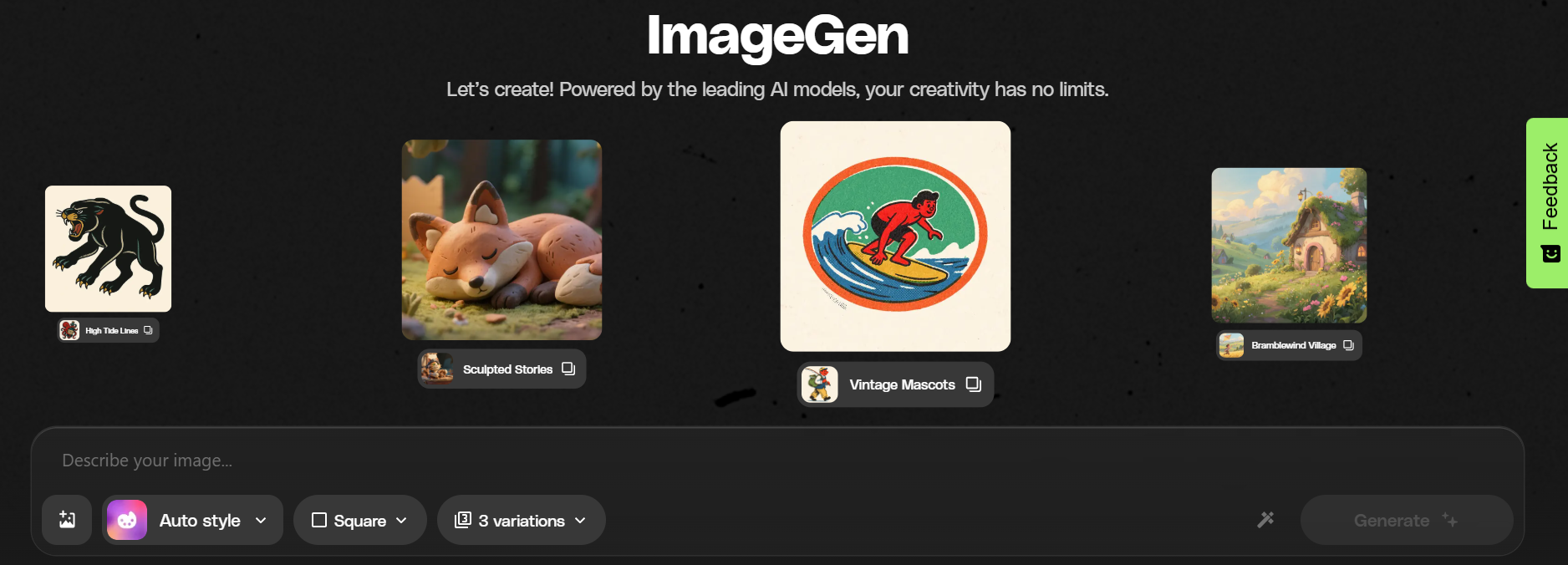
2. ImageGen
ImageGen allows you to generate stunning images from simple text descriptions. Designers and creators can quickly produce visuals for websites, ads, and presentations. Perfect for those needing quick and unique visuals without extensive graphic design expertise.
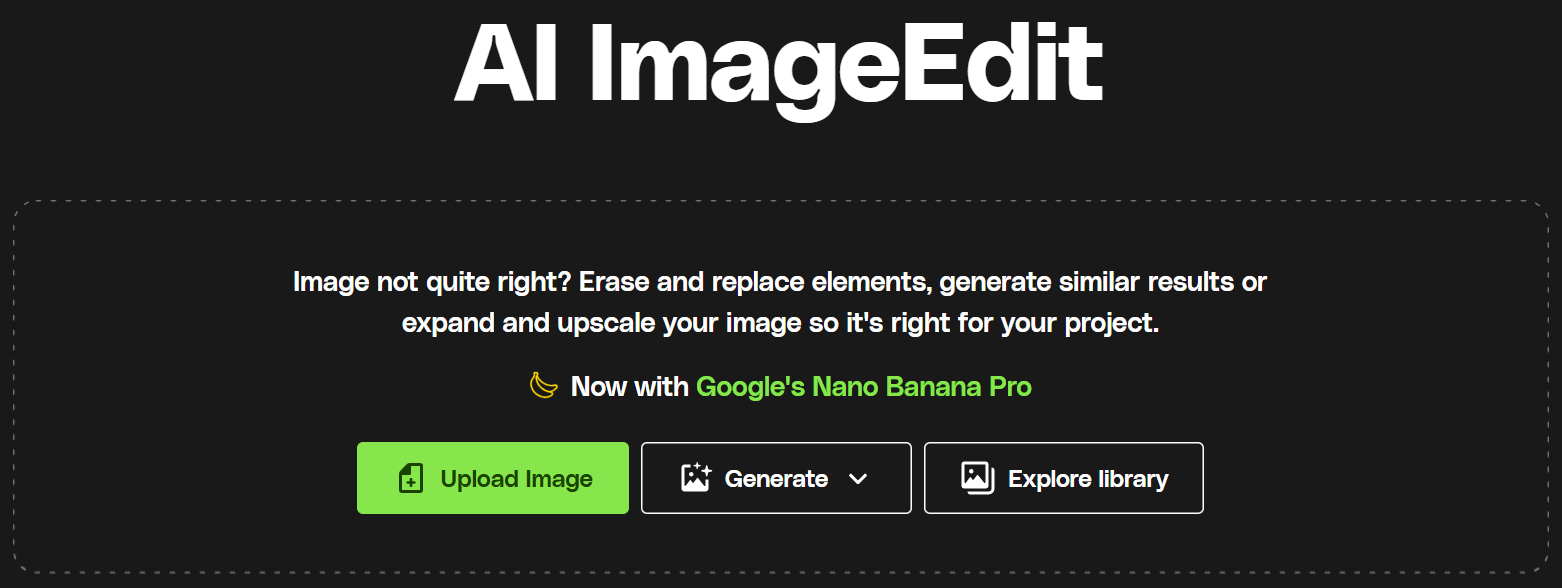
3. ImageEdit
ImageEdit helps you retouch, enhance, and transform photos using AI. You can remove backgrounds, adjust elements, and refine images in just a few clicks. Its intuitive interface makes advanced photo editing accessible to all skill levels.
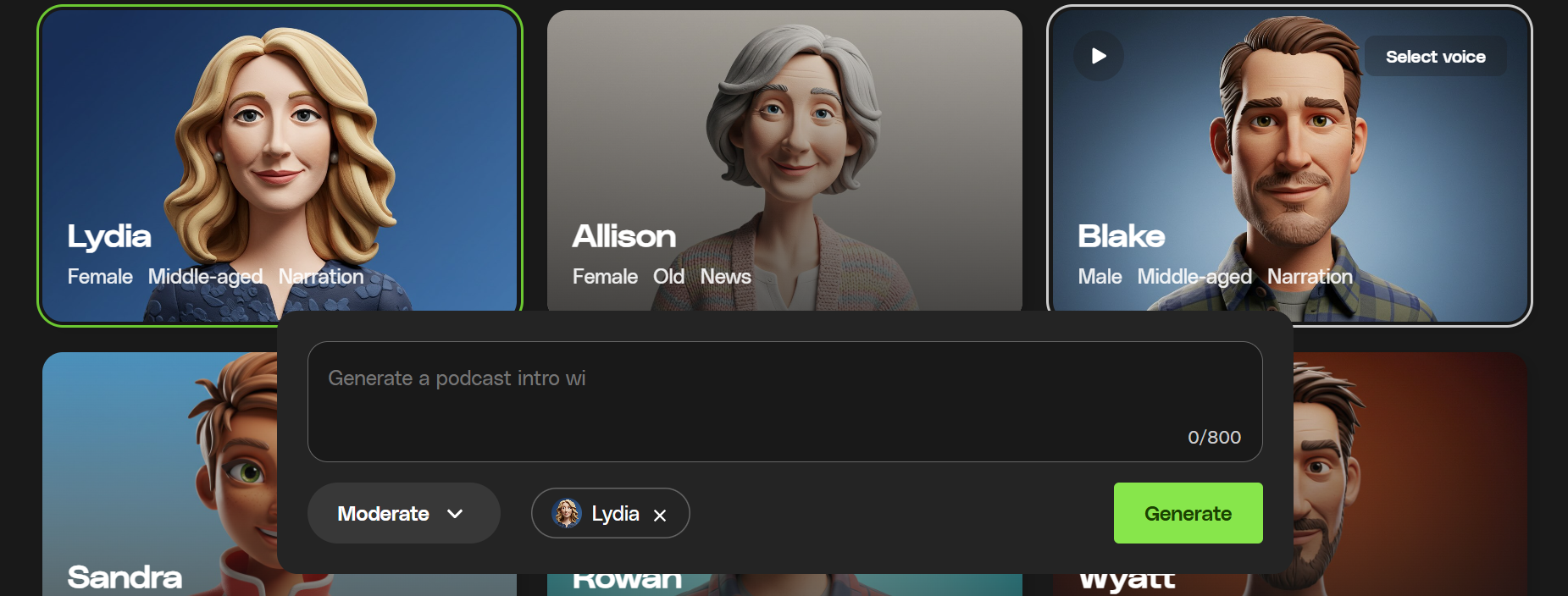
4. VoiceGen
VoiceGen creates natural-sounding AI voiceovers in multiple tones and styles. It’s perfect for videos, podcasts, presentations, and eLearning content. Customizable voice options allow you to match the tone to your brand’s personality.
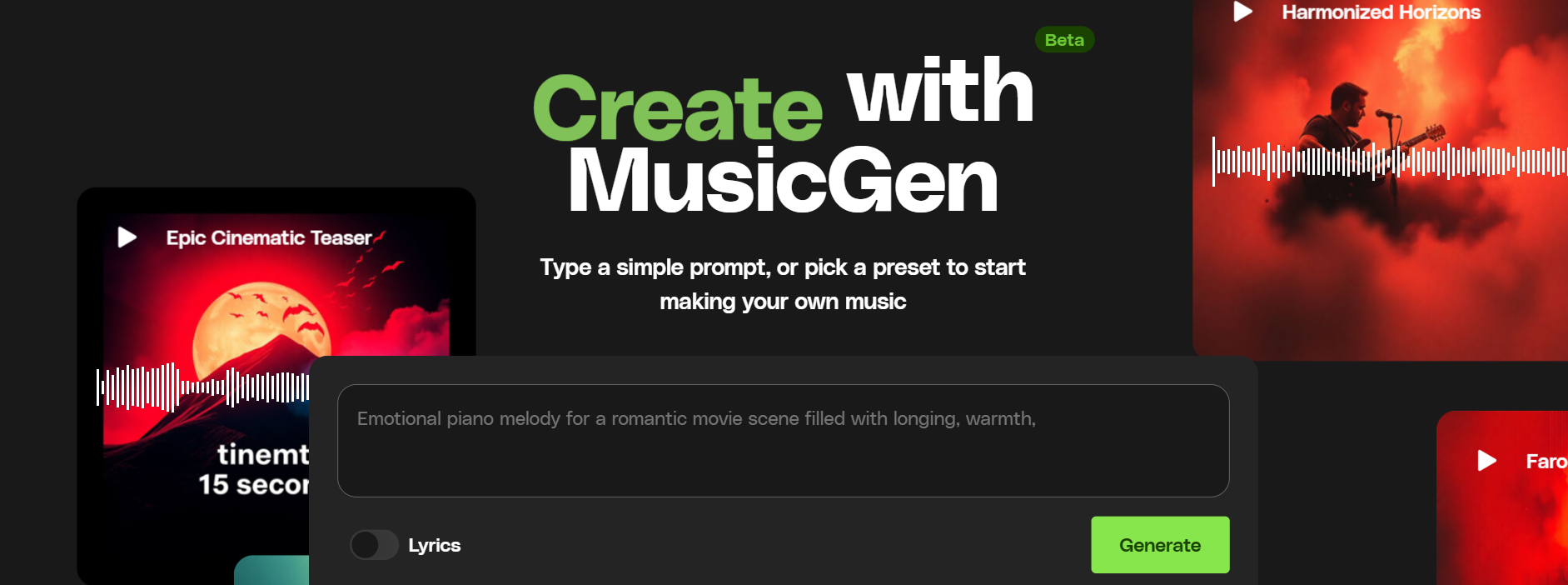
5. MusicGen
MusicGen enables you to compose original music from text prompts. You can generate royalty-free tracks for videos, ads, and creative projects instantly. It offers an easy way to add unique soundtracks tailored exactly to your project’s mood.
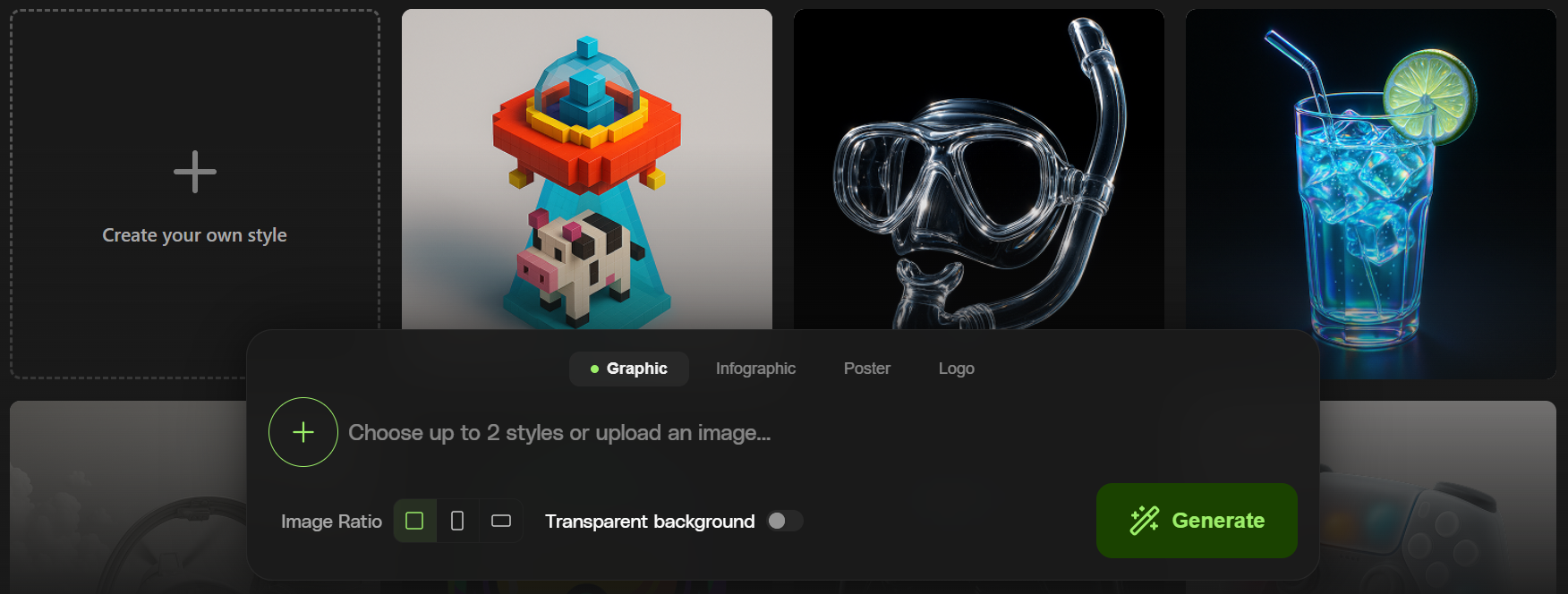
6. GraphicsGen
GraphicsGen helps you design professional visuals like banners, posters, and social media graphics. It speeds up the design process while maintaining visual quality. Ideal for marketers and content creators needing quick, polished graphics.
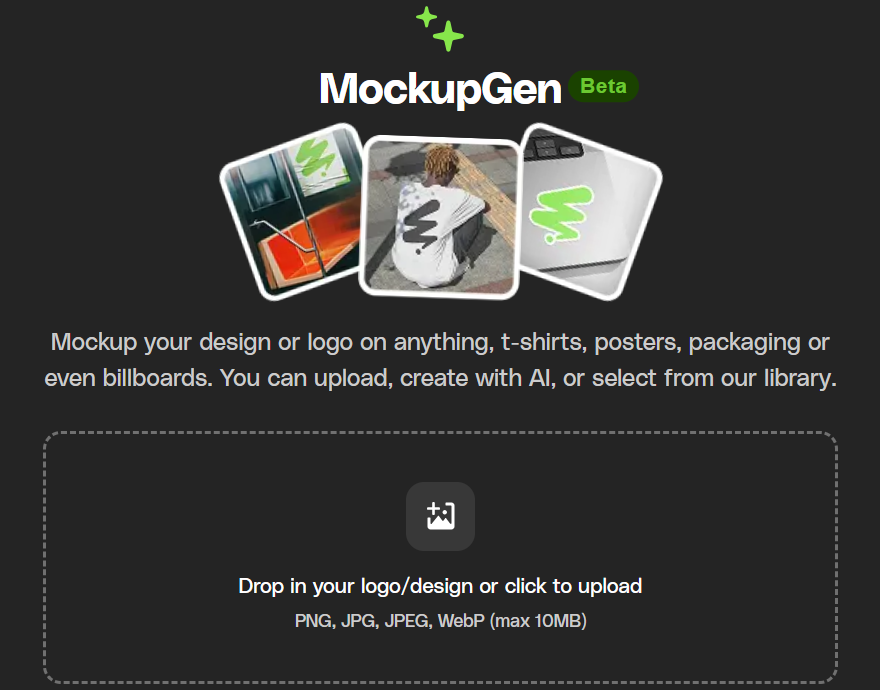
7. MockUpGen
MockUpGen allows you to create realistic product mockups in seconds. It’s great for showcasing branding, packaging, apparel, and digital products. This tool makes presenting your designs to clients or audiences more impactful and professional.
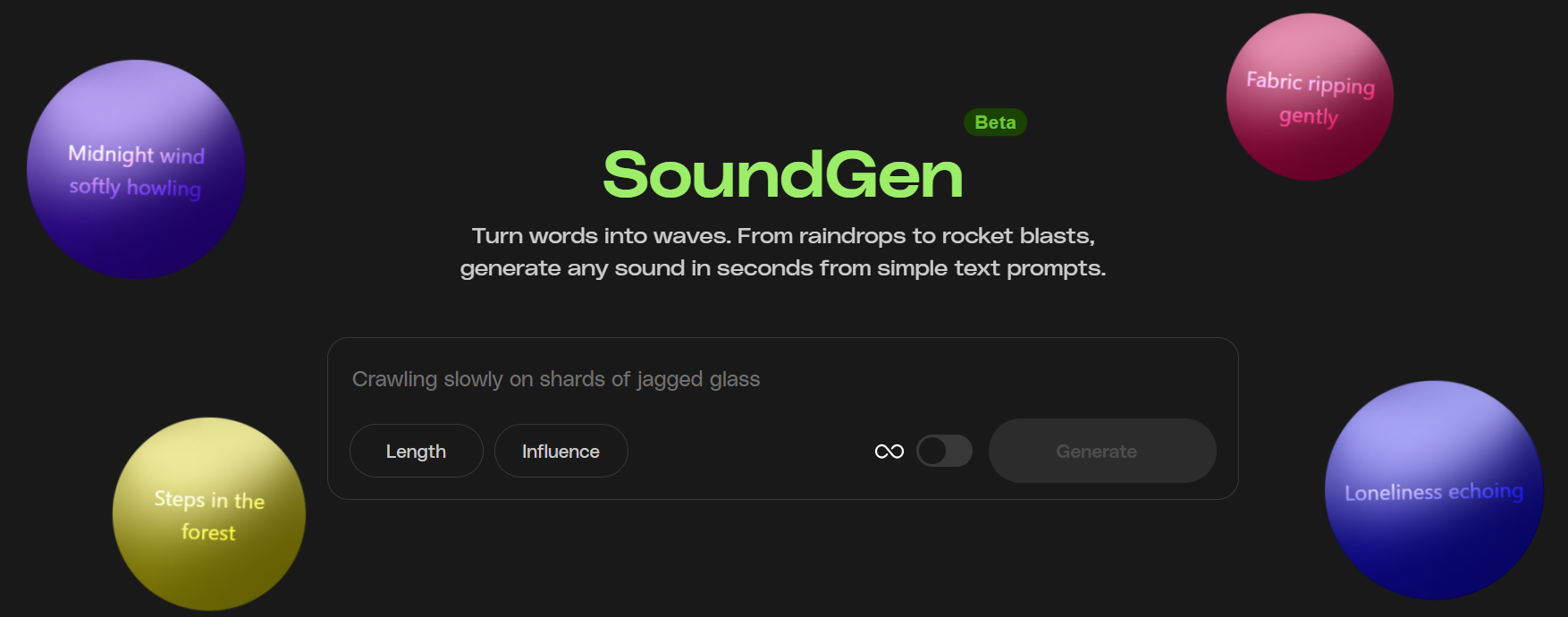
8. SoundGen
SoundGen lets you generate custom sound effects and audio clips using AI. It’s useful for videos, games, transitions, and multimedia projects. Create unique audio elements that perfectly complement your visual content.
Type of Assets In Envato 🎬
1. Stock Videos
Envato offers millions of high-quality stock videos covering a wide range of themes and styles. Whether you’re working on ads, short films, YouTube content, or social media posts, you’ll find cinematic shots, seamless transitions, and lifestyle clips to fit your project.
These videos come in various resolutions including HD and 4K, making them perfect for professional video editors and marketers looking to enhance their visual storytelling without shooting footage themselves.
2. Video Templates
Video templates from Envato are designed to speed up your video production process. They come ready-made for popular editing software such as Adobe After Effects, Premiere Pro, and Final Cut Pro.
You can easily customize these templates by changing text, colors, and graphics to suit your brand.
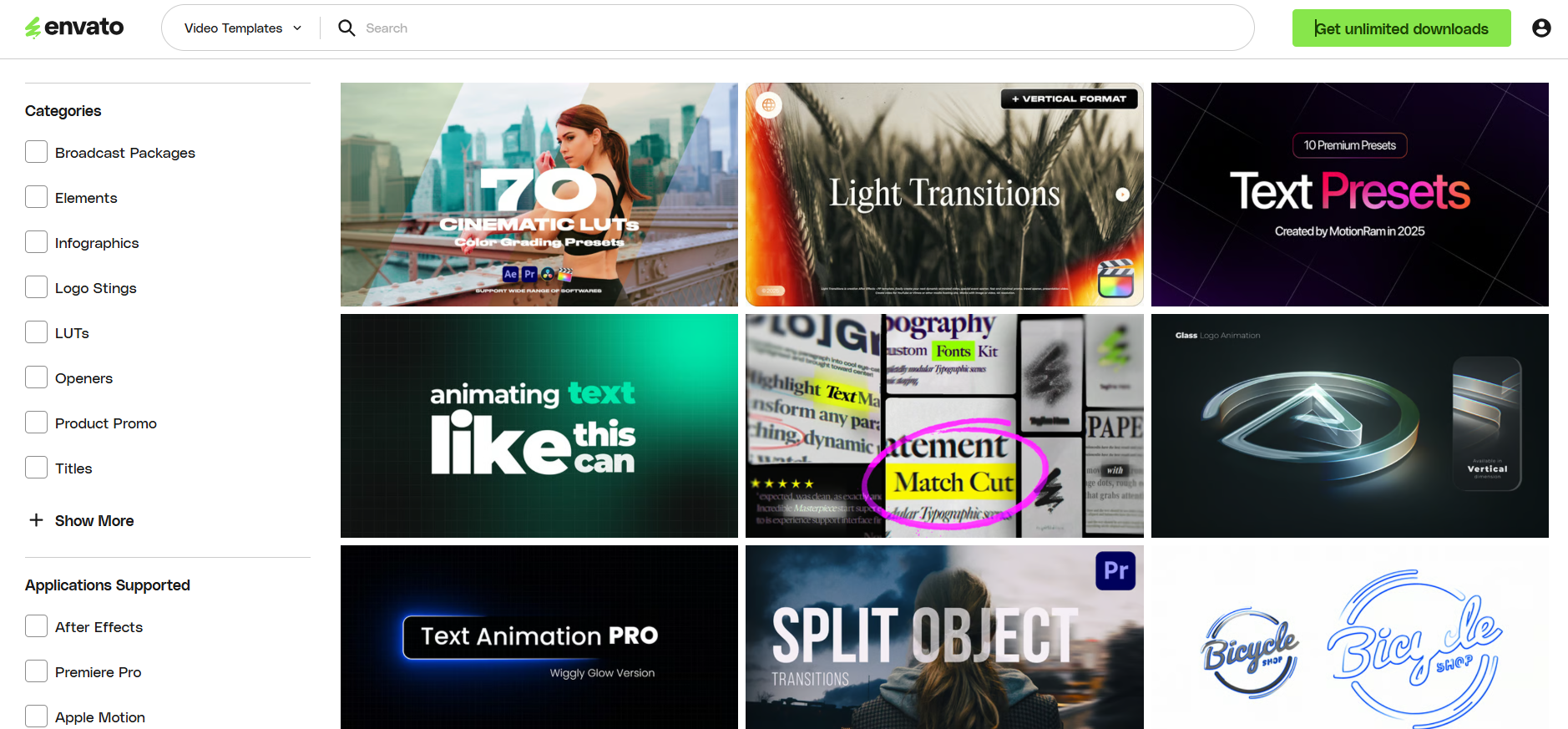
From eye-catching intros to promotional reels and explainer videos, these templates help creators deliver polished, professional results quickly, even with limited editing experience.
3. Stock Photos
Envato’s extensive stock photo library features millions of royalty-free images spanning a broad spectrum of subjects from business and technology to travel and lifestyle.
These photos are licensed for commercial use, so you can confidently use them in websites, blogs, marketing materials, and social media campaigns. High-resolution images ensure your projects look sharp and visually compelling.
4. Royalty-Free Music
With thousands of music tracks available on Envato, creators can find the perfect soundtrack for any mood or genre.
Whether it’s upbeat pop, cinematic scores, ambient music, or electronic beats, every track is cleared for commercial use with no hidden fees or royalties.
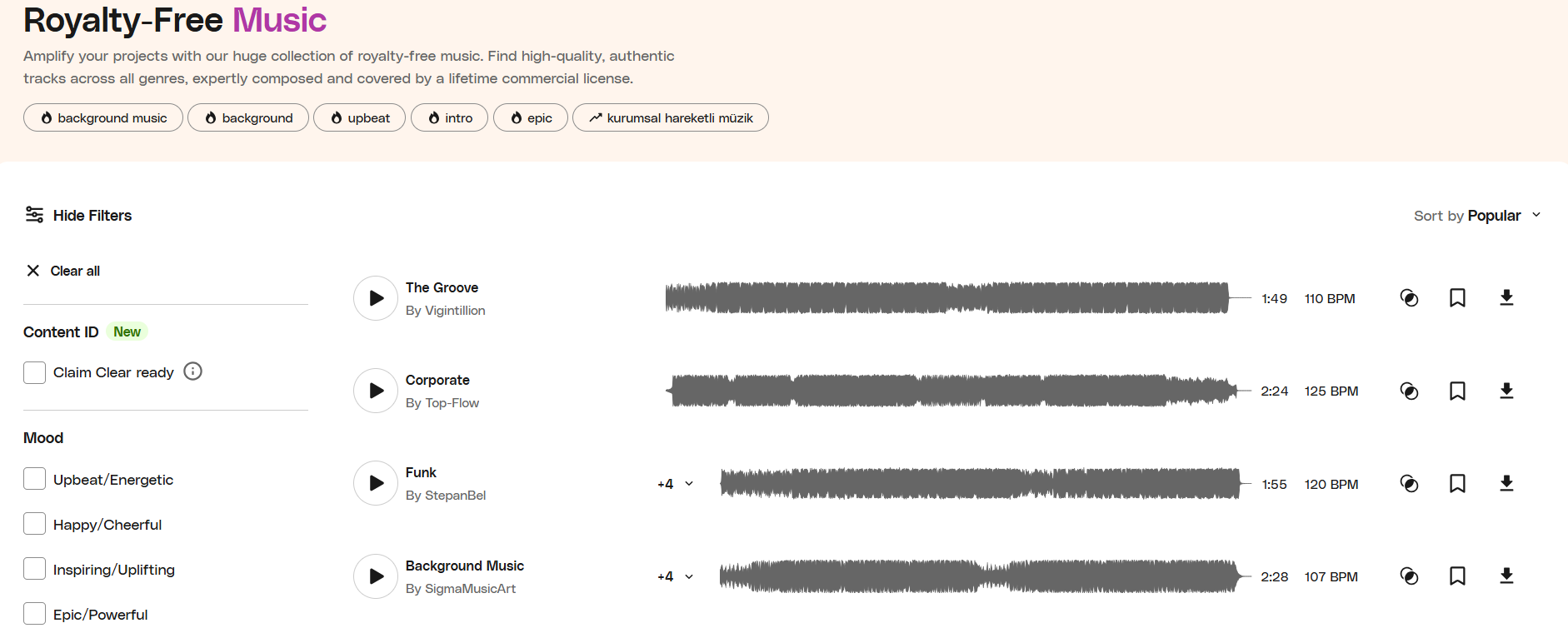
This makes Envato a reliable resource for YouTubers, podcasters, advertisers, and marketers seeking quality audio to enhance their content.
5. Sound Effects
Envato also boasts an impressive collection of sound effects and audio elements designed to bring projects to life.
From cinematic whooshes and impacts to UI notifications and natural ambiances, these sound effects fit perfectly into videos, games, apps, and animations. Easily searchable and organized, they help add depth and realism to your creative work.
6. Graphic Templates
Envato’s graphic templates simplify the design process for marketers, designers, and business owners alike. These include customizable templates for social media posts, flyers, posters, brochures, and branding kits.
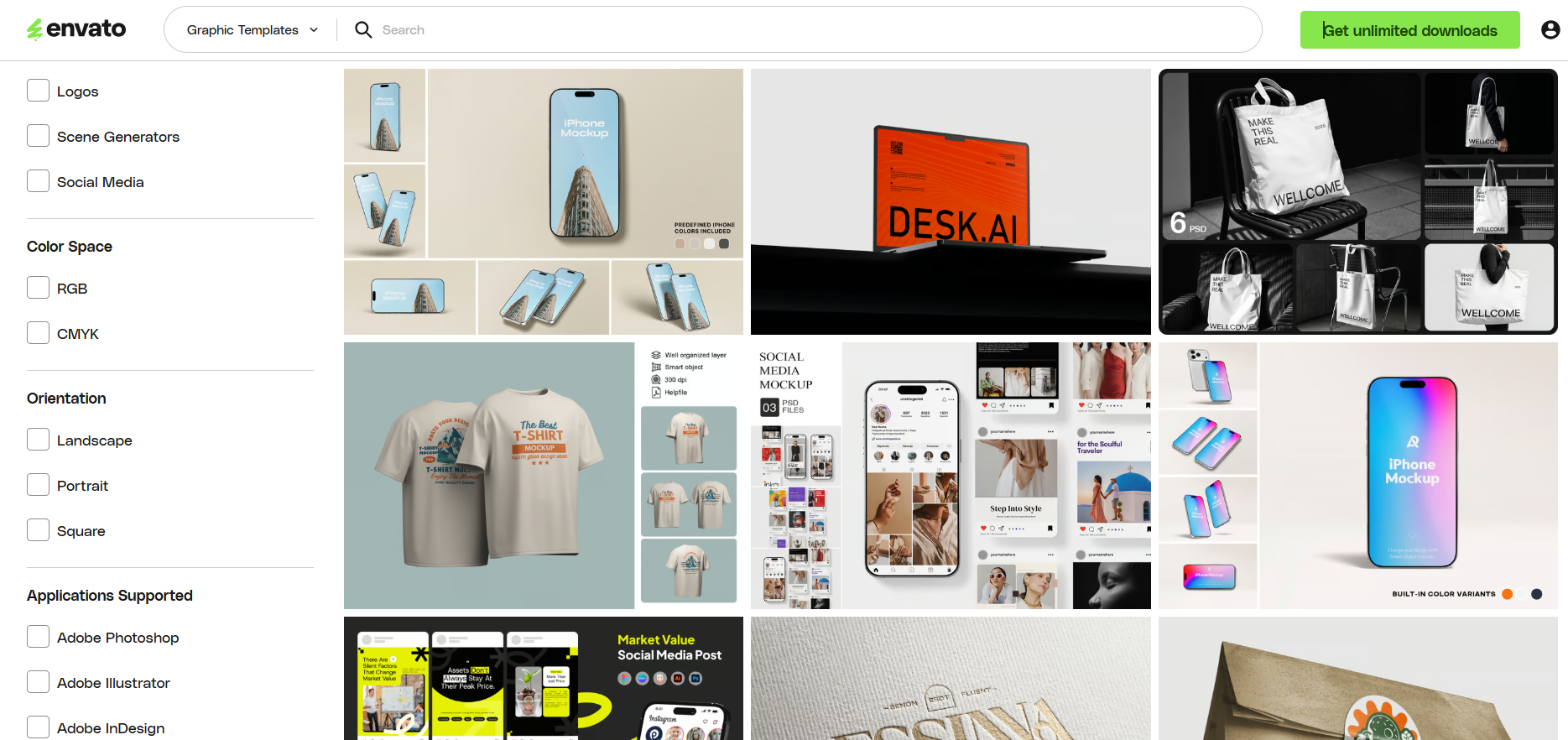
They allow you to maintain consistency across your marketing materials and save hours of manual work by editing premade layouts tailored for Adobe Photoshop, Illustrator, and other design tools.
7. Fonts
Choose from thousands of professional fonts on Envato, spanning a variety of styles such as serif, sans-serif, script, and decorative display fonts.
These typefaces can help define your brand’s voice and style, making them essential for logos, websites, print materials, and digital designs.
Each font comes with the appropriate commercial license, so you can confidently use them across multiple projects.
8. Graphics & Illustrations
Envato provides a huge library of vector graphics, icons, illustrations, patterns, and infographics. These assets are fully customizable, allowing designers to easily adapt colors, shapes, and sizes to fit modern branding or creative storytelling needs.
They are ideal for web designers, content creators, and presentation makers aiming to add a professional visual edge to their projects.
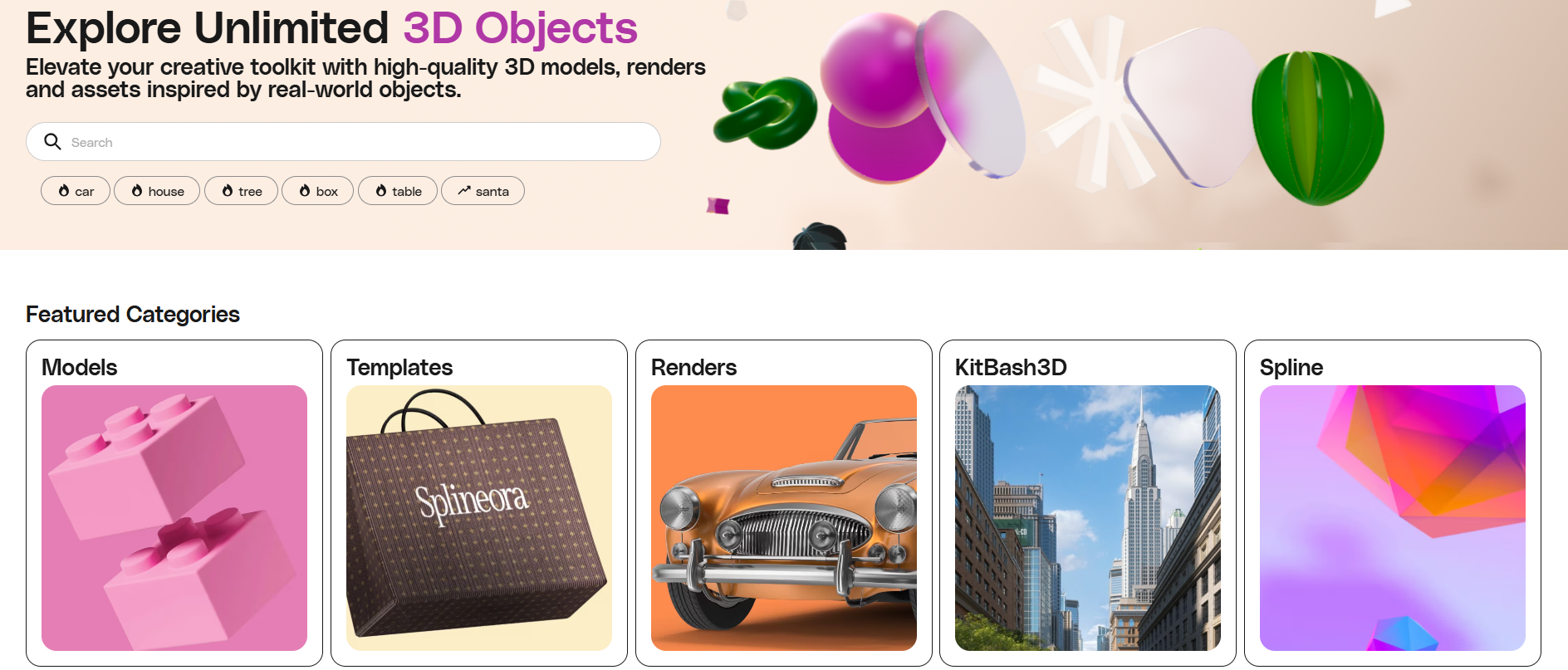
9. 3D Assets
For those working in animation, game design, or product visualization, Envato offers a diverse selection of 3D models, textures, and renders. These assets support a variety of formats compatible with major 3D software.
Using Envato’s 3D resources can help creators produce immersive, photorealistic environments and objects without the time-consuming process of modeling from scratch.
10. Presentation Templates
Envato’s presentation templates help professionals and students deliver impactful presentations. Compatible with PowerPoint, Keynote, and Google Slides, these templates feature modern, clean designs that you can customize with your content.
They streamline the creation process, allowing users to impress audiences with visually appealing slides that communicate ideas clearly and effectively.
How To Get Started With Envato? (Step-by-Step)💡
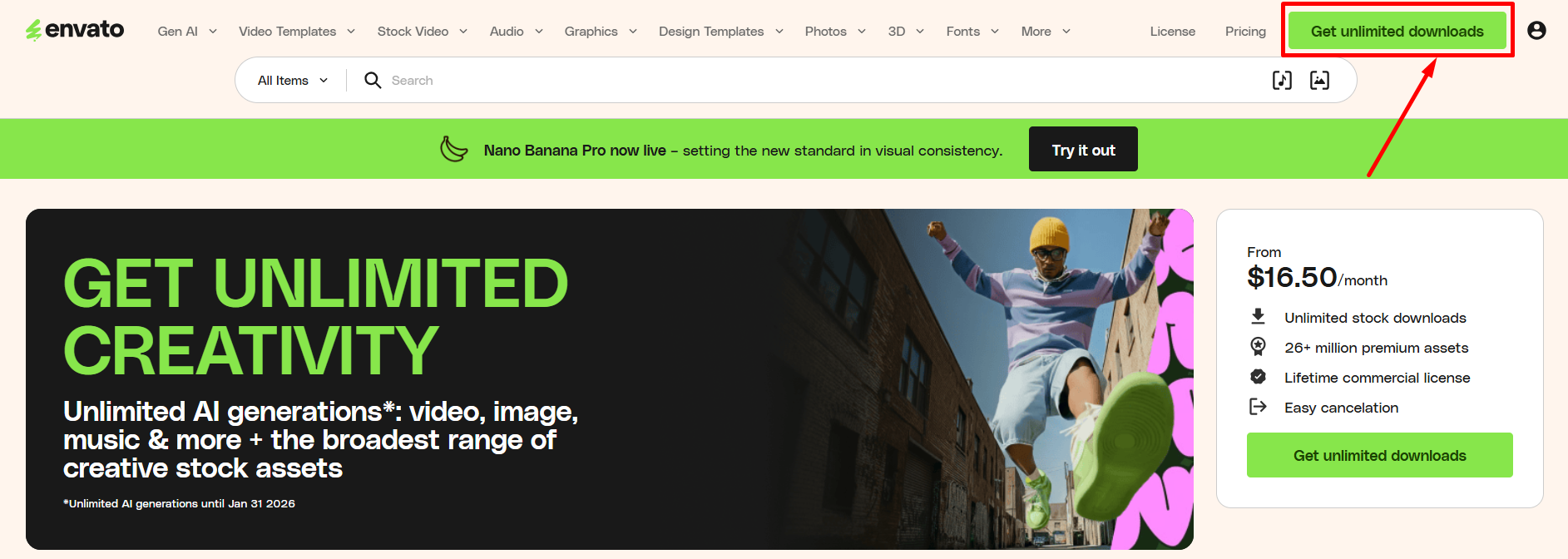
Step 1: Go to official website of Envato and click on “Get Unlimited Downloads”.
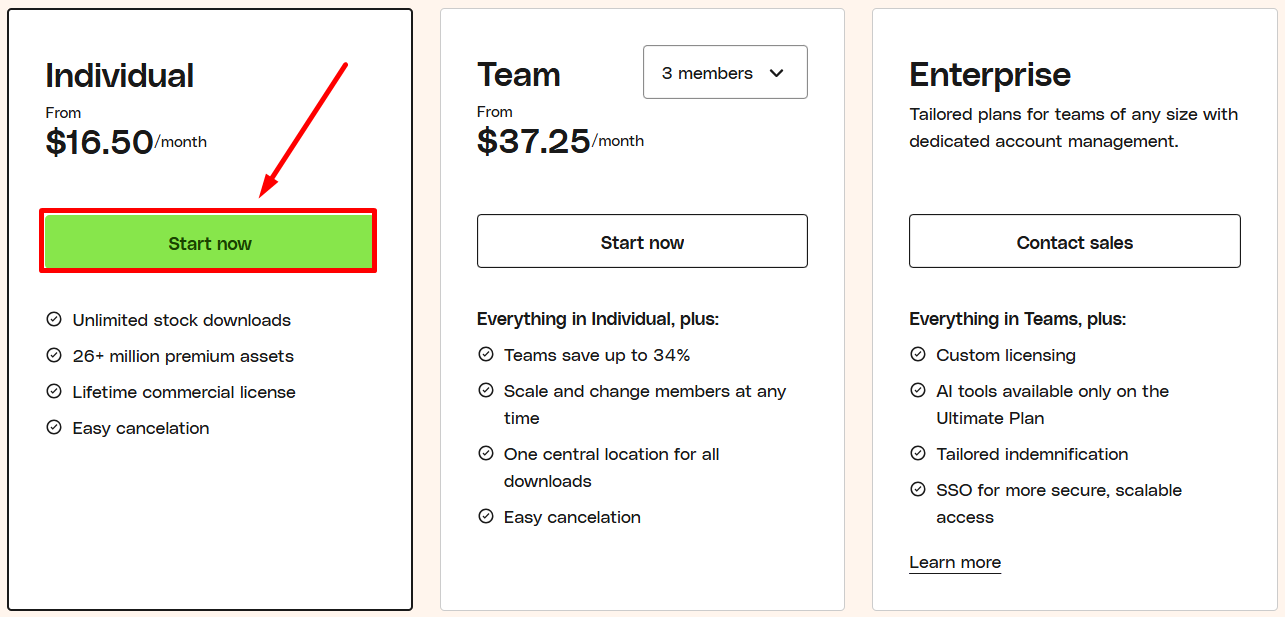
Step 2: Choose your plan.
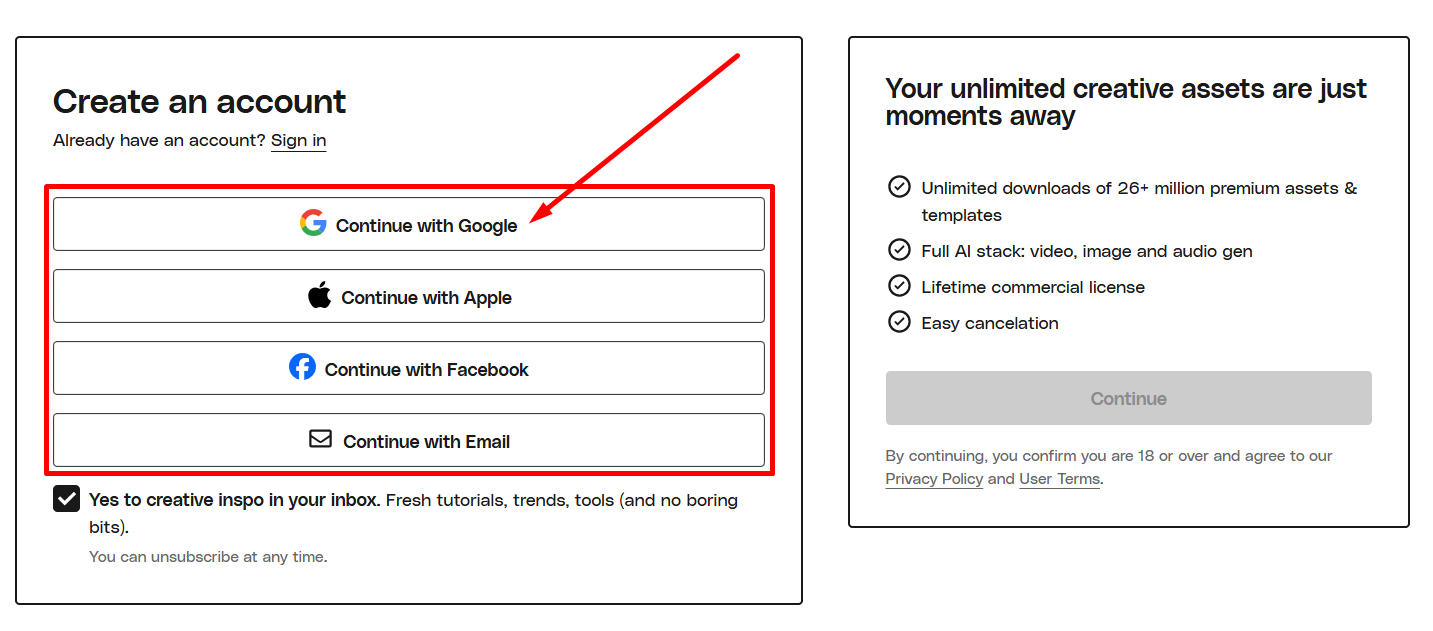
Step 3: Sign up with your email address.
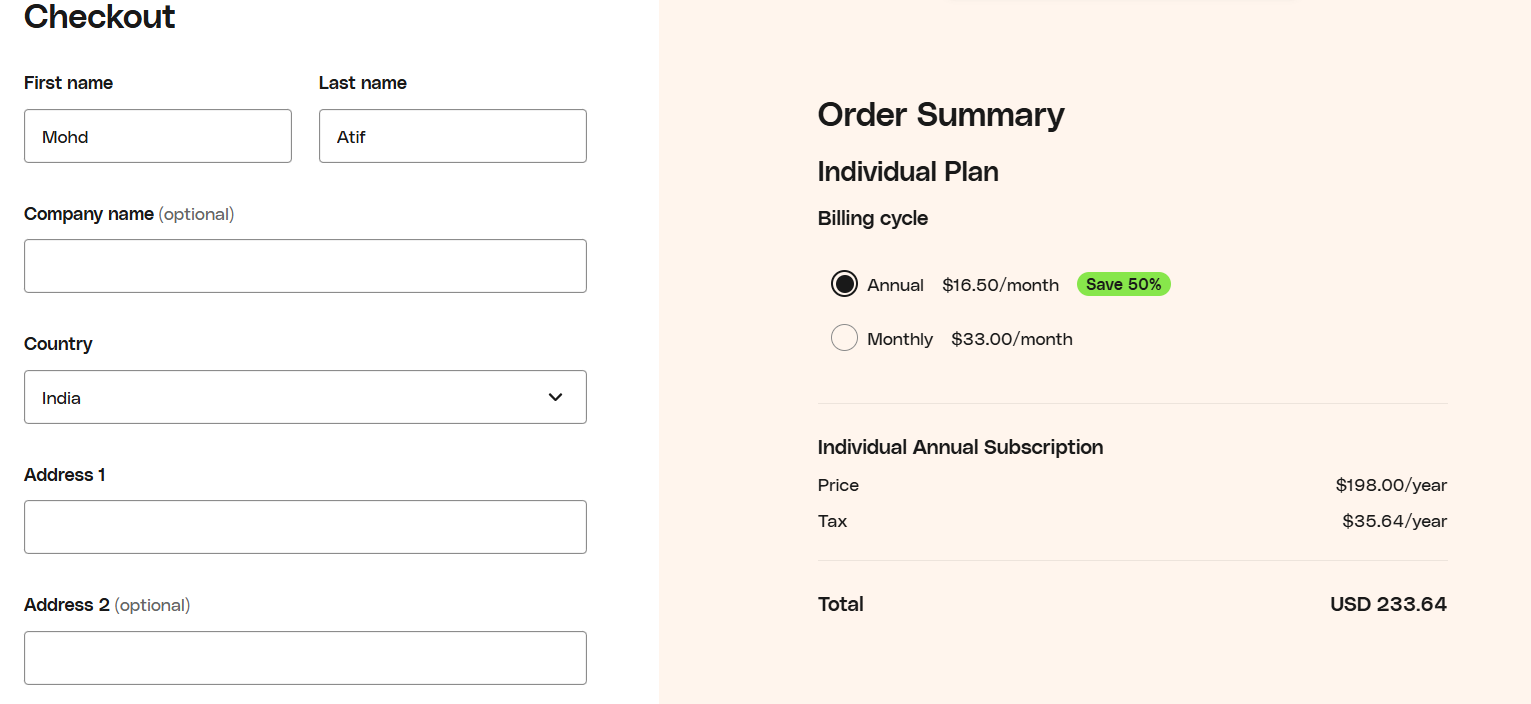
Step 4: Now complete your payment.
Step 5: Now start enjoying Envato.
You are all set! Now enjoy unlimited downloads.
Envato Pricing Plans 💲
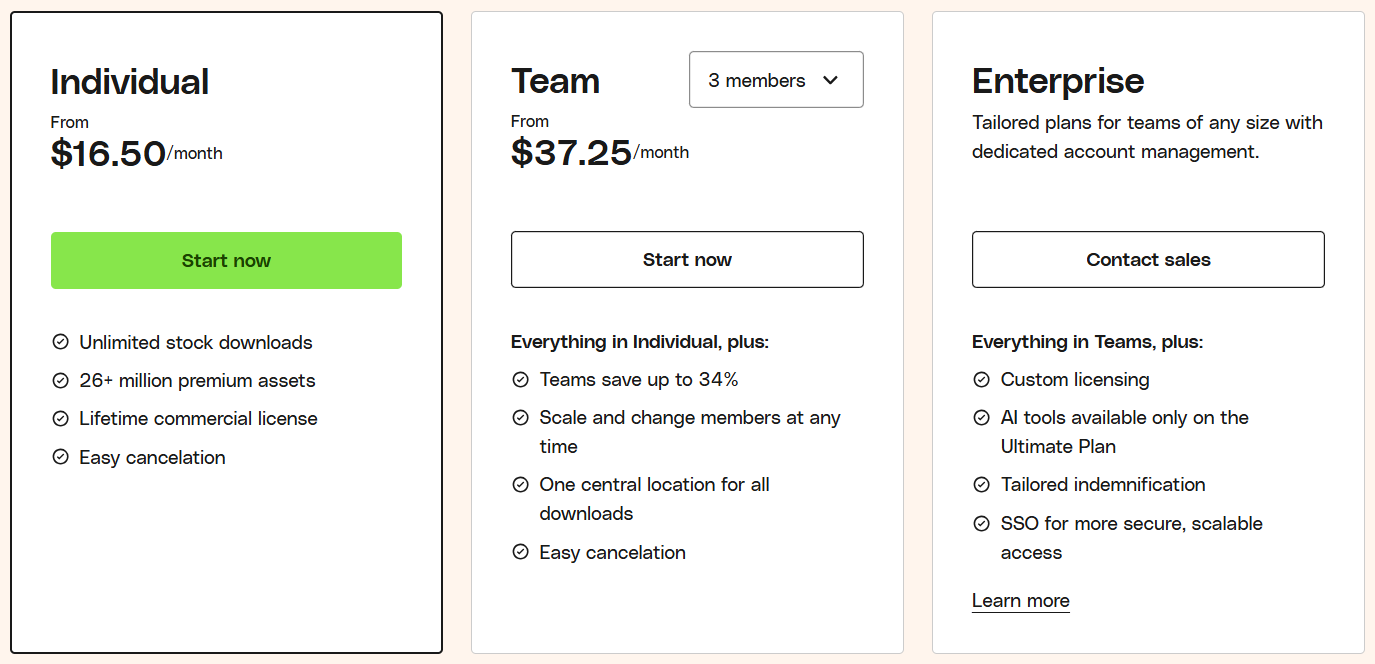
- Individual Plan ($16.50/month):
Perfect for solo creatives, this plan gives unlimited access to stock videos, audio, graphics, fonts, and templates. Enjoy a lifetime commercial license and easy cancellation. - Team Plan ($37.25/month for 3 members):
Designed for small teams, it includes everything in the Individual plan plus centralized downloads, member management, and team discounts up to 34%. Collaboration has never been easier. - Enterprise Plan (Custom pricing):
Tailored for larger organizations, offering all Team features plus custom licensing, advanced AI tools, dedicated account management, and SSO for secure, scalable access.
Why Choose Envato? 🤩
When it comes to creative projects, Envato stands out as a one-stop solution for professionals and hobbyists alike. Its vast library ensures you always find the perfect asset to bring your ideas to life.
The platform keeps everything updated with the latest AI-powered tools, so you’re not just accessing assets you’re working with cutting-edge creative technology.
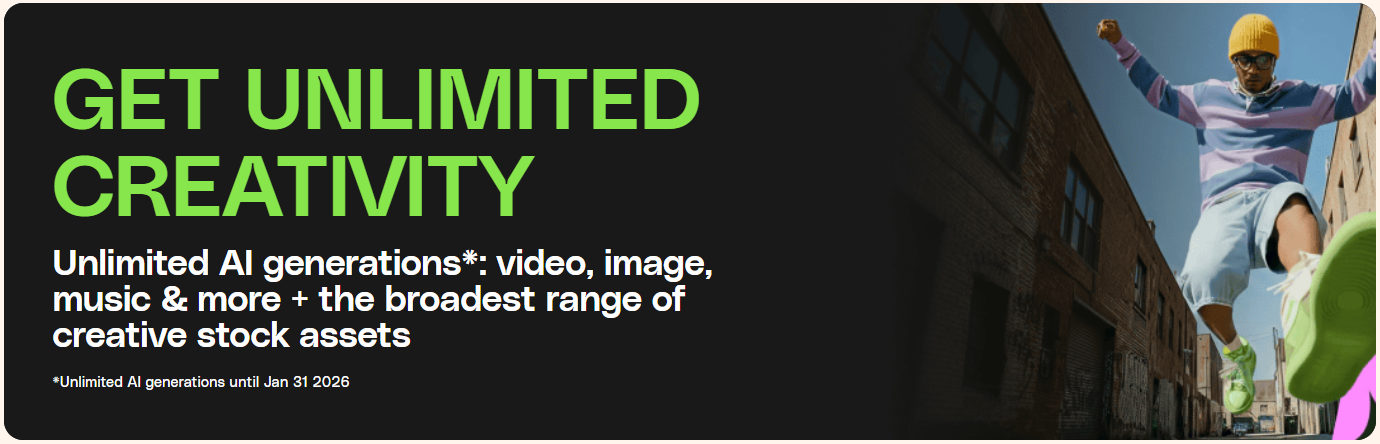
Envato’s flexible subscription options make it easy to scale from solo work to full team collaborations, giving you the freedom to work smarter, faster, and more efficiently.
The intuitive interface ensures that even beginners can quickly navigate, search, and download assets without any hassle.
Plus, with robust licensing and secure payment methods, you can focus on creating confidently, knowing your work is protected.
Pros & Cons of Envato 💡
| Pros | Cons |
|---|---|
| Huge library of creative assets: videos, templates, graphics, music & more | Subscription cost may be high for casual users |
| Full suite of AI tools for video, image, music, and graphics | Some assets require Ultimate Plan access |
| Unlimited downloads available under subscription | Enterprise custom plans can be complex to configure |
| Regularly updated content and trending assets | |
| Flexible plans for Individuals, Teams, and Enterprises | |
| Lifetime commercial license included with subscription | |
| Intuitive interface suitable for beginners and pros |
Who Should Use Envato? 🚀

Creatives & Designers
Access high-quality graphics, templates, and stock assets to bring your creative ideas to life quickly.

Freelancers & Agencies
Save time and cost with unlimited downloads for client projects and campaigns.

Students & Hobbyists
Affordable access to premium assets, AI tools, and templates for learning or personal projects.

Large Teams & Enterprises
Collaborative tools, AI integrations, and scalable plans for managing creative workflows efficiently.
Envato vs Canva vs Adobe 💥
| Feature | Envato | Canva | Adobe Creative Cloud |
|---|---|---|---|
| Templates & Assets | 26+ million stock photos, videos, templates, graphics | Thousands of templates and stock assets, limited library | Extensive assets but mostly software-focused, requires subscriptions |
| AI Tools | Full suite: VideoGen, MusicGen, ImageGen, VoiceGen | Limited AI tools like text-to-image and background remover | AI features integrated but mostly via Adobe Firefly |
| Collaboration & Sharing | Team plans with centralized downloads and asset sharing | Easy online collaboration with Canva for Teams | Advanced sharing via cloud but software-heavy workflows |
| Platform Support | Web-based with full access to AI tools, templates, and downloads | Web, iOS, Android; limited offline features | Windows, macOS, mobile apps; requires install and license |
| Pricing & Plans | Starts at $16.50/month (Individual) with unlimited downloads | Free basic plan; Pro $12.99/month with limited assets | Starts $20.99/month per app; full suite $52.99/month |
| Target Audience | Designers, freelancers, agencies, students, enterprises | Beginners, small teams, social media creators | Professionals, design studios, large enterprises |
Envato WordPress Plugins
The Envato WordPress plugin allows users to access millions of Envato assets directly from their WordPress dashboard. From stock photos and graphics to videos and templates, everything is just a click away, eliminating the need to constantly switch between platforms.

Installing and activating the plugin is simple, and once set up, you can quickly search for assets and preview them before adding them to your pages or posts. This integration saves time and keeps your workflow smooth.
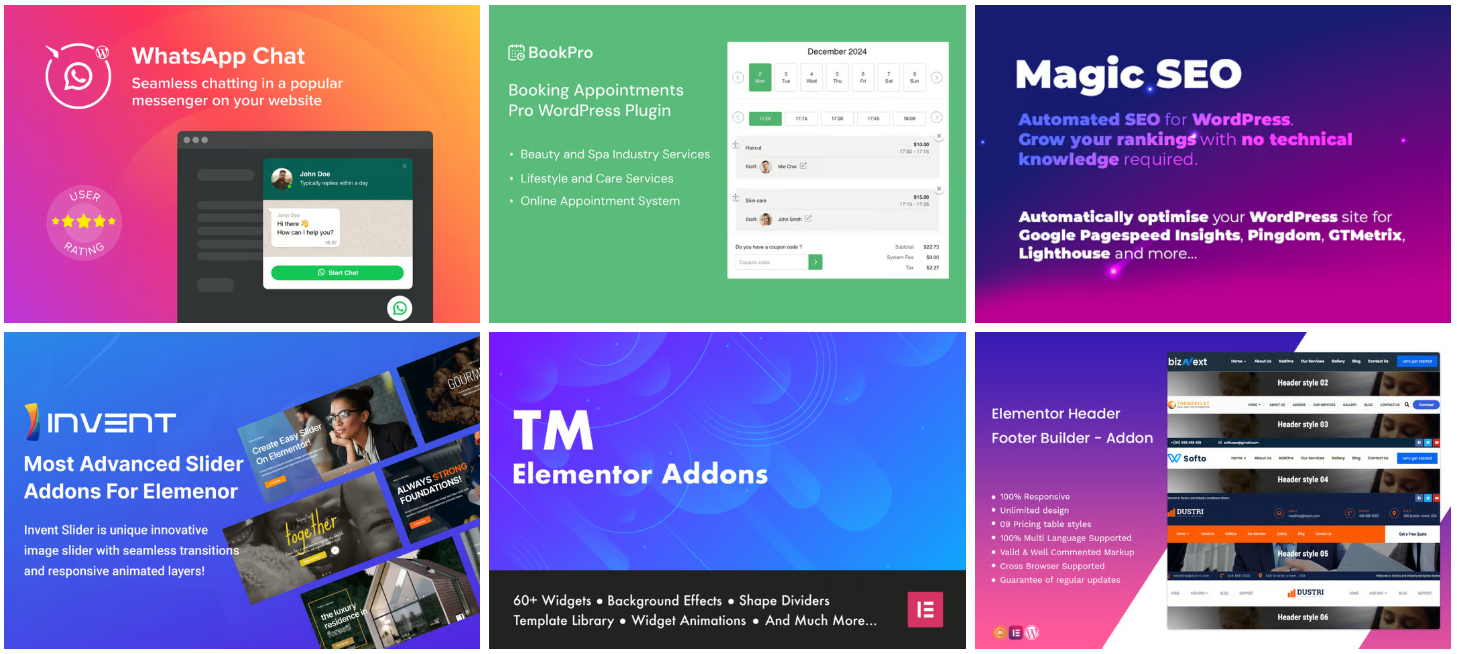
The plugin also supports drag-and-drop functionality, making it easy to place images, graphics, or templates exactly where you need them. You can maintain consistency in your design without leaving WordPress.
Ideal for bloggers, designers, and marketers, the Envato WordPress plugin enhances productivity and helps manage creative assets efficiently. It’s a must-have tool for anyone looking to streamline content creation while keeping all resources organized.
Customer Reviews & Testimonials 🙋🏻♂️

Clara J.
⭐⭐⭐⭐⭐
Envato makes creative work so much easier. I can access graphics, videos, and templates all in one place!

Mark T.
⭐⭐⭐⭐⭐
The AI tools on Envato are game-changing. I can generate images and music for projects instantly!

Sophie L.
⭐⭐⭐⭐
Envato saved me hours on design projects. The plugin for WordPress makes asset integration seamless.
Final Thoughts: Is Envato Worth It? 😊
Absolutely! Envato is worth it. With millions of high-quality assets and a powerful suite of AI tools, it’s a one-stop platform for creators of all kinds.
From videos and graphics to music, fonts, and web templates, Envato makes content creation faster, easier, and more professional. Its flexible plans cater to individuals, teams, and enterprises alike.
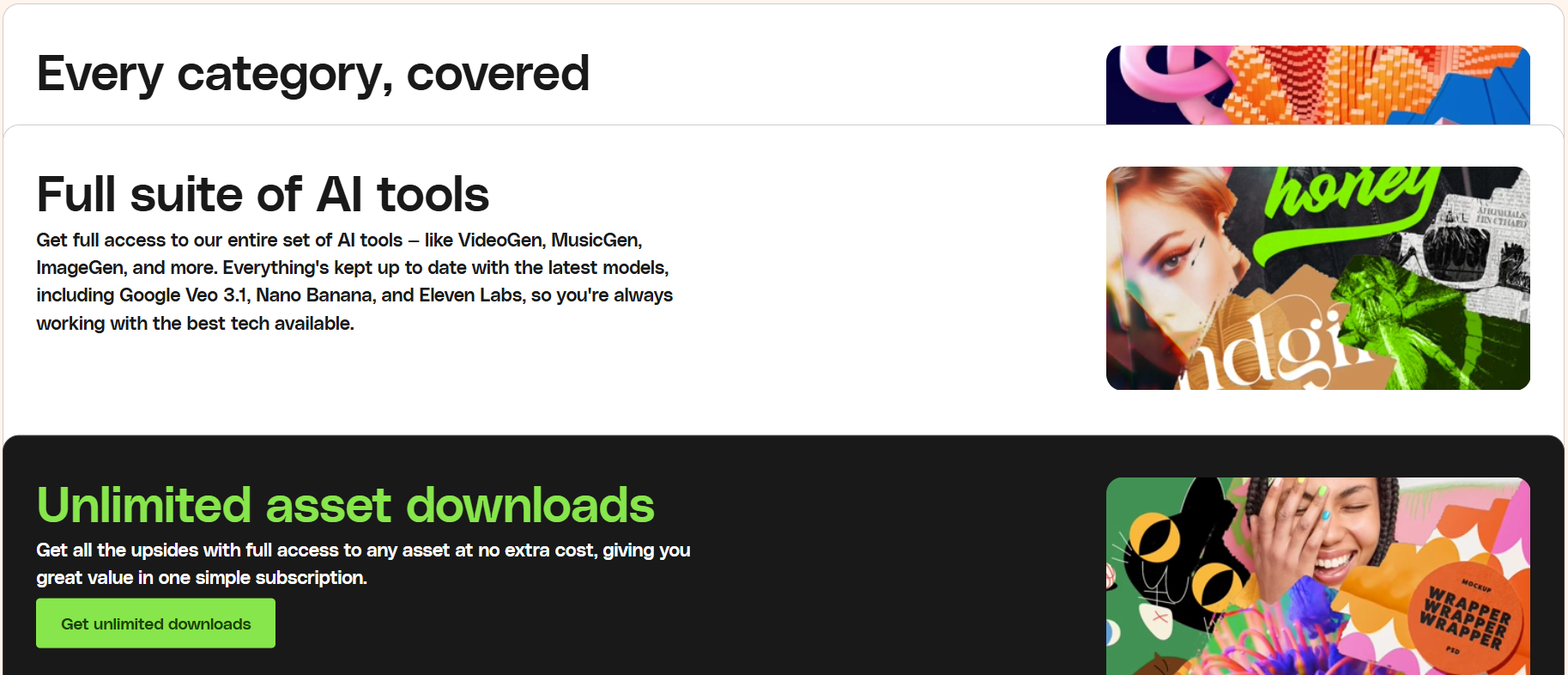
Freelancers, businesses, and creative professionals will find real value in unlimited downloads, seamless integrations, and the WordPress plugin for smoother workflows.
In short, Envato empowers you to focus on your creativity, not the hunt for resources making it a truly worthwhile investment for anyone serious about content creation.
Quick Links:
- Pictory vs Invideo: Which is Best AI Video Creator?
- Picsart Logo Creation Using Free Advanced AI Tools
FAQs 📢
Yes! Envato allows easy cancellation without extra fees or long-term commitments.
Most assets are royalty-free under Envato’s licensing terms, perfect for commercial or personal use.
Yes, the assets can be used across multiple projects, depending on the license type.
Yes! Students can save on certain subscription plans.
Some AI tools are exclusive to advanced plans, like the Ultimate or Enterprise plan.
