
Aircall Review: Is It Best AI Customer Communications Platform?

Looking for a smarter business phone system in 2026? 📞
Aircall promises powerful calling features, AI tools, CRM integrations, and advanced analytics but is it really worth the price?
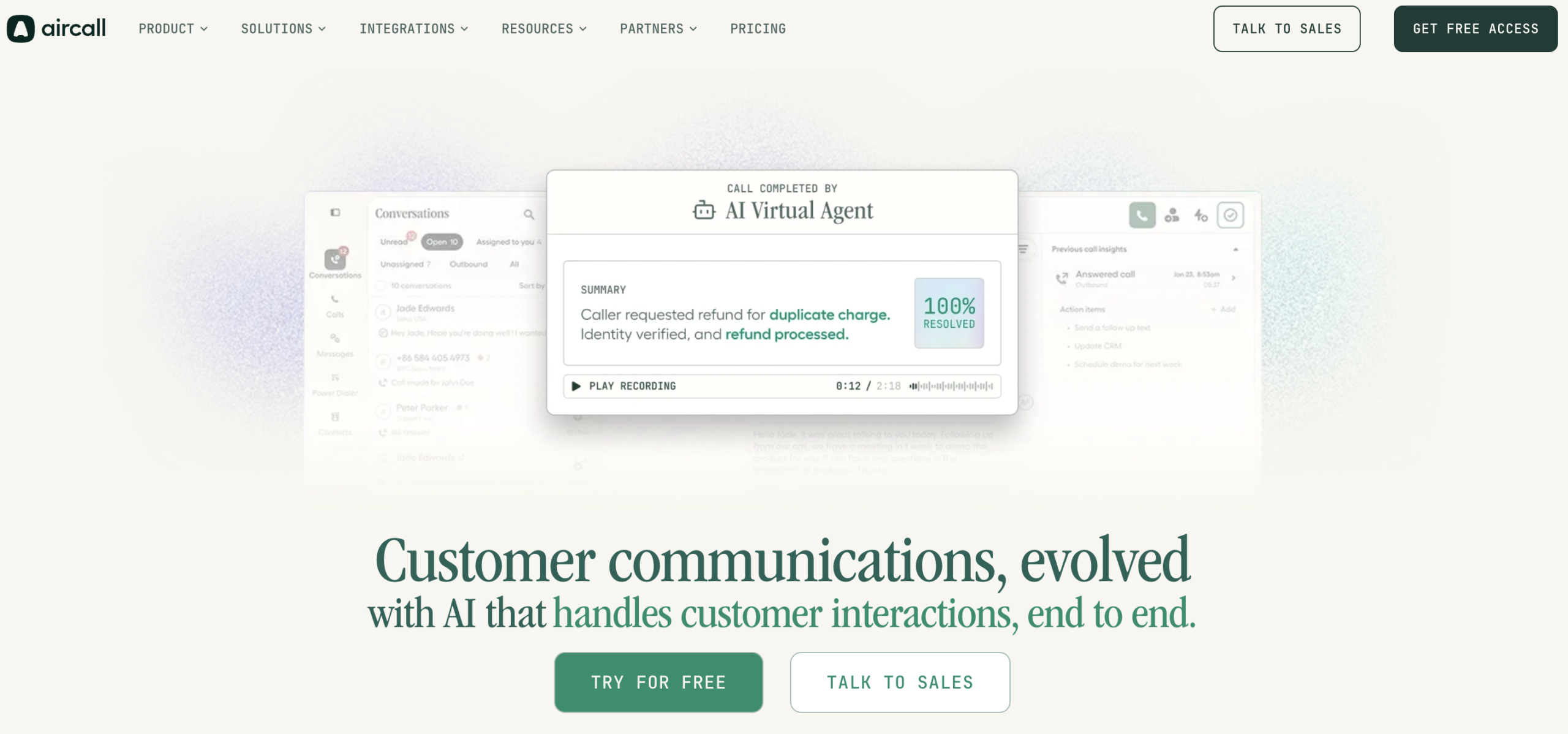
In this Aircall Review 2026, we’ll break down its features, pricing, pros and cons, integrations, AI capabilities, and real-world value so you can quickly decide whether it’s the right fit for your sales or support team.
What Is Aircall? A Quick Overview
Aircall is a cloud based phone system built for sales and support teams. It runs entirely over the internet. No hardware. No messy cables. No technician visit.
Think of it as the voice layer that sits on top of your CRM or helpdesk. Every call, SMS, and WhatsApp message gets logged, tagged, and searchable right inside the tools your team already uses.
Founded in 2014, Aircall now serves over 23,000 businesses across 100+ countries. The company has raised more than $226 million in funding.
| Feature | What It Means for You |
|---|---|
| ☁️ Cloud based | Works anywhere with internet |
| 📱 Multi device | Web, Mac, Windows, iOS, Android |
| 🌍 Global numbers | Local and toll free in 100+ countries |
| 🔌 CRM ready | Plugs into Salesforce, HubSpot, Zendesk, Slack, and more |
| 🤖 AI powered | Voice Agent, call summaries, real time coaching |
In short, Aircall wants to be the phone system that feels invisible. You make calls. It handles the logging, routing, and note taking in the background.
How Does Aircall Actually Works?
Aircall runs on VoIP (Voice over Internet Protocol). Your calls, SMS, MMS, and WhatsApp messages travel over your internet connection. No dedicated phone line needed. No multi-week install process. 🖧
When a call comes in, Aircall routes it through the cloud based on rules you set in the Smartflow builder. Time of day. Caller language. Which team is on shift. Which agent is next in queue.
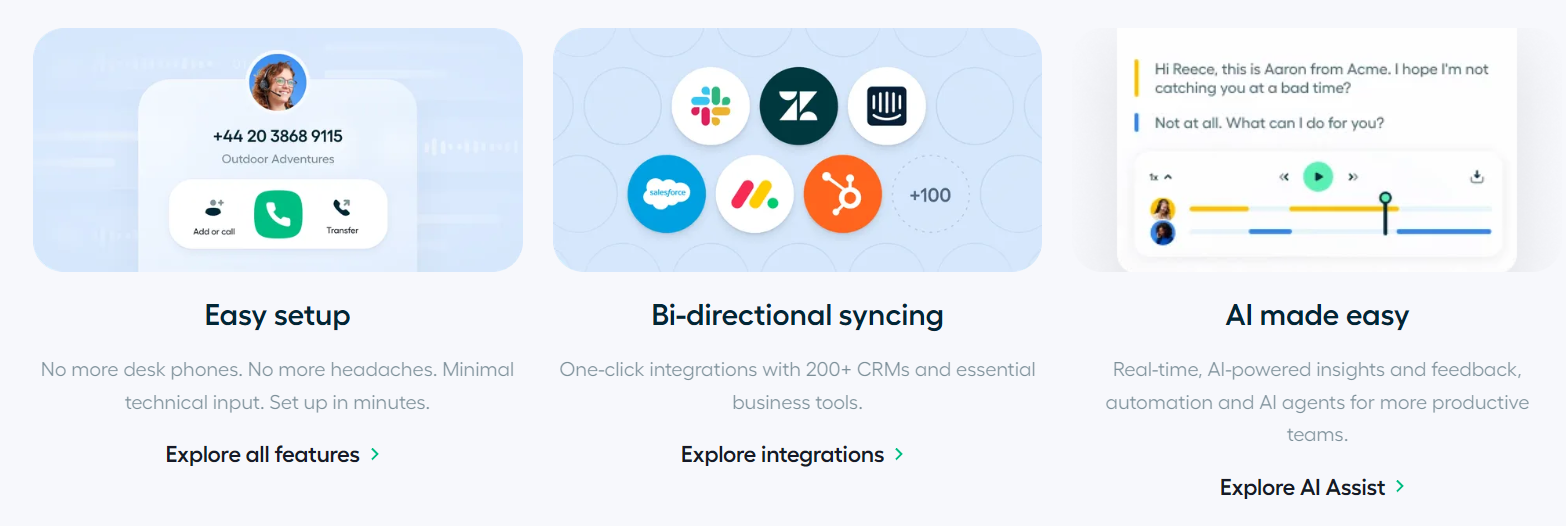
If the caller is already in your CRM, Aircall pulls up an Insight Card with their history. Whoever answers isn’t starting blind.
Once the call ends, the system auto-logs the recording, transcript, and tags back into your CRM. No copy-pasting required. 🔁
For outbound calling, the workflow flips. A rep either clicks a number found via the Chrome extension, or loads a list into the Power Dialer. The dialer works through the queue automatically. No manual dialing.
Combined with AI Assist transcribing and summarizing each call in the background, the entire lifecycle from ring to CRM update happens with very little manual admin work.
That automation is the single biggest reason teams switch to Aircall.
🚀 Aircall Key Features Explained
This is the heart of any good Aircall review because pricing means nothing if the features don’t actually deliver. Let’s break down what you’re paying for.
Cloud Business Phone System & International Numbers
Aircall lets you provision local and toll-free numbers in over 100 countries. No hardware. No physical SIM cards. No waiting weeks for a telecom provider.
This is huge for companies expanding into new markets or running remote sales teams. You can spin up a French number for your Paris SDR and a US toll-free line for your support team in the same afternoon.
IVR & Smartflows
Aircall’s Smartflow editor lets you build IVR menus and time-based call routing without writing code.
Think “Press 1 for Sales, Press 2 for Support” but way more flexible. You can route based on business hours, holidays, team availability, or geography.
Reviewers consistently call this one of the easiest IVR builders on the market. That matters a lot if your team doesn’t have dedicated IT support.
Power Dialer & Click-to-Dial
For outbound sales teams, this is Aircall’s headline feature.
The Power Dialer automatically pulls numbers from a CSV list or detects them on a webpage. It dials them in sequence. No manual number entry. No wasted seconds between calls.
Combined with Click-to-Dial, reps can call directly from their CRM or browser with one click. Sales teams report meaningfully higher call volume after switching to this workflow. 📈
Call Recording, Monitoring & Whisper/Barge
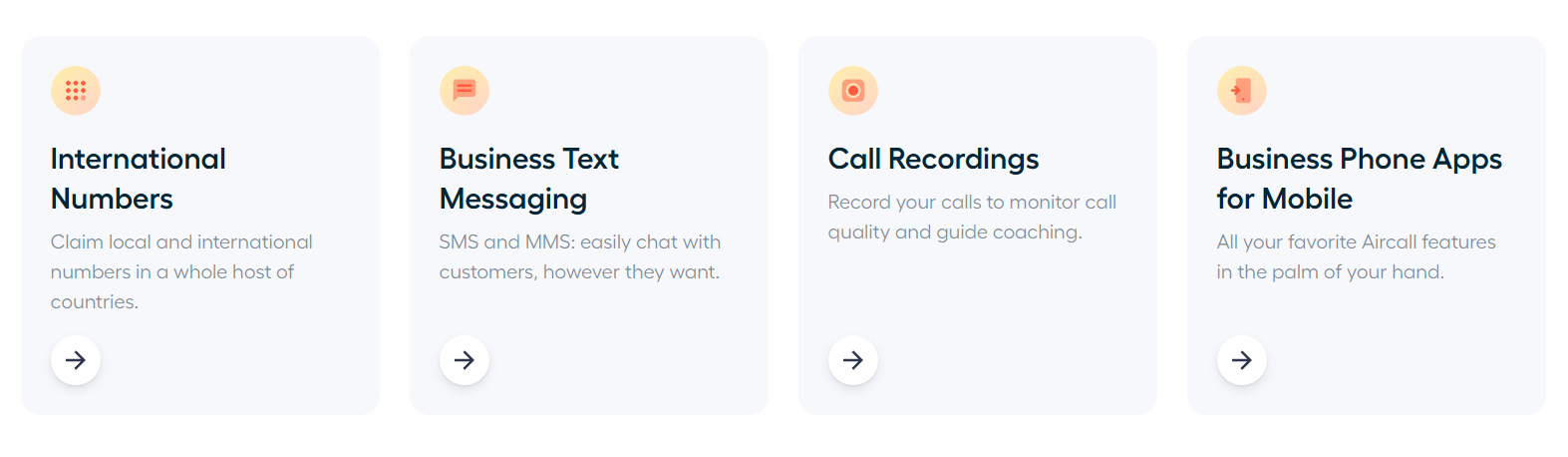
Every plan includes call recording and voicemail transcription for QA and compliance.
On higher tiers, managers get live call monitoring. That means silently listening in, whispering coaching tips to a rep without the customer hearing, or barging directly into the call if things go sideways.
This is a genuinely strong feature set for coaching new reps or handling escalations in real time. 🎧
AI Assist, AI Assist Pro & AI Voice Agent
Aircall’s biggest 2026 push is AI. It comes in three layers:
AI Assist transcribes calls and generates summaries, key topics, sentiment, and action items. It cuts down on manual note-taking.
AI Assist Pro adds real-time coaching prompts and deeper conversation intelligence for managers. This is the $49 per license add-on.
AI Voice Agent is a virtual agent that answers, qualifies, and resolves routine inbound calls 24/7. It hands off to a human agent with full context when needed.

In 2026, Aircall added AI Actions. This lets AI Voice Agents automatically update CRM records, create tickets, and book meetings in real time inside HubSpot, Zendesk, and Shopify. No technical setup required.
The AI suite now supports 18 languages for transcription, including Swedish, Filipino, and Russian.
This is genuinely useful technology. But remember, it’s billed separately from your core license. The AI Voice Agent is metered per minute beyond the free allowance.
Don’t assume “AI-powered” means “included.” 🧠💵
Analytics & Analytics+
Standard analytics (call volume, wait times, missed calls, handle time) are included on all plans. Essentials gets 6 months of historical data.
If you want real-time dashboards, unlimited historical reporting, and deeper agent-performance breakdowns, you’ll need Analytics+. That’s a paid add-on outside of the Custom tier.
For data-driven sales and support leaders, this is often a must-have. Just budget for it. 📈
CRM/Helpdesk Integrations & Insight Cards
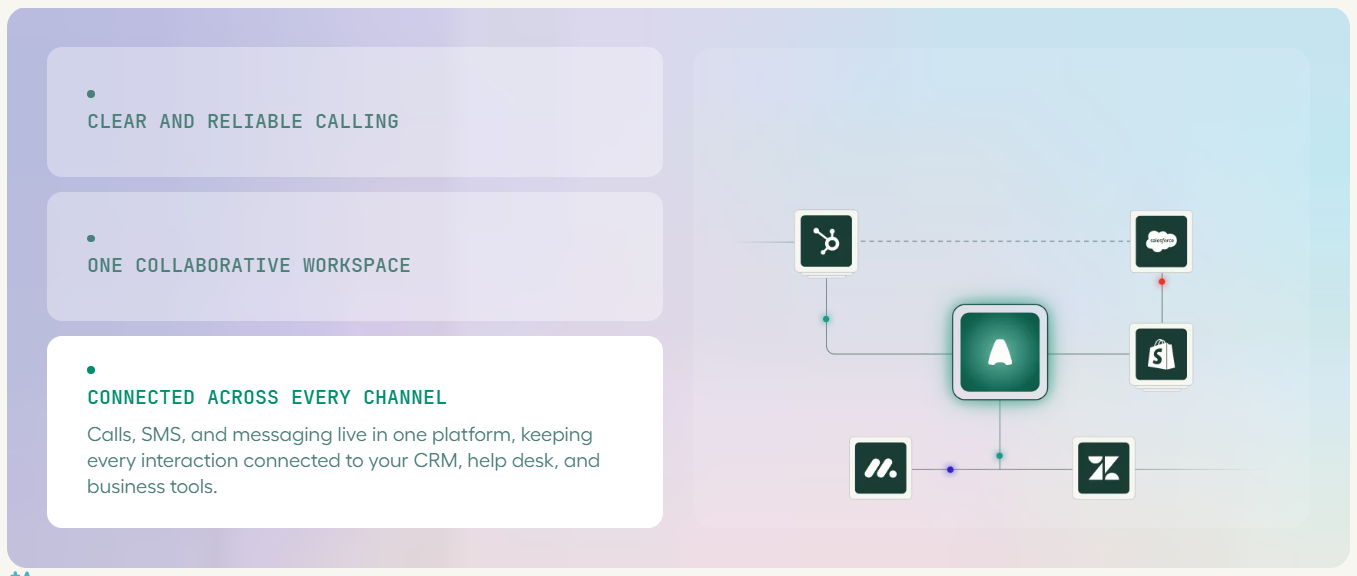
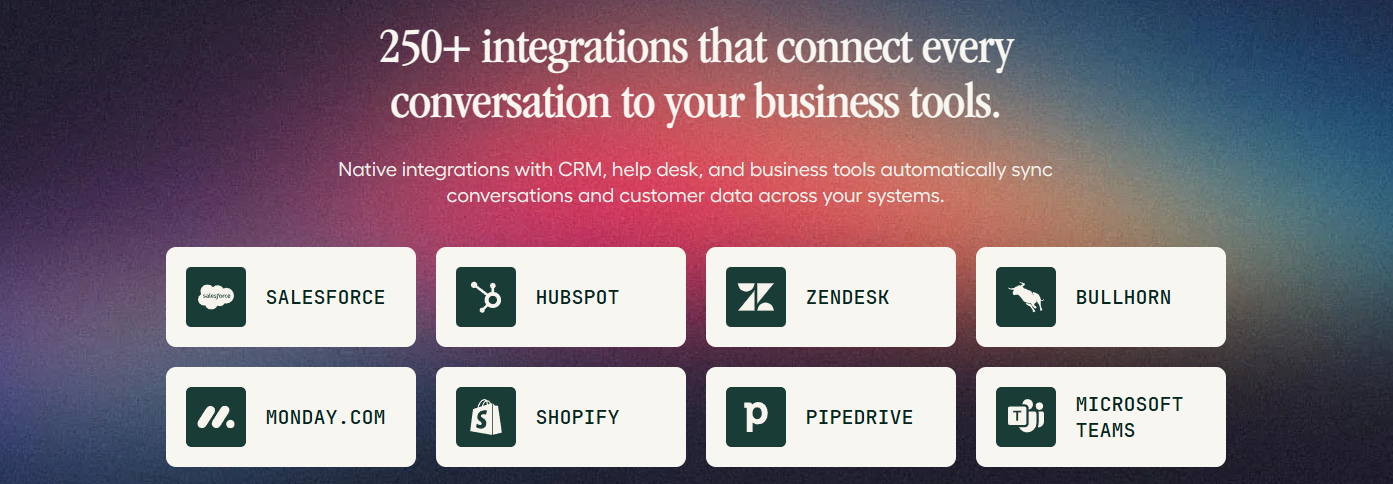
This is Aircall’s biggest competitive edge. With 200+ integrations including Salesforce, HubSpot, Zendesk, Intercom, Zoho CRM, Microsoft Dynamics 365, Shopify, Pipedrive, Freshdesk, and Slack, Aircall syncs call data automatically so reps never have to manually log a call again. Insight Cards pop up CRM/helpdesk context (customer name, deal stage, past tickets) right on the incoming call screen a small feature that saves agents a genuinely huge amount of time.
Omnichannel Messaging (SMS/MMS/WhatsApp)
Beyond voice, Aircall lets teams send and receive SMS, MMS, and WhatsApp messages from the same shared inbox as calls. This is great for teams that need to follow up a missed call with a quick text, or run support conversations over WhatsApp without switching tools. 📲
Mobile, Desktop & Chrome Extension Apps
Aircall works across web, Windows/Mac desktop apps, iOS, and Android, plus a Chrome extension that detects phone numbers on any webpage for instant dialing. Most reviewers describe the desktop and web experience as clean and intuitive — however, the mobile app is a recurring weak point, with some users describing it as laggy or less full-featured than desktop, particularly on Android. 📉
Aircall Pricing 2026: Plans, Costs & Add-Ons
This is where a lot of Aircall reviews get vague so let’s be specific. Aircall runs on three tiers, all requiring annual billing for the advertised rate and a minimum seat count.
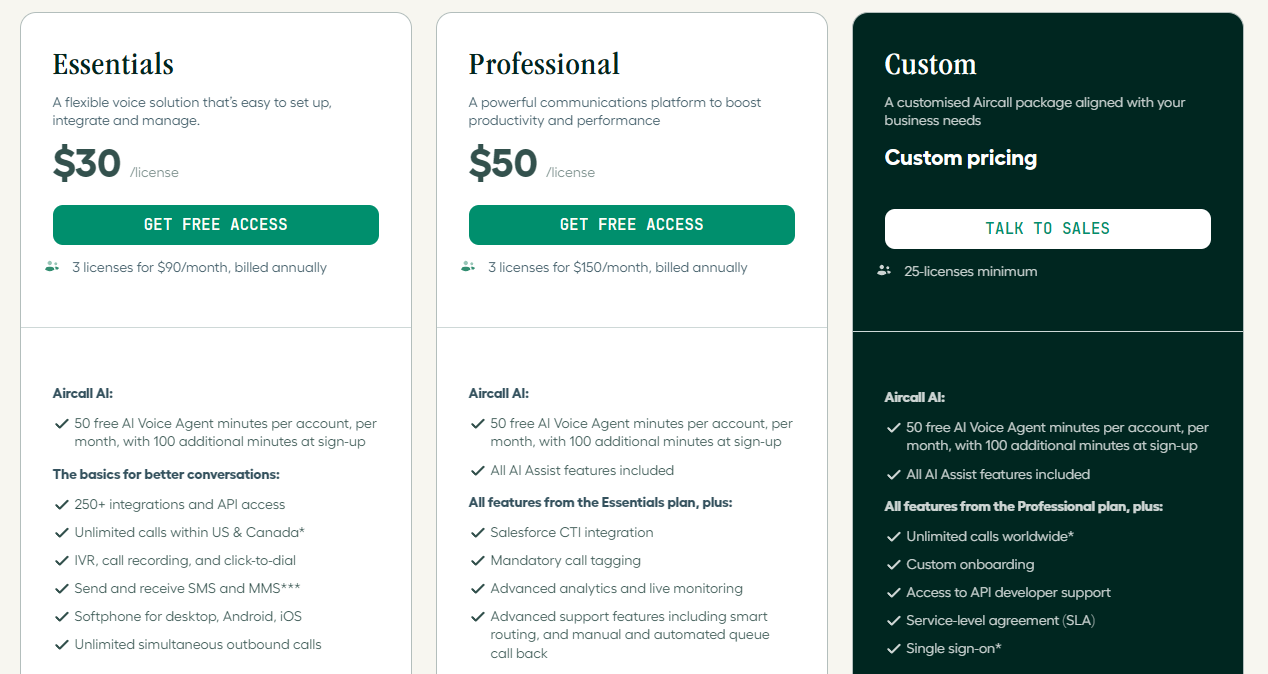
🧾 Essentials — $30/user/month (annual) or $40/user/month (monthly)
- Minimum: 3 users
- Unlimited calling in the US & Canada
- 1 local or toll-free number included
- Voice, SMS/MMS, and WhatsApp messaging
- Basic IVR, call routing, ring groups, shared inbox
- Call recording (up to 1 year) & voicemail transcription
- 100+ integrations + API access
- 50 free AI Voice Agent minutes/month
🚀 Professional — $50/user/month (annual) or $70/user/month (monthly)
- Minimum: 3 users
- Everything in Essentials, plus:
- ✅ Salesforce CTI integration
- ✅ Power Dialer & voicemail drop
- ✅ Advanced analytics & live call monitoring (whisper/barge)
- ✅ Queue callback & advanced routing
- ✅ Mandatory call tagging
- ✅ Dedicated account manager (typically 15+ seats)
⚠️ The Add-Ons Nobody Talks About
Here’s the part that catches a lot of buyers off guard. The features many teams actually need aren’t included in the sticker price they’re paid add-ons:
| Add-on | Cost |
|---|---|
| AI Assist Pro (real-time coaching) | $49/license/month |
| AI Assist (on Essentials) | $9/license/month |
| Analytics+ | $15/license/month |
| Extra phone number | $6/number/month |
Independent buyer-side cost analyses report that once teams layer in Analytics+ and AI Assist Pro, real total spend runs 50–75% above the advertised sticker price. 😬
There’s also no permanent free plan just a 7-day free trial with limited minutes and features. And if you’re on a monthly plan instead of annual, expect to pay roughly 25% more across the board.
🎧 Aircall Call & Audio Quality: What Real Users Report
This is the part every review needs to be honest about. It’s the single most-repeated complaint across independent review platforms.
Aircall advertises 99.5 percent uptime and generally solid call quality under normal conditions.
But dig into user reviews and you’ll find connection and call-quality issues are the most frequently mentioned complaint. Specific mentions flag dropped calls, audio glitches, and connectivity hiccups, especially on weaker networks.
What this means for you: Aircall performs well on solid, stable internet connections. But if your team works on spotty Wi-Fi, shared office networks, or older hardware, budget time to test call quality thoroughly during your free trial before committing. 🧪
It’s also worth noting that call quality on VoIP platforms is heavily influenced by factors outside the provider’s control. Router quality, bandwidth congestion, VPNs, and headset hardware can all introduce the same symptoms users blame on the software.
⚡ Ease of Use & Setup: How Fast Can You Get Started?
If there’s one thing almost every review agrees on, it’s this: Aircall is genuinely easy to set up and use.
Typical onboarding involves:
- Download the desktop/web app and log in
- Port an existing number or buy a new local/toll-free number
- Configure IVR, teams, and routing via the dashboard
- Connect your CRM/helpdesk integrations
- Install mobile apps for on-the-go calling

Most teams are up and running in minutes, not weeks, with minimal IT involvement a big selling point for lean startups and growing SMBs that don’t have a dedicated telecom admin. The dashboard itself is described as clean and minimalist, centralizing the dialer, contacts, call history, and analytics without overwhelming new users.
⚖️ Aircall Pros and Cons (Honest Breakdown)
✅ Pros
- 200+ integrations with major CRMs and helpdesks (Salesforce, HubSpot, Zendesk, Intercom)
- Fast, low-IT setup most teams are live within minutes
- Powerful outbound tools: Power Dialer, Click-to-Dial, voicemail drop
- Genuinely useful AI features (call summaries, sentiment, AI Voice Agent)
- Multi-device support (web, desktop, iOS, Android, Chrome extension)
- Local & toll-free numbers in 100+ countries
- Strong security and compliance credentials (SOC 2, AWS-hosted)
- Solid coaching tools: live monitoring, whisper, barge
❌ Cons
- Mobile app (especially Android) is less polished than desktop
- 30-day cancellation notice with no early-termination refunds on larger accounts
💡 Suggestions to Get the Most Out of Aircall
Here are practical tips to help you squeeze real value from Aircall, whether you’re just starting or already using it.
🔍 Start with a clear trial plan. Don’t just click around. Route 20 to 30 real calls through Aircall during your 7-day trial. Test inbound, outbound, transfers, and voicemail.
🧪 Test on your worst network. Try Aircall on the weakest Wi-Fi your team actually uses. If call quality holds up there, you’re safe. If not, you’ll know before you pay.
🧩 Connect your CRM on day one. Aircall’s biggest strength is auto-logging calls into Salesforce, HubSpot, or Zendesk. If you don’t connect it, you’re paying for a Ferrari and driving it in first gear.
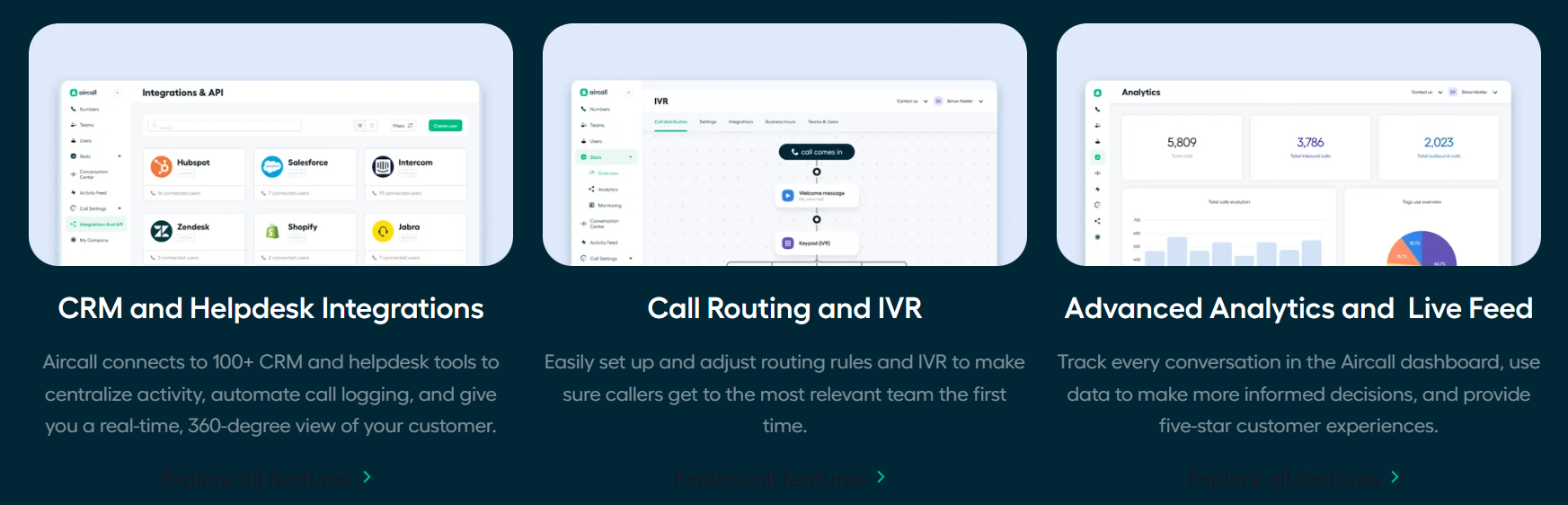
📊 Decide early if you need Analytics+. If you manage more than 5 reps, the $15 per license add-on usually pays for itself in better coaching and performance tracking.
🤖 Use AI Assist, but budget for it. The free AI Voice Agent minutes are nice. But if you want real-time coaching and deep summaries, factor in the extra $49 per license for AI Assist Pro.
📱 Pilot the mobile app with Android users first. The Android app is the weakest link. Test it with 2 or 3 reps before rolling it out to everyone.
📞 Set up Smartflows before you go live. A little time in the IVR builder saves hours of misrouted calls later. Use time-of-day and team-based routing from the start.
🧑💻 Assign one admin. Even though Aircall is easy, someone should own the settings, integrations, and user management. Otherwise small issues pile up.
🎯 Who Is Aircall Best For?
✅ Great fit if you’re:
- A growing sales or customer support team looking for a powerful and easy-to-use cloud phone system.
- Using Salesforce, HubSpot, Zendesk, Pipedrive, Shopify, or other business tools and want your calling workflows connected with them.
- Managing a high volume of calls and want features like Power Dialer, call routing, IVR, and analytics to improve efficiency.
- Looking to automate repetitive work with AI-powered features and smarter workflows.
- Running remote or international teams that need business phone numbers and communication tools without traditional phone infrastructure.
- A growing SMB or mid-market company that needs a phone system capable of scaling alongside the business.
- Focused on customer experience and want calls, customer context, and team activity easier to manage from one place.
⭐ Integrations
For sales, support, and customer-focused teams, Aircall is especially compelling because of its combination of CRM integrations, automation, AI capabilities, scalability, and ease of use. It’s a particularly strong fit for growing businesses that want to make calling workflows smarter and more organized.
🥊 Aircall vs. Top Competitors
| Platform | Starting Price | Best For | Where Aircall Wins | Where It Loses |
|---|---|---|---|---|
| RingCentral | ~$20/user/mo | Full UCaaS w/ video | More modern UI, better CRM depth | RingCentral has native video, often cheaper entry |
| JustCall | Lower entry pricing | Sales dialing | Broader integrations, better admin UX | – |
| Dialpad | ~$15/user/mo | AI coaching on a budget | Deeper CRM integrations | – |
| CloudTalk | ~$25/user/mo | Custom reporting | More integrations, bigger app marketplace | – |
| Nextiva | ~$15+/user/mo | All-in-one CX suite | Voice-first depth for sales/support | Nextiva offers broader unified comms |
The Takeaway: Against pure sales dialers like JustCall or Kixie, Aircall wins on integration breadth and admin experience but can lag on ultra-advanced dialing modes.
🔒 Aircall Security & Compliance
For a phone system handling sensitive customer conversations, Aircall’s security posture holds up well:
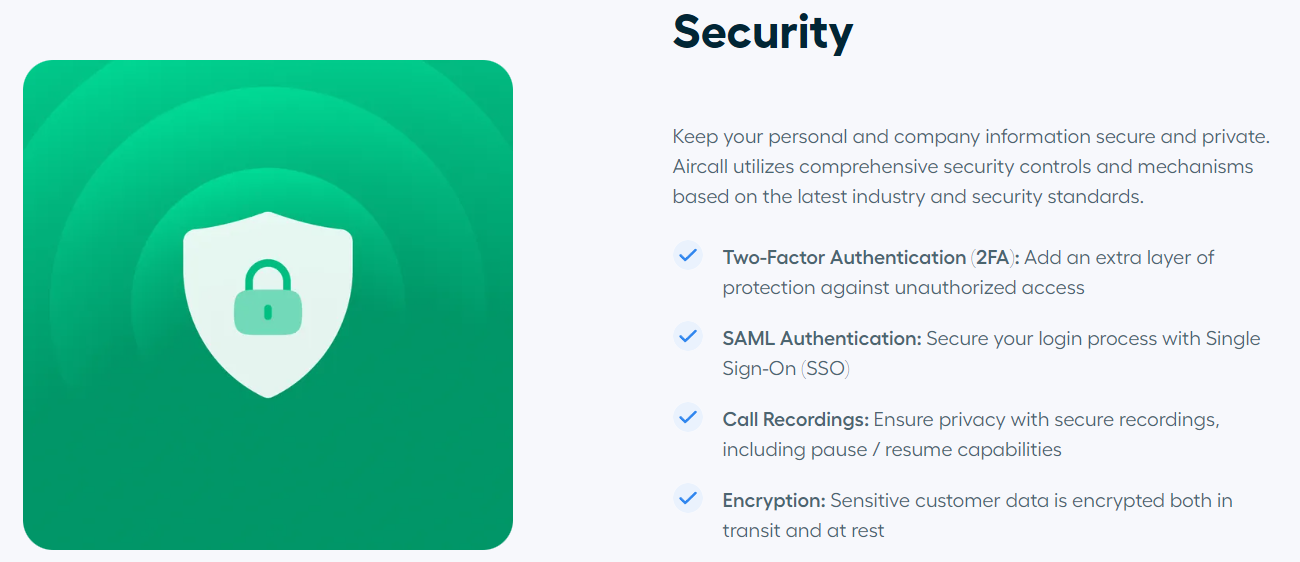
- AES 256 & TLS 1.2 encryption for data in transit and at rest
- Hosted on AWS, which carries ISO 27001, SOC 2, PCI DSS, and FedRAMP certifications
- SOC 2 Type 2 compliant
- Supports 2FA, SSO (Custom plan), and role-based access control
- Regular penetration testing and an active bug bounty program
- GDPR-compliant with multi-zone data backups
🎧 Aircall Customer Support: Is It Actually Good?
Support quality is one of the more polarizing aspects of Aircall reviews. On paper, it looks solid:
- 📚 Knowledge base, onboarding guides, live chat, and chatbot on all tiers
- ☎️ Phone support (English: 24/5)
- 👤 Dedicated account managers and SLAs on Professional/Custom tiers
🏁 Is Aircall Worth It in 2026? Final Verdict
🏆 Aircall is a winner in 2026 because it combines powerful business calling, excellent CRM integrations, smart automation, and AI tools in one simple, easy-to-use platform.
For growing sales and support teams, this combination makes Aircall stand out. It keeps communication connected, reduces repetitive work, and helps teams manage customer conversations more efficiently.
What Makes Aircall Stand Out?
🔹 Excellent CRM integrations with Salesforce, HubSpot, Zendesk, and more
🔹 Power Dialer & Smartflows simplify everyday calling workflows
🔹 AI-powered features help automate tasks and uncover useful insights
🔹 Clean & intuitive interface makes it easy for teams to get started
🔹 Built to scale alongside growing sales and support teams
Aircall is more than just a cloud phone system it’s a complete communication solution for modern teams. Its strong mix of calling, CRM connectivity, automation, analytics, and AI makes it an impressive all-in-one package.
❓ FAQs
Yes. Aircall is worth considering for sales and support teams that need cloud calling, CRM integrations, analytics, automation, and AI tools in one platform.
No. Aircall offers only a 7-day free trial with limited minutes and features there’s no permanent free tier. 🕐
Yes, with caveats. It’s well-suited to small teams that already need 3+ phone-based users and rely on CRMs like HubSpot or Zendesk. Solopreneurs and very small teams may find the seat minimums and pricing a barrier.
